You can now post mixed photo and video carousels to Instagram and Threads
You can now post carousels that mix photos and videos to Instagram and Threads. Arrange them in any order, preview each slide, and publish from one place.

Quick answer
Schedulala now supports carousels that mix photos and videos on Instagram and Threads. Put a video on slide 1, a photo on slide 2, another video on slide 5 — any order you want, posted from one place. No separate video post, no app-switching.
- •Instagram and Threads: a single carousel can mix photos and videos (up to 10 slides on Instagram, up to 20 on Threads)
- •Drag to reorder — a video can be the first slide, the last, or anywhere in between
- •The editor and calendar previews play each video slide, so you see the real post before it goes out
- •Facebook is not included — its API genuinely does not allow mixed carousels, so we block it with a clear message instead of letting your post fail
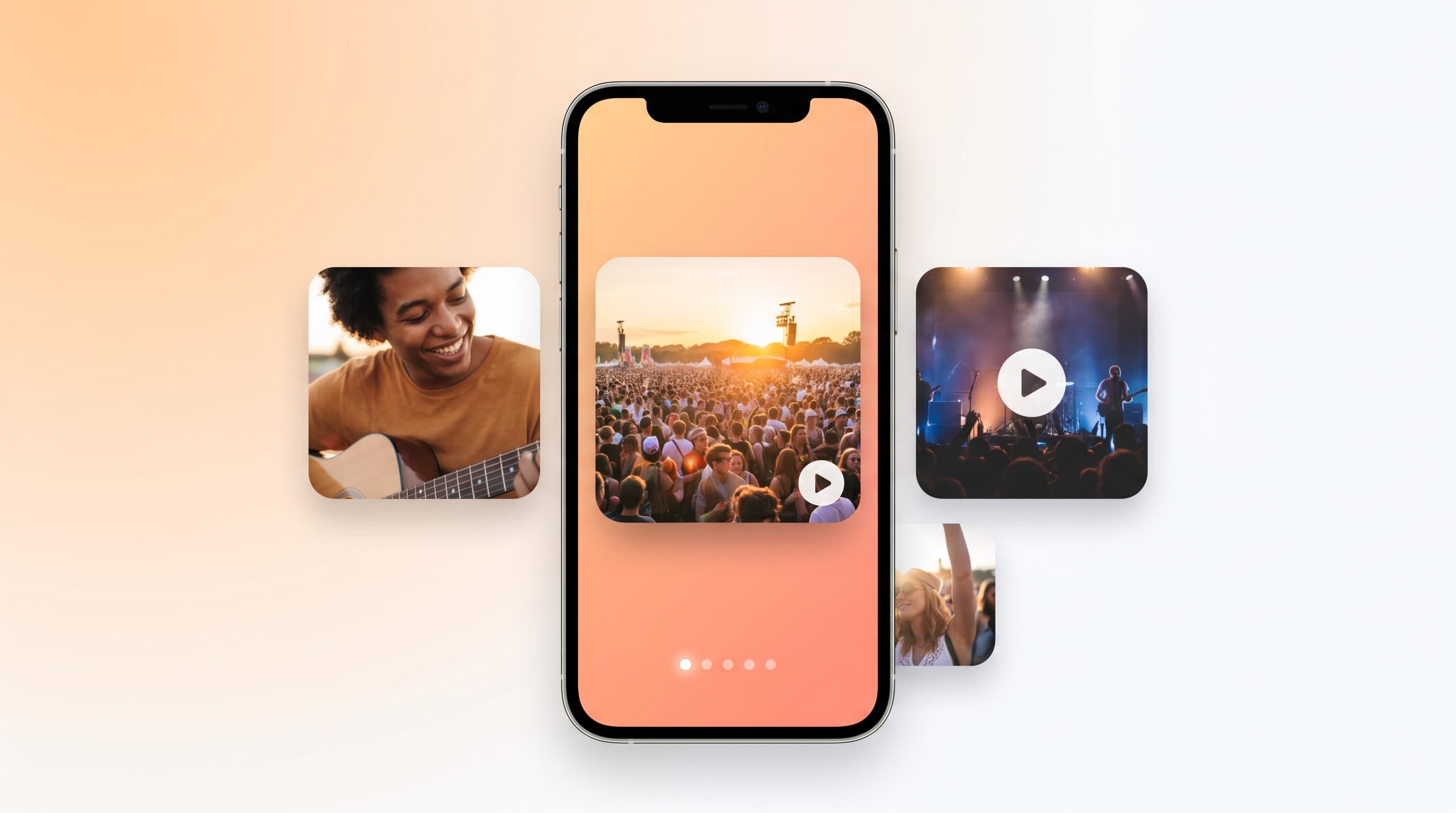
Photo carousels have been around forever. Mixing a video into one without it breaking? That's the part most scheduling tools quietly skip.
Starting today you can build a single carousel with photos and videos together and post it to Instagram and Threads from Schedulala — in whatever order you arrange the slides.
Try Schedulala for free
Schedule posts to Bluesky, Twitter, and 8 other platforms from one dashboard.
Get started for free→What shipped
Mix photos and videos in one carousel
Drop your images and clips into the same post, drag them into the order you want, and publish. A video can sit at slide 1, slide 4, or last — the order in the editor is the order that goes out.
- Instagram — up to 10 slides, any mix of photos and videos
- Threads — up to 20 slides, any mix of photos and videos
The preview shows the real thing
The editor and the calendar both play each video slide right inside the carousel mockup, with the same swipe-through arrows your followers will see. No more guessing whether slide 3 is the clip you meant.
How to post one
Three steps
- Add your photos and videos to a post — two or more items turns it into a carousel automatically
- Drag the slides into the order you want
- Pick Instagram and/or Threads, then schedule or post now
If a slide is a video, we wait for Instagram or Threads to finish processing it before the carousel publishes. A heavier clip adds a little time — that wait is the difference between a post that lands and one that errors out halfway.
Why Facebook isn't in this list
We could have written “mixed carousels on all your platforms.” It wouldn't be true.
The bottom line
If you shoot a mix of photos and clips at an event and want them in one swipeable post, you can now do that for Instagram and Threads in a single step.
Try Schedulala for free
Schedule posts to Bluesky, Twitter, and 8 other platforms from one dashboard.
Get started for free→