Visual Social Media Strategy: A Practical Guide to Pinterest and Instagram
Build a visual social media strategy for Pinterest and Instagram with templates, batching workflows, and tips that keep your feed cohesive.

You can write the best caption in the world and it won't save a blurry, off-brand image. On Pinterest and Instagram, people decide whether to stop scrolling in under half a second, and that decision is almost entirely visual. If your grid looks like a garage sale and your pins look like screenshots, you're losing the scroll before anyone reads a single word. Our Instagram scheduling can help.
See It in Action
This is what scheduling an Instagram post looks like in Schedulala
This guide is about fixing that. Not with vague advice about 'staying on brand,' but with an actual system: color and layout rules you can apply today, a content calendar that keeps Pinterest and Instagram working together instead of competing for your time, and the specific mistakes that quietly tank engagement on both platforms. Try our scheduling across platforms.
Why Pinterest and Instagram need different (but connected) visual strategies
It's tempting to treat Pinterest as 'Instagram but vertical' and call it a day. That's a mistake, and it's probably why your Pinterest account has 40 followers after two years while your Instagram has 4,000. Learn more about batch content creation.
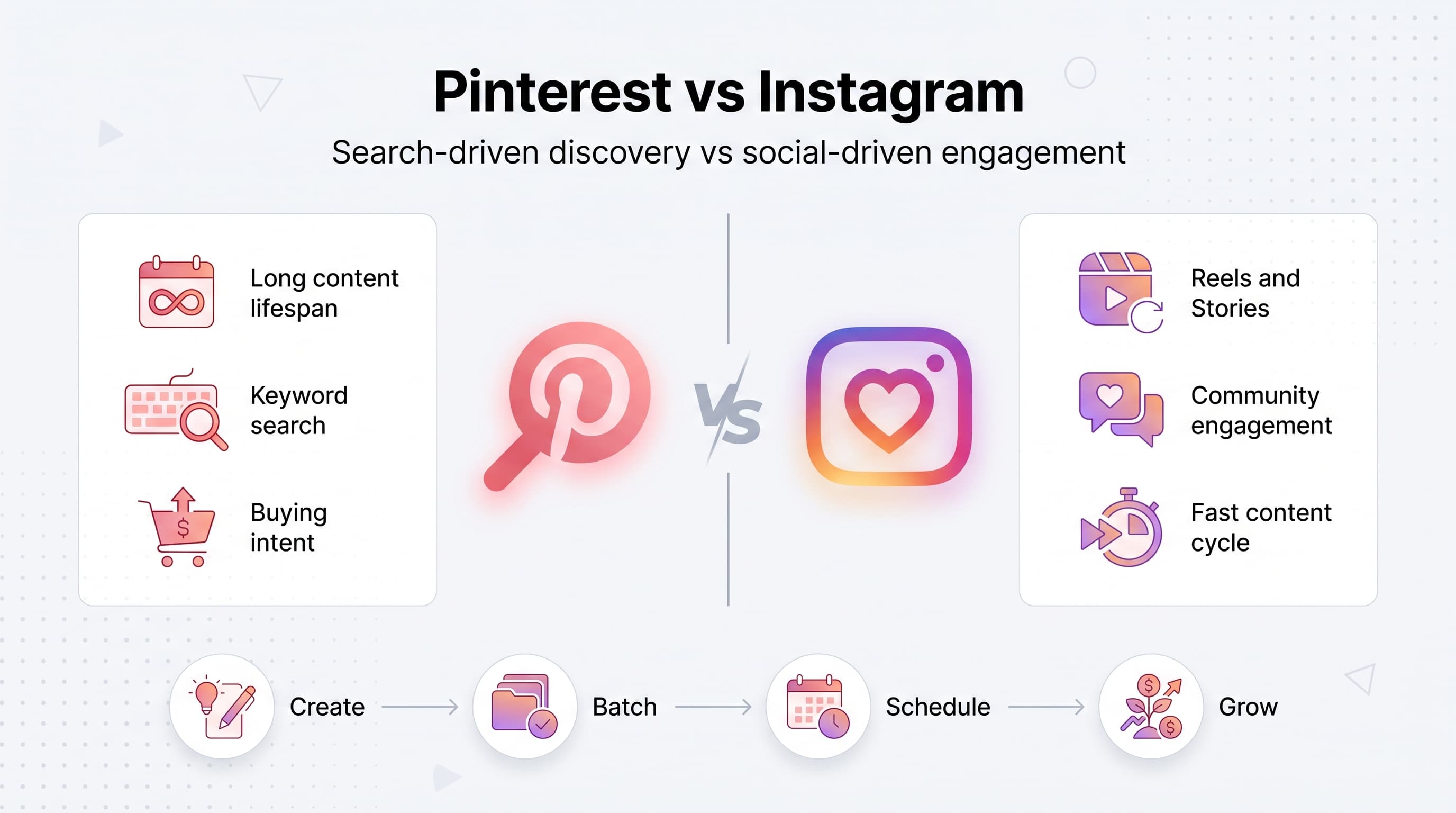
Instagram is a discovery and relationship platform. People follow accounts, watch Stories, and engage with faces and personalities. Content has a shelf life of maybe 48 hours before the algorithm moves on. Pinterest is a search engine wearing a social media costume. People type queries like 'small bathroom storage ideas' or 'capsule wardrobe for work,' and a well-optimized pin can keep pulling traffic for 12 to 18 months, sometimes longer. See our content calendar guide.
That single difference (search versus social) should shape almost every visual decision you make. Instagram rewards content that feels native, unpolished, and human. Pinterest rewards content that looks like a magazine cover: bold text overlay, clear hierarchy, and a topic you could type into a search bar. Our best time to post on instagram can help.
Try Schedulala for free
Schedule posts to Bluesky, Twitter, and 8 other platforms from one dashboard.
Get started for free→Step 1: Build a visual brand system before you design a single post
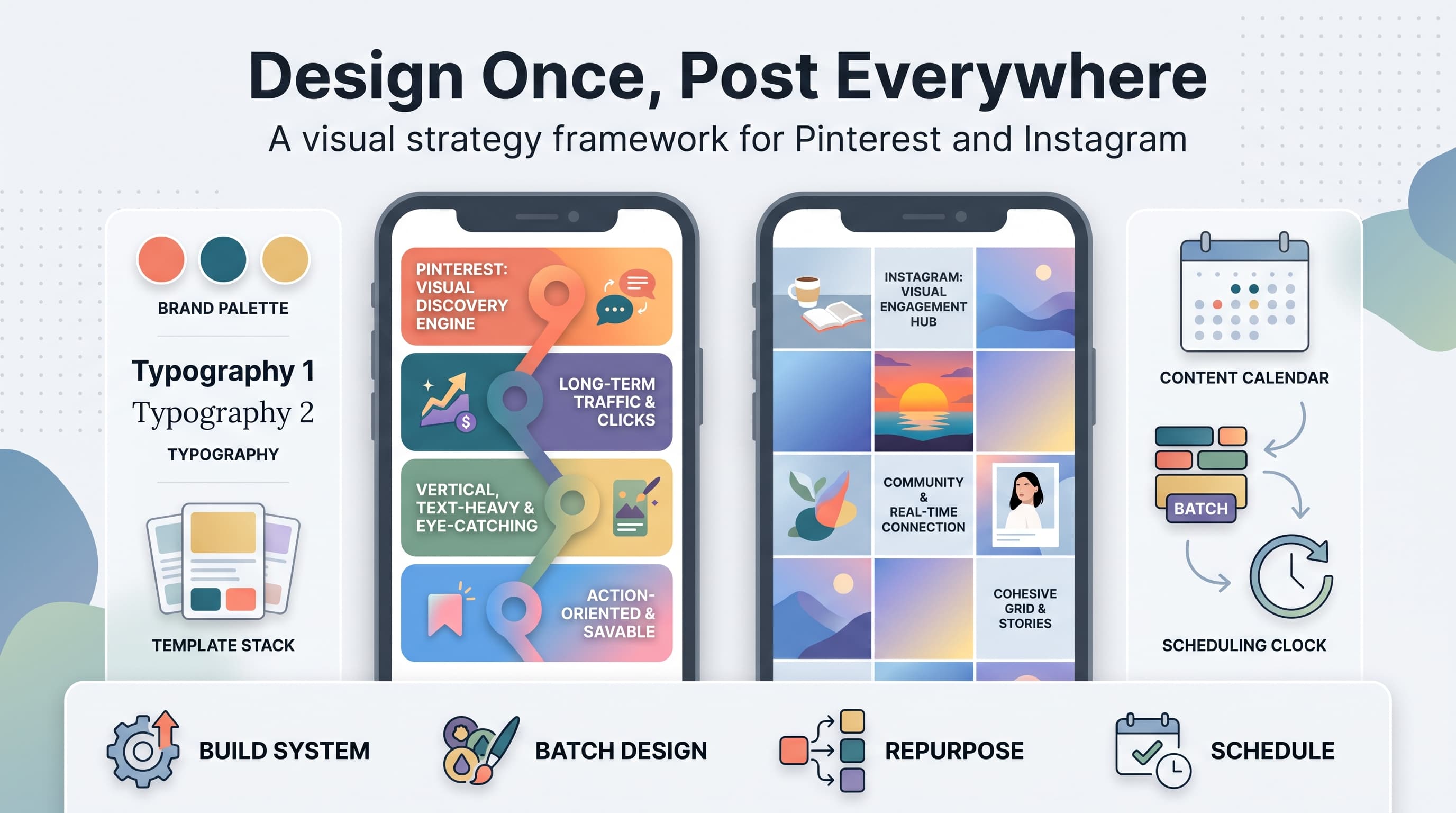
A visual strategy isn't a mood board you make once and forget. It's a small set of rules that anyone on your team (or you, on a Tuesday at 11pm) can follow without reopening Canva fifteen times to 'get the vibe right.' Here's what that system needs. See our instagram engagement calculator guide.
1. Pick three colors, not ten
One primary color, one accent, and one neutral. That's it. Brands that use ten colors 'to keep things interesting' end up with a feed that looks like it belongs to five different companies. Pull your three colors from your logo and write down the exact hex codes. Put them somewhere permanent: a shared doc, a Notion page, a sticky note on your monitor, it doesn't matter, as long as you stop guessing.
2. Choose two fonts max
One for headlines, one for body text or captions in graphics. If you're using Canva, save these as brand fonts so they're the default option every time you open a new design. Consistent typography is the fastest, cheapest way to make your content look professional, even if your photography skills are still catching up.
3. Define your photo style, not just your filter
This is bigger than 'we use the Clarendon filter.' Decide: bright and airy or moody and dark? Lots of negative space or tightly cropped? Flat lays or lifestyle shots with people? Answer these questions once, write them down, and every future photo decision gets easier and faster.
4. Create three to five templates for graphics
Quote graphics, carousel covers, Pinterest pin templates, product announcement layouts. Build these once in Canva or Figma, lock the fonts and colors, and reuse them constantly. Templates are the single biggest time-saver in this entire guide. A brand with five solid templates can produce a month of visual content in an afternoon.
Step 2: Build your Pinterest visual strategy around search, not aesthetics
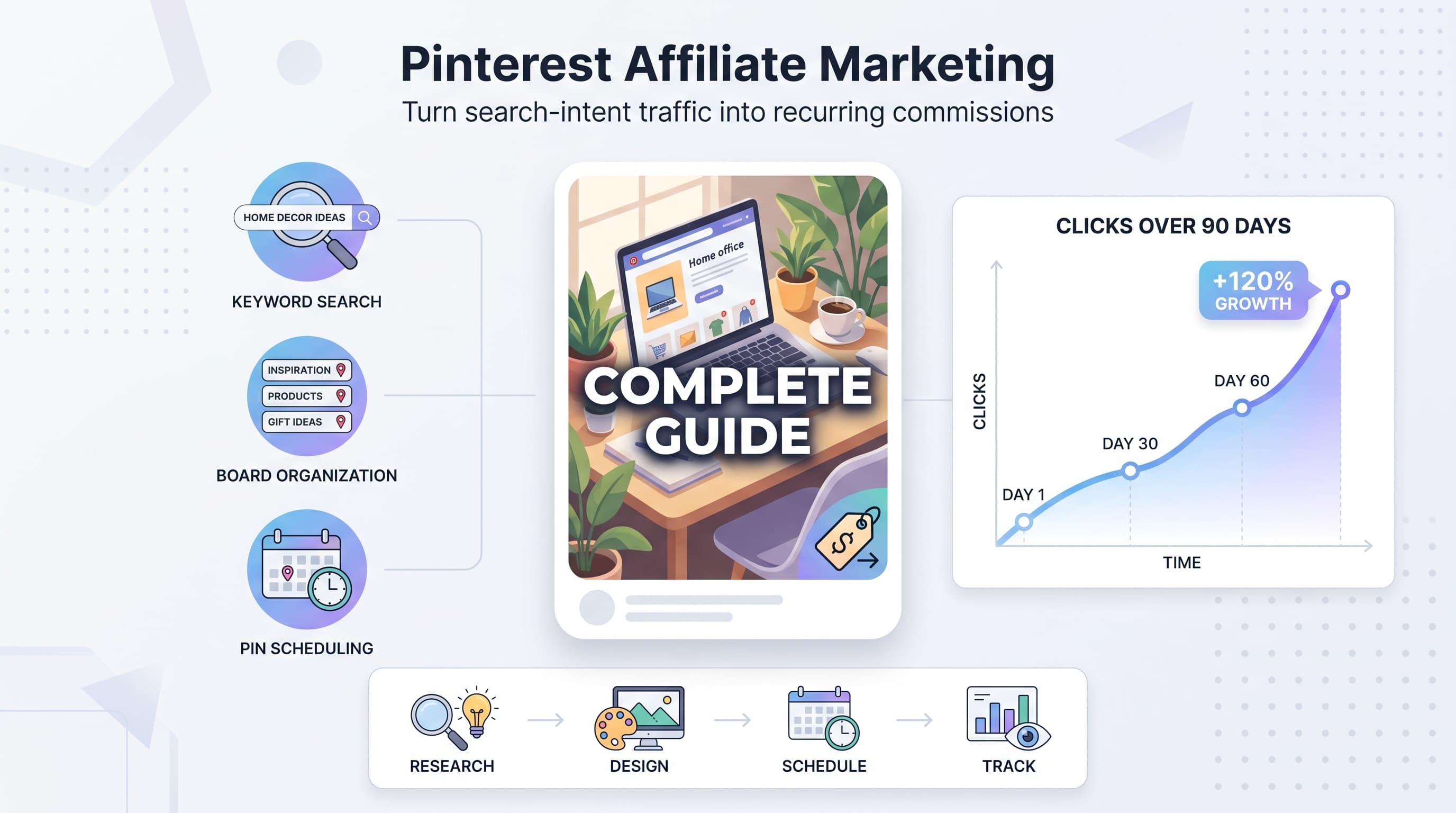
Pinterest is the platform most marketers underrate because it looks like a mood board app instead of a traffic engine. In practice, it's often the highest-ROI channel for blogs, ecommerce, and service businesses with visual products, precisely because pins keep surfacing in search results for months after you publish them.
Use the 2:3 aspect ratio, always
Pinterest's own data consistently favors vertical pins, and 1000x1500 pixels is the standard that performs best in feed. Square images get cropped awkwardly, and horizontal images get shrunk down to a sliver most people scroll right past. This is a case where 'design for the platform' beats 'design for what looks good in isolation.'
Add text overlay with the actual keyword
A gorgeous photo with no text is a missed opportunity on Pinterest. People are scanning titles almost as much as images. 'Easy Weeknight Chicken Dinners' as bold text on top of your photo tells the algorithm and the human exactly what the pin is about before they even click.
Design multiple pins per piece of content
One blog post or product page can support three to five different pin designs, each testing a different headline, color, or photo. Pinterest doesn't punish you for this the way Instagram would punish reposting the same image repeatedly. Different pins pointing to the same URL is a normal, expected strategy, and it multiplies your shots at ranking for different search queries.
Write keyword-rich pin titles and descriptions
Treat your pin description like a mini SEO meta description. Front-load the keyword, add two or three related phrases naturally, and skip the hashtag-stuffing approach that worked in 2019. Pinterest's search algorithm reads your text fields almost as heavily as it reads the image itself.
Step 3: Build your Instagram visual strategy around consistency and pattern interrupts
If Pinterest rewards long-term search optimization, Instagram rewards short-term attention. Your grid needs to look intentional at a glance, and your individual pieces of content need something that makes a thumb stop mid-scroll.
Plan your grid in threes or sixes
You don't need a perfectly alternating checkerboard pattern (that trend has mostly faded), but you do need rhythm. Group your content into repeating visual patterns: a photo, then a quote graphic, then a carousel, then repeat. Use a grid planner before you post so you can see how a new piece of content sits next to what's already there.
Lead every carousel with a strong cover slide
The first slide of a carousel does the same job as a pin's text overlay: it tells people what they're getting and gives them a reason to swipe. Big, bold text, minimal clutter, and a promise ('5 mistakes killing your open rate') consistently outperform pretty-but-vague cover images.
Use Reels for reach, static posts for retention
Reels currently get pushed to non-followers far more aggressively than static posts. That makes them your discovery tool. Static posts and carousels, on the other hand, tend to get saved and shared more by people who already follow you, which makes them your retention and community tool. Balance both instead of going all-in on one format.
Keep faces and real moments in the mix
Feeds that are 100% polished product shots or stock-style graphics tend to plateau. A face, a behind-the-scenes clip, or an unfiltered moment breaks the pattern and reminds people there's an actual human running the account. Aim for at least one 'real' piece of content for every three to four polished ones.
Pinterest vs. Instagram: a side-by-side cheat sheet
When you're switching between platforms all day, it's easy to mix up best practices. Keep this table nearby as a quick reference.
| Element | ||
|---|---|---|
| Best aspect ratio | 2:3 (1000x1500px) | 4:5 for feed, 9:16 for Reels/Stories |
| Content lifespan | Months to years | 24-72 hours for most reach |
| Text on image | Essential, keyword-driven | Optional, style-driven |
| Primary goal | Search traffic and clicks | Engagement and community |
| Ideal post frequency | 3-5 pins per day | 3-5 feed posts per week |
| What drives reach | Keyword-rich titles and descriptions | Watch time, saves, shares |
Step 4: Batch your visual content instead of designing in real time
The people who claim they 'never have time for visual content' are almost always designing one image at a time, on the day they need it, under deadline pressure. That's the slowest possible way to do this. Batching flips the process.
- Block two to three hours once every two weeks for design work only. No captions, no scheduling, just creating.
- Shoot or source ten to fifteen photos in one sitting instead of hunting for a new one every time you post.
- Duplicate your templates in Canva and swap photos, colors, and text in batches of five or ten at a time.
- Export everything into a dated folder by platform (Pinterest pins, Instagram feed, Instagram Reels covers) so nothing gets mixed up later.
- Load the finished batch into your scheduling queue in one sitting instead of posting live.
This is where a lot of small businesses and solo creators get stuck: they have the design system figured out, but they're still manually posting to Pinterest and Instagram separately, on different days, using different logins on different devices. That's the part scheduling software exists to fix.
With Schedulala, you queue up your batched Pinterest pins and Instagram posts in one sitting and let them go out on their own schedule across both platforms, along with any of the other 12 supported platforms you're active on, including TikTok, LinkedIn, Facebook, Threads, YouTube, Bluesky, Telegram, Mastodon, and Google Business Profile. There's no per-channel bundling to work around either: every plan is a flat count of social accounts you can spend however you want, so if you're heavier on Pinterest one month and heavier on Instagram the next, you're not boxed into a preset split.
Try Schedulala for free
Schedule posts to Bluesky, Twitter, and 8 other platforms from one dashboard.
Get started for free→Step 5: Repurpose one asset into both platforms (without it looking recycled)
You don't need double the content to run both platforms well. You need one strong idea, executed in two formats. Here's a repeatable framework.
Start with the idea, not the format
'Five mistakes people make organizing a small closet' is an idea. It can become an Instagram carousel with five slides, a single Pinterest pin with a bold headline and a numbered list graphic, and a Reel with quick cuts between each mistake. Same core content, three different executions.
Reformat the crop and the text, not just the size
Taking a square Instagram graphic and stretching it into a 2:3 Pinterest pin usually looks stretched and cheap. Instead, rebuild the layout for the new ratio: more vertical breathing room on Pinterest, tighter cropping for Instagram's square or 4:5 feed.
Write separate copy for each platform
Instagram captions can be conversational, ask a question, use emoji, reference a trend. Pinterest descriptions should read more like a helpful, keyword-forward summary aimed at someone searching, not someone scrolling for entertainment. Copy-pasting one caption into both places is a fast way to underperform on both.
Common mistakes that quietly wreck a visual strategy
- Treating Pinterest like an image dump. Posting product photos with no text overlay and no keyword-rich description is the single biggest reason accounts get almost zero organic reach there.
- Chasing a trend that doesn't fit the brand colors. A viral template is only worth using if you can adapt it to your existing palette. Otherwise you're breaking the consistency you spent months building for one post's worth of attention.
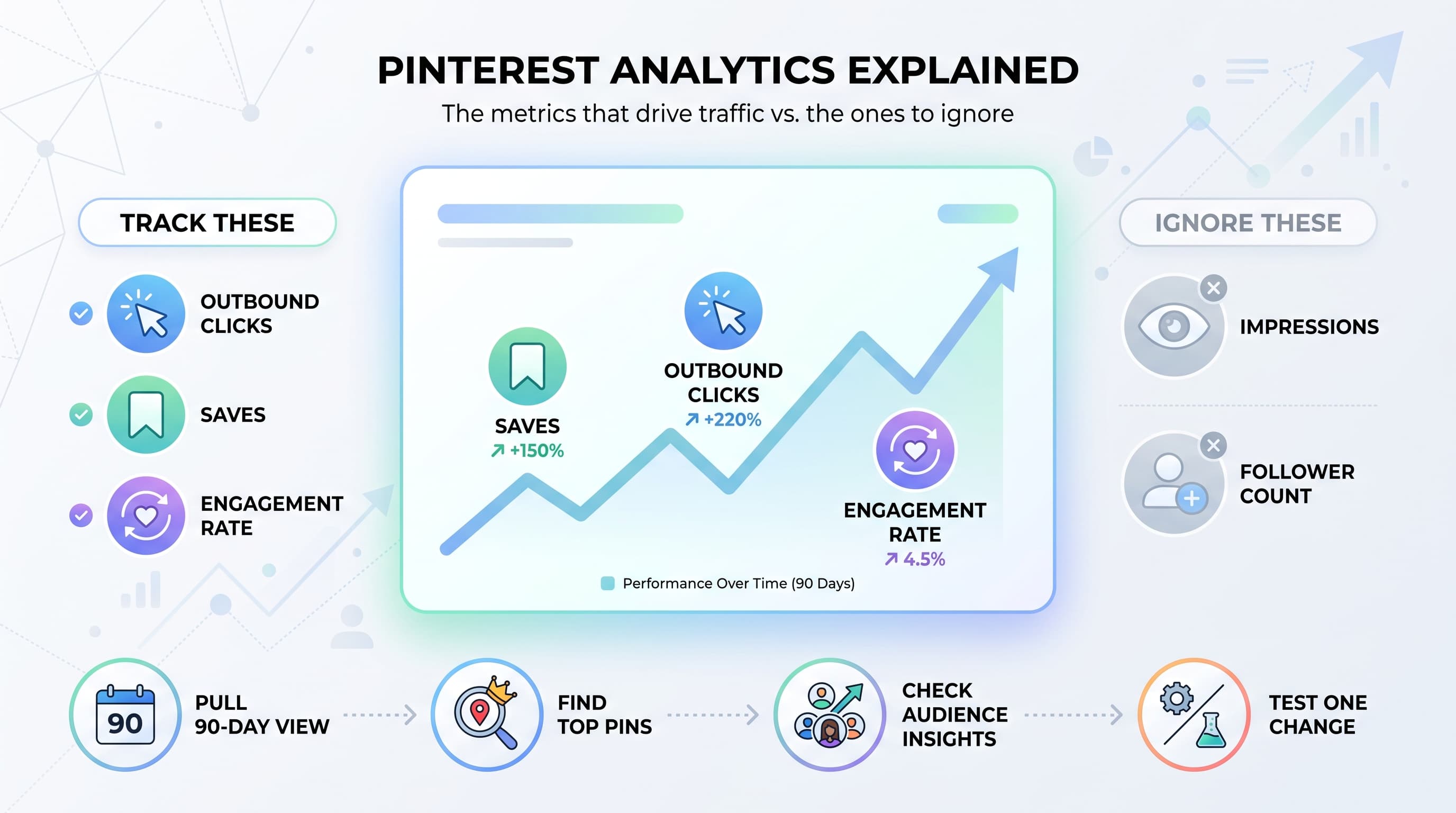
- Never checking analytics by format. If you haven't looked at which of your last 20 posts got the most saves, shares, and reach, you're designing based on guesswork instead of data.
- Posting inconsistently for a month, then abandoning it. Both platforms (especially Pinterest) reward accounts that show up steadily over months, not accounts that post 15 times in one burst and go quiet.
- Using ten different fonts because 'variety is good.' Variety in ideas, yes. Variety in typography, no. That's how feeds start looking like ransom notes.
- Designing for desktop and forgetting mobile. Over 80% of both Pinterest and Instagram traffic is mobile. If your text overlay is unreadable at thumbnail size on a phone, redesign it.
A simple weekly rhythm to keep both platforms running
You don't need a 40-tab spreadsheet to manage this. A simple weekly rhythm works better because it's actually sustainable.
- Monday: Review last week's top-performing Pinterest pins and Instagram posts. Note what worked.
- Tuesday: Batch design three to five new Pinterest pins from existing content (blog posts, product pages, past Instagram posts).
- Wednesday: Batch design three to five Instagram feed posts and one carousel using your templates.
- Thursday: Write captions and pin descriptions for everything you designed Tuesday and Wednesday.
- Friday: Load the entire week's batch into your scheduling queue and set posting times.
- Weekend: Nothing. Your content is already scheduled and going out on its own.
That last step matters more than people give it credit for. A visual strategy only works if it actually gets published consistently, and consistency is the first thing that breaks down when you're manually logging into Pinterest and Instagram every single day to post in real time.
How Schedulala fits into a visual-first workflow
Schedulala isn't a design tool, and it's not trying to be Canva. What it does is remove the last mile between 'I designed a great batch of pins and posts' and 'they're actually live, on schedule, on the right platforms.'
You queue your Pinterest pins and Instagram posts (feed, carousel, and Reel) from the same dashboard, schedule unlimited posts on every plan including the entry-level Personal tier, and connect any mix of accounts across all 12 supported platforms. A solo Pinterest-heavy blogger might use all 10 of their Personal plan accounts on Pinterest boards. An agency managing five clients might spread 100 Agency plan accounts across Pinterest, Instagram, and everything else those clients run. Either way, the account count is flat and spendable however your visual strategy actually needs it, not locked into a bundle that assumes one account per platform.
Plans start at $29/month for Personal (10 accounts), $49/month for Team (25 accounts), and $99/month for Agency (100 accounts), with two months free if you pay annually. There's a 7-day free trial to test the batching workflow above with your own content before committing.
Putting it all together
A visual social media strategy isn't about being a better photographer or a faster designer. It's about building a system, three colors, two fonts, five templates, one weekly rhythm, and letting that system carry the weight instead of reinventing your visuals from scratch every time you sit down to post.
Pinterest and Instagram will keep rewarding different things: search-optimized, keyword-rich, long-lived pins on one side, and consistent, pattern-breaking, community-driven content on the other. Design for what each platform actually rewards, batch your production, and schedule the output so your presence doesn't depend on you remembering to log in every day.
Try Schedulala for free
Schedule posts to Bluesky, Twitter, and 8 other platforms from one dashboard.
Get started for free→