How to Batch Create Social Media Content (Save 10+ Hours)
Learn how to batch create social media content and save 10+ hours weekly. Step-by-step system for creating a month of posts in one session.

Quick answer
Batch-create social media content by dedicating 2-3 hours per week to plan, write, design, and schedule an entire week of posts at once.
- •Content batching saves 10+ hours per week by eliminating daily content creation pressure
- •Plan themes with a content calendar, then create all posts in one focused session
- •Use templates for recurring post types like quotes, tips, and product features
- •Schedule batched content across 12 platforms with Schedulala for $9/month
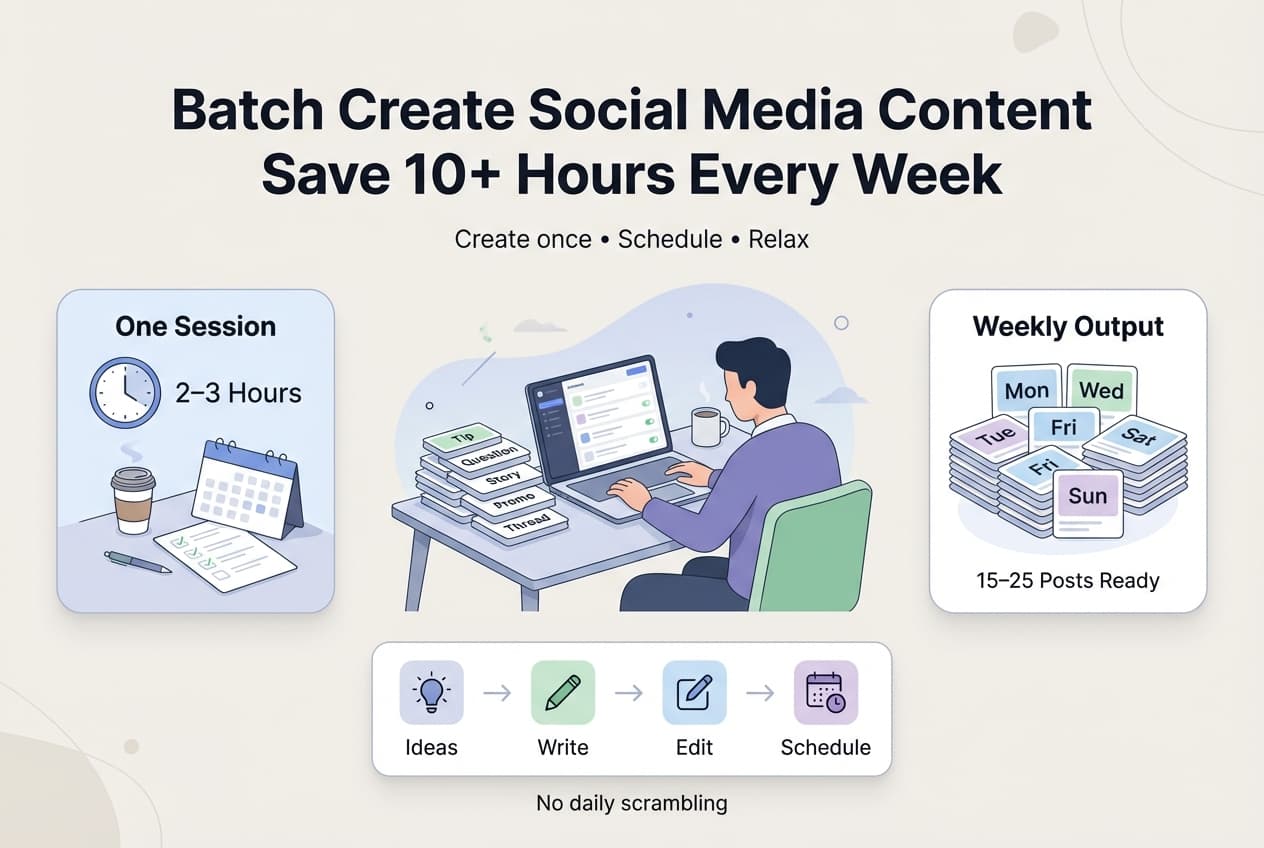
Creating social media content daily is a trap. You spend 30-60 minutes every day on something that could take 2-3 hours once per week.
The solution: batch content creation.
Batching means creating multiple pieces of content in a single focused session. Instead of writing one post per day, you write a week's worth (or more) in one sitting.
This guide shows you exactly how to batch create social media content — step by step — so you can reclaim hours every week.
Try Schedulala for free
Schedule posts to Bluesky, Twitter, and 8 other platforms from one dashboard.
Get started for free→Why Batch Content Creation Works
1. Eliminates Context Switching
Every time you switch from "working on your business" to "creating a social post" and back, you lose time and mental energy. Batching keeps you in creative mode for one focused session.
2. Leverages Creative Momentum
Once you start creating, ideas flow easier. The fifth post in a batch session often comes faster than the first. Daily creation means starting cold every time.
3. Reduces Decision Fatigue
"What should I post today?" is a daily decision that drains willpower. Batching front-loads those decisions into one session, freeing up the rest of your week.
4. Enables Better Quality
When you're not rushing to post something NOW, you have time to edit and refine, check for errors, consider the overall content mix, and create more thoughtful posts.
5. Creates Consistency
The #1 reason people fail at social media is inconsistency. Batching + scheduling ensures posts go out even when you're busy, sick, or traveling.
The Batch Content Creation System
Here's a step-by-step system for batching your social media content:
Step 1: Block Your Batch Time
Choose a consistent time slot for content creation:
- When: Pick a day/time when you're typically creative (for many, Sunday afternoon or Monday morning)
- Duration: 2-4 hours depending on volume needed
- Protect it: Treat this like an important meeting — no interruptions
Step 2: Prepare Before You Create
Don't start your batch session with a blank page. Before your session:
- Review your content calendar themes
- Check upcoming dates/events to reference
- Gather inspiration (save posts you liked during the week)
- Review analytics: what performed well recently?
- Have your content ideas list ready
Step 3: Batch by Content Type
Don't jump between formats. Create in batches of similar content:
- Batch 1: Text posts — Write all text-only posts first. These are usually fastest.
- Batch 2: Image posts — Write captions, then create/source all images together.
- Batch 3: Video content — Script, film, and edit videos in a dedicated session.
- Batch 4: Threads/Long-form — Create multi-part content that requires more thought.
This reduces mental switching costs.
Step 4: Use Templates and Frameworks
Don't reinvent the wheel for every post. Use repeatable frameworks:
- Tip post: "[Tip category] tip: [The tip]. [Why it works]. [Try this: specific action]."
- Question post: "[Interesting question]? [Brief context]. [Invite responses]."
- Story post: "[Hook: surprising outcome]. [Backstory]. [What happened]. [Lesson]."
- Listicle: "[Number] [things] for [outcome]: 1. [Item] 2. [Item]..."
Step 5: Write First, Edit Later
During creation: Don't self-edit as you write. Get all ideas down first. Move fast through your content list.
After creating: Review everything with fresh eyes. Edit for clarity and typos. Check character counts. Refine hooks and CTAs.
Separating creation from editing improves both.
Step 6: Create Platform Variations
If you post to multiple platforms, create variations from a master post:
- Write the core message once
- Shorten for Twitter (280 chars)
- Adjust for Bluesky (300 chars, conversational)
- Expand for LinkedIn (professional tone)
- Add hashtags for Instagram
This is faster than creating from scratch for each platform.
Step 7: Organize Your Media
For posts needing images or video:
- Create/source all media in one session
- Use consistent naming:
01-20-platform-topic.jpg - Store in organized folders
- Match media to posts in your content doc
Step 8: Schedule Everything
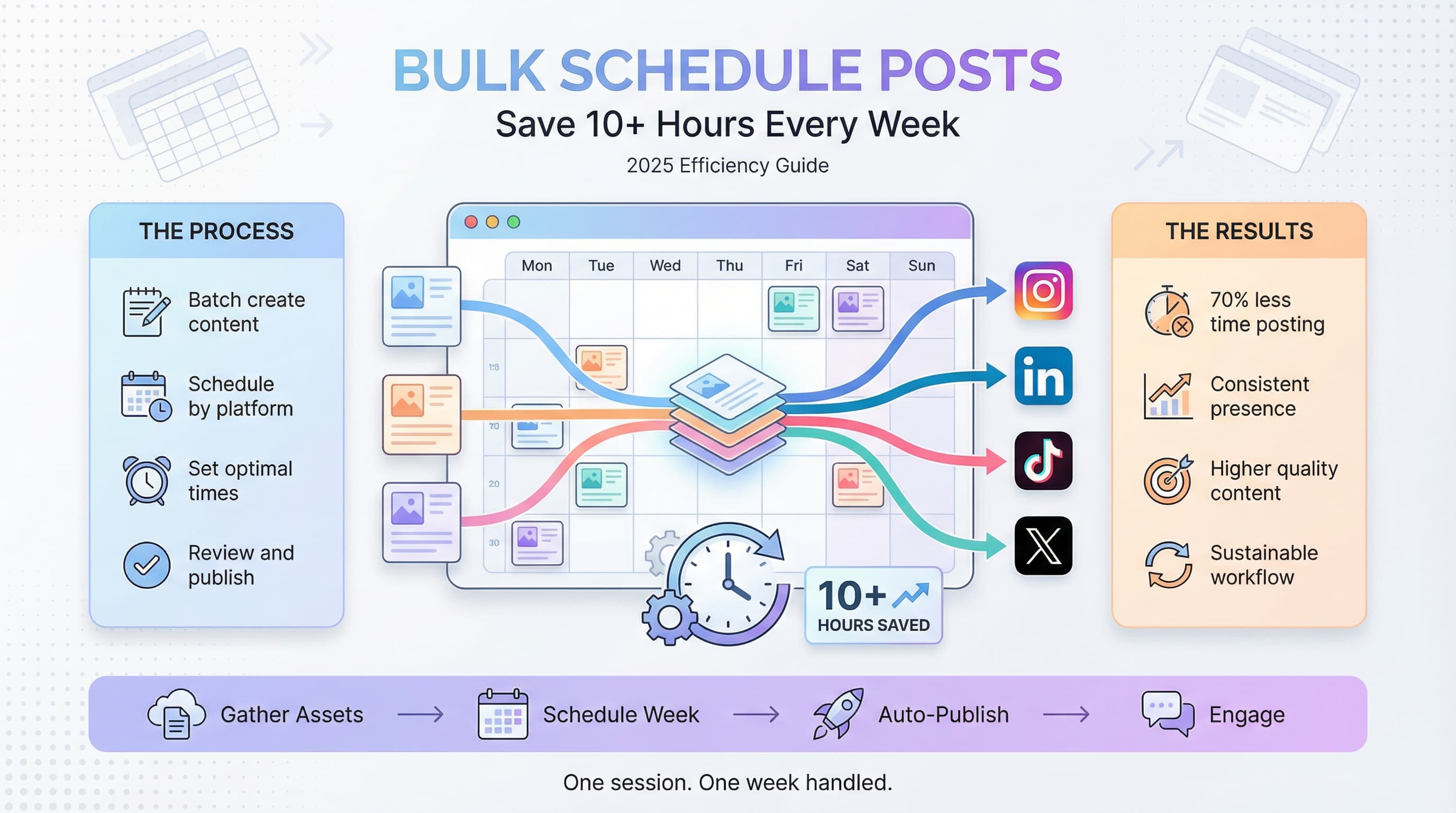
Once content is created, open your scheduling tool, load all posts, set optimal times, and schedule posts to multiple platforms at once.
Sample Batch Session (3 Hours)
Here's what a batch session might look like:
| Time | Activity |
|---|---|
| 0:00-0:15 | Review calendar, gather inspiration, set up |
| 0:15-1:00 | Write all text posts (10-15 posts) |
| 1:00-1:15 | Break |
| 1:15-1:45 | Write image post captions (5-7 posts) |
| 1:45-2:15 | Create/source images |
| 2:15-2:30 | Create platform variations |
| 2:30-2:45 | Edit and refine all content |
| 2:45-3:00 | Schedule everything |
How Much Content Should You Batch?
By Time Available
| Batch Session | Typical Output |
|---|---|
| 1 hour | 5-8 posts |
| 2 hours | 10-15 posts |
| 3 hours | 15-25 posts |
| 4 hours | 25-35 posts |
By Posting Frequency
| Posting Schedule | Weekly Batch Need |
|---|---|
| 1 post/day | 7 posts/week |
| 2 posts/day | 14 posts/week |
| 3 posts/day | 21 posts/week |
Multiply by number of platforms if creating unique content for each. If adapting, add ~20% extra time for variations.
Batching Different Content Types
Text Posts
Easiest to batch. You can create 15-20 text posts in an hour once you're in flow.
Tips: Keep a running list of ideas. Use templates/frameworks. Don't overthink — write fast, edit later.
Image Posts
Medium effort. The caption is quick; images take longer.
Tips: Create/source images in bulk. Use templates in Canva (batch create 10 versions). Build a library of reusable graphics.
Video Content
Highest effort. Usually batched separately from other content.
Tips: Script multiple videos in one session. Film multiple videos back-to-back. Edit in a separate focused session. Repurpose long videos into shorts — our guide on scheduling YouTube Shorts covers how to batch short-form video efficiently.
Threads
Medium-high effort. Requires more thought than single posts.
Tips: Outline all threads first. Write them in a focused block. One good thread is worth multiple single posts.
Tools for Batch Content Creation
Writing/Planning
- Notion — Organize ideas, drafts, and content calendar
- Google Docs — Simple collaborative writing
- Drafts app — Quick capture on mobile
Image Creation
- Canva — Templates, batch creation features
- Adobe Express — Quick graphics
- Figma — More control for designers
Scheduling
- Schedulala — Schedule to 12 platforms from one dashboard
- Buffer — Queue-based scheduling
- Later — Visual content calendar
For more on scheduling tools and social media automation, see our complete guide.
Common Batching Mistakes
Mistake 1: No Preparation
Starting a batch session without a plan leads to staring at a blank screen.
Mistake 2: Perfectionism During Creation
Editing while writing kills creative flow and momentum.
Mistake 3: Not Scheduling Immediately
Creating content but not scheduling it means it may never post.
Mistake 4: Batching Too Far Ahead
Content created 2 months early becomes irrelevant or stale.
Mistake 5: Ignoring Energy Levels
Forcing creative work when you're exhausted produces bad content.
Making Batching a Habit
Start Small
Don't try to batch a month of content on your first try. Start with one week.
Same Time, Every Week
Consistency builds habit. Same day, same time, every week.
Track Your Results
Note how long batching takes and how much you create. Optimize over time.
Protect the Time
Batch sessions aren't optional. They're essential business time.
Celebrate the Freedom
After batching, enjoy the rest of your week without daily content stress.
Frequently Asked Questions
How far ahead should I batch content?
1-2 weeks for most content. Evergreen content can be batched further ahead. Time-sensitive content should be closer to publish date.
What if I get creative block during a batch session?
Move to a different content type. Skip to editing. Take a short break. Having an ideas list prepared prevents most blocks.
Can I batch content for multiple platforms at once?
Yes. Create the core content, then batch the platform adaptations. It's more efficient than creating separately.
How do I maintain spontaneity with batched content?
Leave 20-30% of your posting capacity for real-time, spontaneous content. Batching handles the foundation; you add timely posts as needed.
Is batching good for all content types?
Best for: text posts, image posts, educational content, evergreen content. Less ideal for: real-time engagement, trending topics, crisis response.
How long until batching feels natural?
Usually 3-4 sessions. The first batch session is hardest. By session 4, you'll have a system that flows.
Start Batching This Week
Batch content creation is the single biggest time-saver for social media. Combined with the right tools, it becomes the foundation of any solid social media automation strategy. Here's how to start:
- Block 2-3 hours this weekend for your first batch session
- Prepare your ideas and content calendar beforehand
- Create a week's worth of content in one sitting
- Schedule everything immediately after
- Enjoy your week without daily content stress
Try Schedulala for free
Schedule posts to Bluesky, Twitter, and 8 other platforms from one dashboard.
Get started for free→