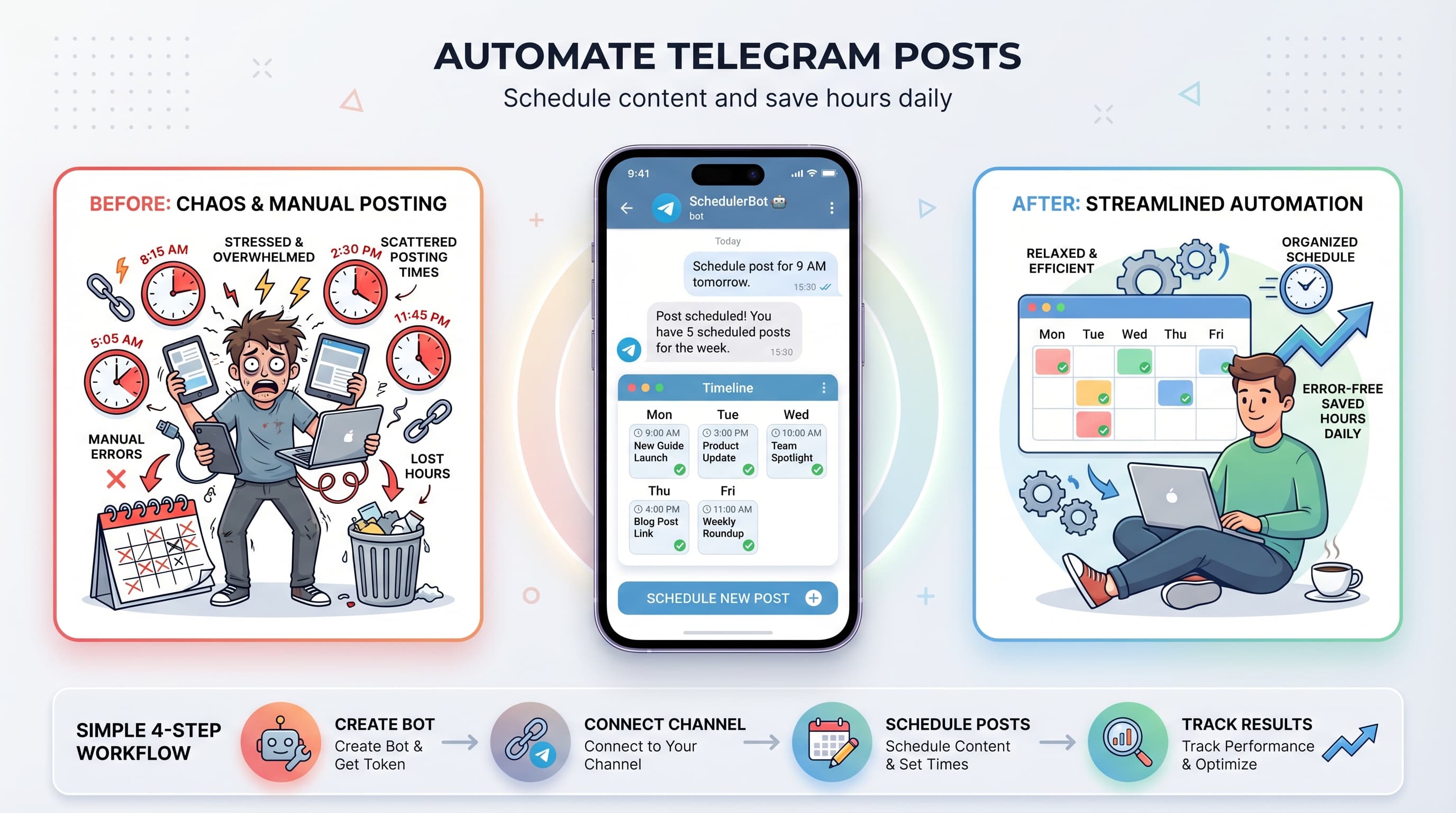
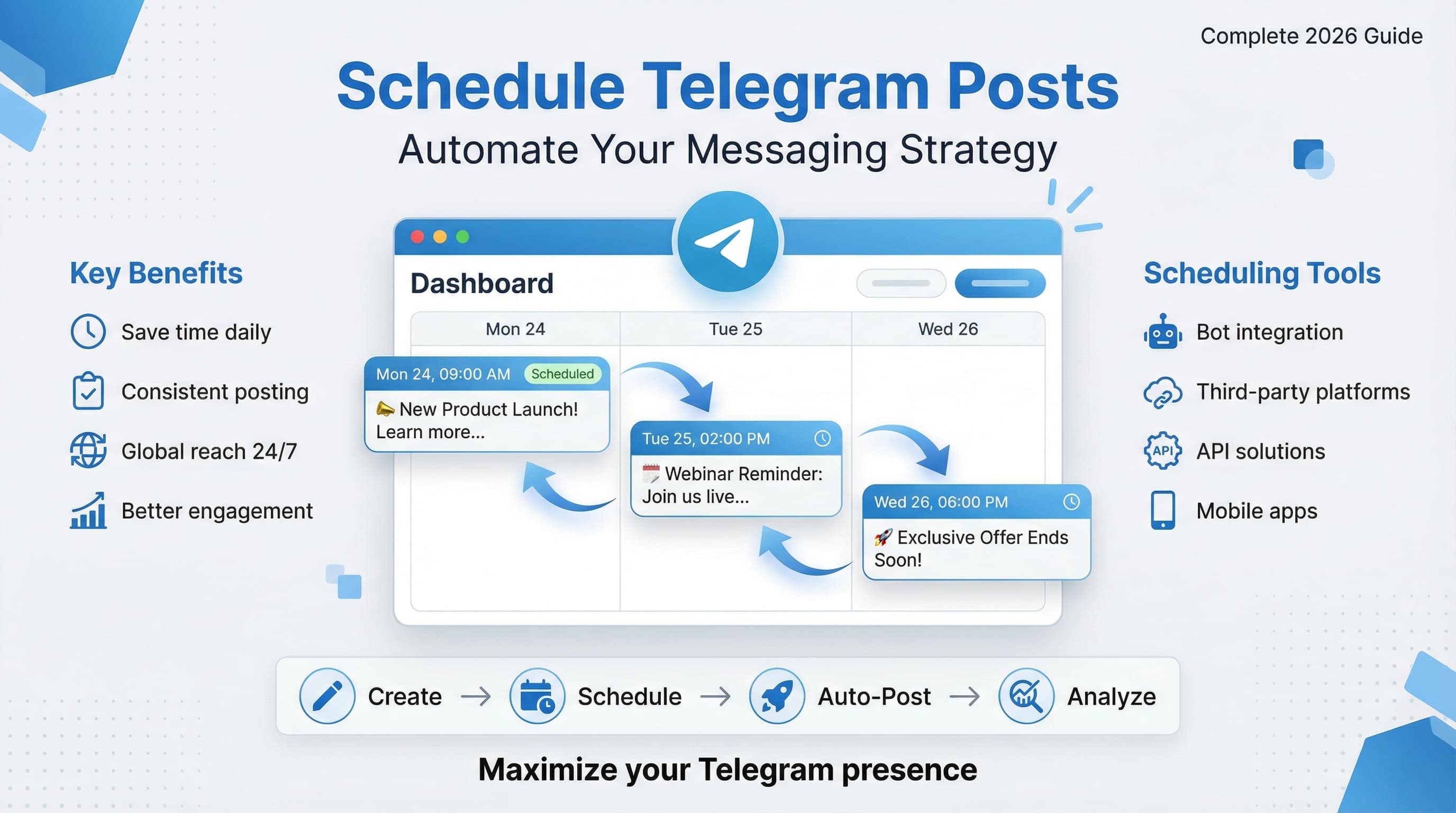
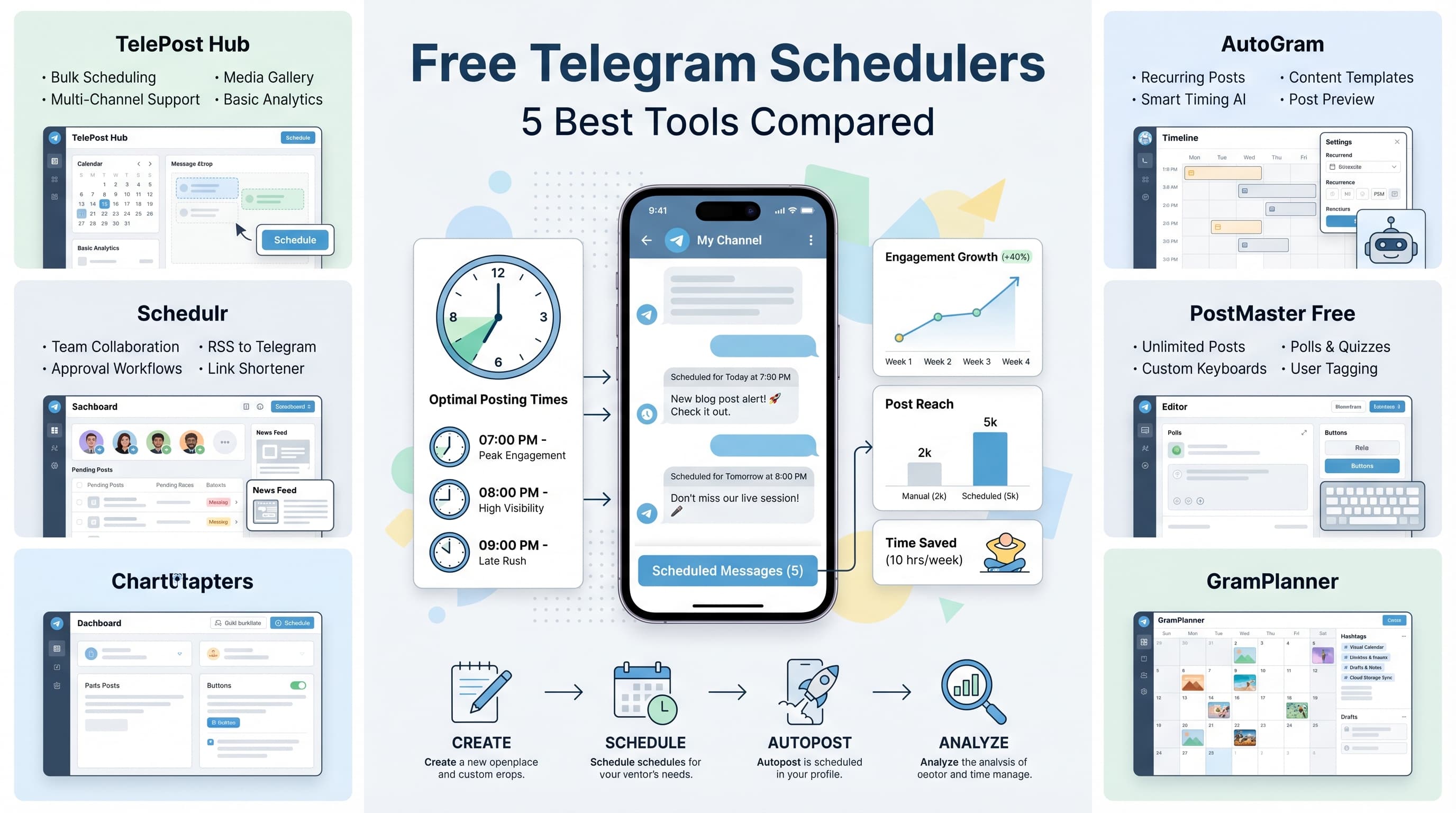
How to Bulk Schedule Telegram Messages: Complete Guide for 2026
Learn how to bulk schedule Telegram messages efficiently. Step-by-step guide with tools, templates, and best practices for 2026.

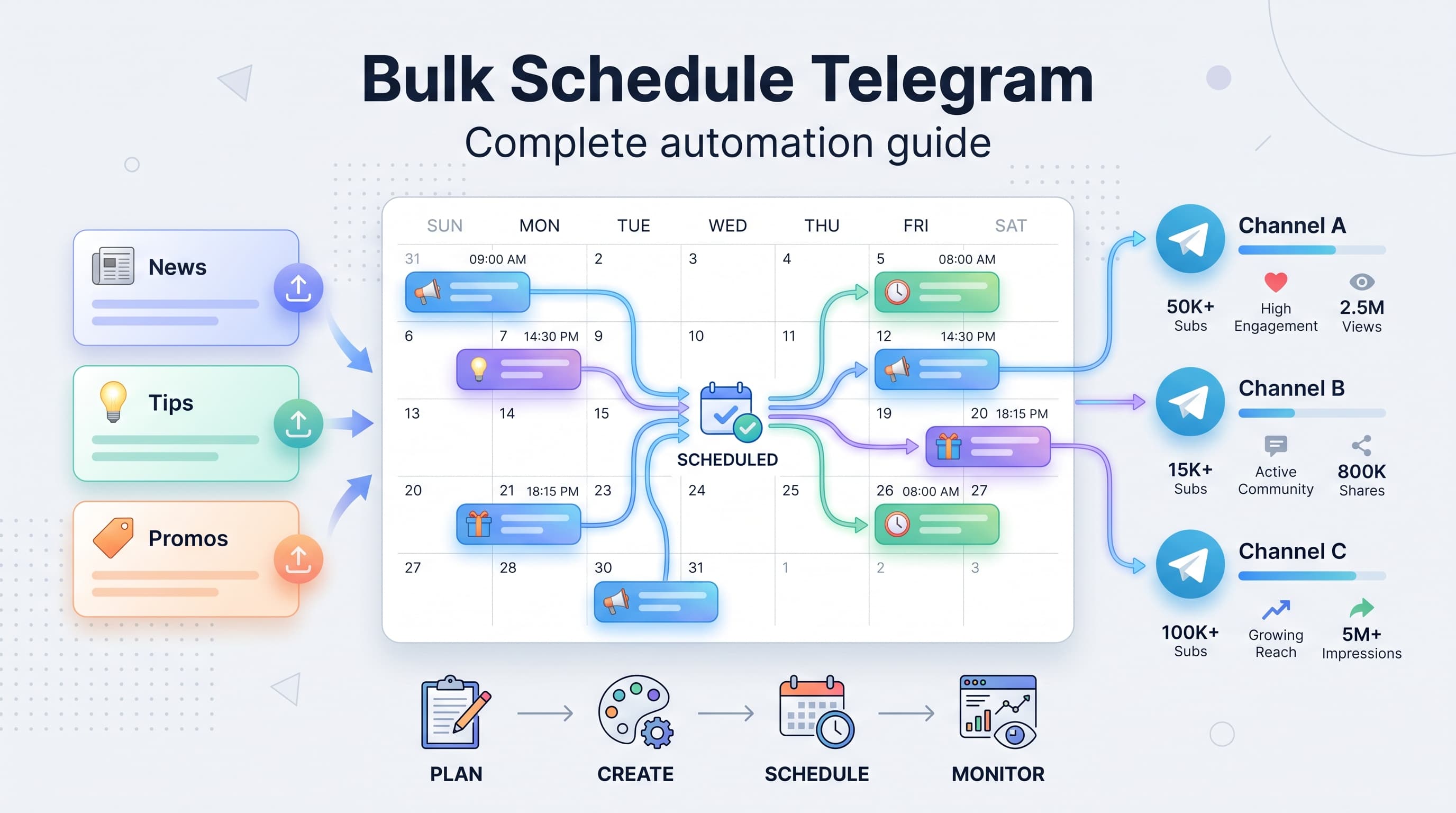
Managing multiple Telegram channels or groups can quickly become overwhelming when you're manually posting messages one by one. Whether you're running a business channel with 10,000 subscribers or managing community updates across several groups, bulk scheduling your Telegram messages can save you hours every week. Try our Telegram scheduling.
See It in Action
This is what scheduling a Telegram post looks like in Schedulala
This guide walks you through everything you need to know about bulk scheduling Telegram messages, from choosing the right tools to setting up automated posting workflows that actually work. See our batch content creation guide.
Try Schedulala for free
Schedule posts to Bluesky, Twitter, and 8 other platforms from one dashboard.
Get started for free→Why bulk schedule Telegram messages?
Before diving into the how, let's talk about why bulk scheduling makes sense for most Telegram users. The numbers speak for themselves: businesses that schedule their social media content see 23% higher engagement rates compared to those posting randomly. Learn more about scheduling across platforms.
1. Time efficiency at scale
Instead of logging into Telegram multiple times daily, you can batch your content creation into one focused session. A marketing manager we know spends two hours every Sunday planning and scheduling an entire week's worth of Telegram posts across five different channels. Learn more about scheduling across platforms.
The math is simple: if you normally spend 15 minutes per post across 20 weekly posts, that's 5 hours scattered throughout your week. Bulk scheduling condenses this into 2 focused hours, freeing up 3 hours for other priorities. Try our telegram line break generator.
2. Consistent posting maintains audience engagement
Telegram's algorithm favors channels that post consistently. When you manually post, you inevitably miss days or post at suboptimal times. Bulk scheduling ensures your content goes out exactly when your audience is most active. Learn more about telegram font generator.
Research shows that Telegram channels posting at consistent times see 40% higher open rates than those with irregular posting schedules. Your subscribers learn when to expect your content and actively look for it.
3. Better content planning and strategy
When you schedule in bulk, you see your entire content calendar at once. This bird's eye view helps you spot gaps, avoid repetitive topics, and ensure your messaging flows logically from post to post.
You can also align your Telegram content with other marketing campaigns, product launches, or seasonal events weeks in advance.
Tools for bulk scheduling Telegram messages
Not all scheduling tools handle Telegram equally well. Here's a breakdown of your main options, from free solutions to enterprise-grade platforms.
Telegram's built-in scheduled messages
Telegram itself offers basic message scheduling, but it's quite limited. You can schedule individual messages up to one year in advance, but there's no bulk upload feature or content calendar view.
Best for: Quick one-off scheduled messages or reminders. Not ideal for: Managing multiple channels or planning content campaigns.
Third-party scheduling platforms
Platforms like Schedulala, Buffer, and Hootsuite offer more robust Telegram scheduling features. These tools typically support bulk uploads via CSV files, content calendars, and multi-channel management.
Key features to look for: CSV bulk upload, content calendar visualization, timezone management, media file support, and analytics integration. Most platforms charge between $15-50 monthly for Telegram scheduling features.
Telegram Bot API solutions
For developers or tech-savvy users, building custom solutions using Telegram's Bot API offers maximum flexibility. You can create automated posting workflows, integrate with your existing systems, and handle complex scheduling logic.
Best for: Large organizations with technical resources. Consider if: You need custom integrations, have unique scheduling requirements, or manage hundreds of channels.
Step-by-step bulk scheduling process
Here's exactly how to set up bulk scheduling for your Telegram channels, regardless of which tool you choose.
1. Audit your current posting patterns
Before scheduling anything, analyze when your audience is most active. Check your Telegram channel analytics for the past month and note which posts got the highest engagement.
Look for patterns: Do your subscribers engage more in the morning or evening? Which days of the week perform best? Are there specific topics that consistently generate more comments and shares?
Create a simple spreadsheet with your findings. Most successful channels find 2-3 optimal posting windows throughout the day.
2. Plan your content themes and frequency
Decide how often you'll post and what types of content you'll share. A typical business channel might post once daily with this weekly structure:
- Monday: Industry news and trends
- Tuesday: Educational content or tutorials
- Wednesday: Behind-the-scenes or company updates
- Thursday: User-generated content or testimonials
- Friday: Weekend planning or lighter content
- Saturday: Community highlights or Q&A
- Sunday: Week recap or upcoming previews
This structure gives you a framework for content creation while keeping your channel varied and interesting.
3. Create your content batch
Set aside dedicated time for content creation. Many successful channel managers block out 3-4 hours every weekend to create the following week's content.
Write all your messages in a consistent format. Include the message text, any media files, and notes about timing or special formatting. Keep a running list of content ideas so you're never starting from a blank page.
Template for each message: Date and time for posting, channel name (if managing multiple), message text, media files (with file names), hashtags or mentions, and any special instructions.
4. Prepare your bulk upload file
Most scheduling tools accept CSV files for bulk uploads. Create a spreadsheet with columns for date, time, channel, message content, and media files.
Essential columns: Publish date (YYYY-MM-DD format), publish time (24-hour format), channel name or ID, message text, image file name, and any additional parameters like disable notifications or silent posting.
Double-check your timezone settings. Nothing ruins a campaign like posts going live at 3 AM instead of 3 PM because of timezone confusion.
5. Upload and verify your scheduled posts
Import your CSV file into your chosen scheduling platform. Most tools will show you a preview of how your posts will appear and when they'll be published.
Verification checklist: Confirm all dates and times are correct, check that media files uploaded properly, verify channel assignments for multi-channel setups, and review message formatting and links.
Schedule a few test messages to a private channel first. This helps you catch any formatting issues or timing problems before your real content goes live.
6. Monitor and adjust your schedule
Don't set it and forget it. Check your scheduled posts daily to ensure they're publishing correctly and resonating with your audience.
Keep a simple tracking sheet with post performance metrics: views, engagement rate, comments, and shares. This data helps you refine your scheduling strategy over time.
Be prepared to pause or modify scheduled posts if news events or trending topics make your planned content seem tone-deaf or irrelevant.
Best practices for bulk scheduled content
Bulk scheduling isn't just about automation. The most successful Telegram channels follow specific practices that keep their scheduled content feeling fresh and engaging.
Write for your timezone and audience habits
Consider your audience's daily routine when scheduling posts. A B2B channel targeting professionals might schedule content for 9 AM (catching the morning coffee scroll), 12 PM (lunch break), and 6 PM (post-work wind-down).
Consumer brands often find success with evening posts when people have more time to engage with content. E-commerce channels frequently schedule promotional posts for weekends when people are more likely to make purchasing decisions.
Timezone tip: If your audience spans multiple time zones, consider your largest segment first, then schedule additional posts for other regions if your content volume allows.
Mix scheduled content with real-time posts
The best channels combine scheduled content with spontaneous posts. Your bulk scheduled posts handle the consistent, foundational content while real-time posts let you respond to trends, news, or community discussions.
Aim for a 70/30 split: 70% scheduled content for consistency, 30% real-time posts for authenticity and relevance. This keeps your channel feeling active and responsive rather than robotic.
Real-time posts also give you opportunities to promote scheduled content: 'Don't miss tomorrow's tutorial on [topic]' or 'What did you think of this morning's post about [subject]?'
Create content buckets for easier planning
Organize your content into repeatable categories or 'buckets.' This makes bulk creation much easier because you're not reinventing your content strategy every week.
- Educational posts: Tutorials, how-tos, industry insights
- Promotional content: Product updates, sales, feature announcements
- Community content: User highlights, Q&As, polls
- Entertainment: Memes, behind-the-scenes, lighter content
- News and trends: Industry updates, commentary, reactions
Having content buckets also helps maintain variety. If you notice you've scheduled three educational posts in a row, you can easily balance it with community or entertainment content.
Optimize posting frequency for your channel size
Smaller channels (under 1,000 subscribers) often perform better with less frequent but higher-quality posts. 3-4 posts per week allows you to put more effort into each message and avoid overwhelming your audience.
Larger channels (10,000+ subscribers) can typically handle daily posting or even multiple posts per day, especially if you segment content types. News channels might post 3-5 times daily, while educational channels stick to once daily.
Test gradually: Start with your current posting frequency, then slowly increase. Monitor your engagement rates, and if they drop significantly, scale back.
Common mistakes to avoid
Learning from others' mistakes can save you weeks of trial and error. Here are the most common pitfalls we see with bulk scheduled Telegram content.
Over-scheduling and content fatigue
The biggest mistake new bulk schedulers make is posting too frequently. Just because you can schedule 50 posts doesn't mean you should.
Warning signs: Declining engagement rates, subscriber complaints about too many notifications, or posts receiving significantly fewer views than usual. If any of these happen, reduce your posting frequency immediately.
Quality always beats quantity on Telegram. Your audience would rather receive one valuable post daily than five mediocre ones.
Ignoring real-time events and trends
Scheduled content can sometimes feel tone-deaf when major news breaks or trends emerge. Always review your upcoming scheduled posts daily and be prepared to pause or modify them.
Keep your scheduled content somewhat evergreen. Avoid references to 'today' or 'this week' unless you're certain about the context. Instead, use phrases like 'recently' or 'in our latest update.'
Emergency protocol: Have a plan for quickly pausing scheduled posts during crises or when immediate response is needed. Most scheduling tools offer one-click pause features.
Neglecting engagement monitoring
Bulk scheduling doesn't mean bulk ignoring. You still need to monitor comments, respond to questions, and engage with your community in real-time.
Set up notifications for comments and mentions so you can respond promptly. Many successful channels designate specific times daily for community engagement, even when their posting is fully automated.
Response time benchmark: Aim to respond to comments within 4-6 hours during business days. Your audience notices when channels become unresponsive after switching to scheduled posting.
Advanced bulk scheduling strategies
Once you've mastered basic bulk scheduling, these advanced techniques can help you maximize your Telegram channel's growth and engagement.
Seasonal content planning
Plan content around holidays, industry events, and seasonal trends 2-3 months in advance. This allows you to create more thoughtful, relevant content instead of scrambling at the last minute.
Create content themes for each month: January focuses on new year planning, March covers spring preparation, December handles year-end reviews. This gives your channel a natural rhythm that subscribers anticipate.
Seasonal scheduling tip: Use placeholder posts for time-sensitive content, then update them closer to the publish date with specific details, current prices, or recent developments.
Cross-channel content coordination
If you manage multiple Telegram channels or social media accounts, coordinate your scheduled content to create cohesive campaigns across platforms.
Content adaptation strategy: Create one piece of core content, then adapt it for each platform. A detailed tutorial might become a full post on your main channel, a summary in your news channel, and a teaser in related group chats.
Schedule cross-promotion between your channels, but do it sparingly. Once weekly cross-promotion maintains awareness without annoying subscribers.
A/B testing with scheduled content
Use bulk scheduling to run systematic A/B tests on posting times, content formats, and messaging styles. Schedule the same content at different times or with different formatting to see what performs best.
Testing framework: Choose one variable to test weekly (posting time, headline style, content length, etc.). Schedule identical content with only that one difference, then compare performance after a full week.
Document your findings in a simple spreadsheet. After 3-4 months of testing, you'll have clear data on what works best for your specific audience.
Measuring success and optimization
The real power of bulk scheduling comes from the data and insights it provides. Here's how to track your performance and continuously improve your Telegram strategy.
| Metric | Good Performance | Needs Improvement | Action Required |
|---|---|---|---|
| View Rate | 80%+ | 60-80% | Below 60% |
| Engagement Rate | 15%+ | 8-15% | Below 8% |
| Subscriber Growth | 5% monthly | 2-5% monthly | Below 2% |
| Comment Response | 4 hours avg | 4-24 hours | 24+ hours |
Track these metrics weekly and adjust your bulk scheduling strategy based on the patterns you see. Consistent measurement is what separates successful channels from those that plateau.
Try Schedulala for free
Schedule posts to Bluesky, Twitter, and 8 other platforms from one dashboard.
Get started for free→