How to Schedule Posts to Multiple Social Media Platforms
Learn how to schedule posts to multiple social media platforms from one dashboard. Save hours weekly with cross-platform scheduling. Step-by-step guide.

Quick answer
Schedule posts to multiple social media platforms from one dashboard using Schedulala, which supports 10 networks for $9/month.
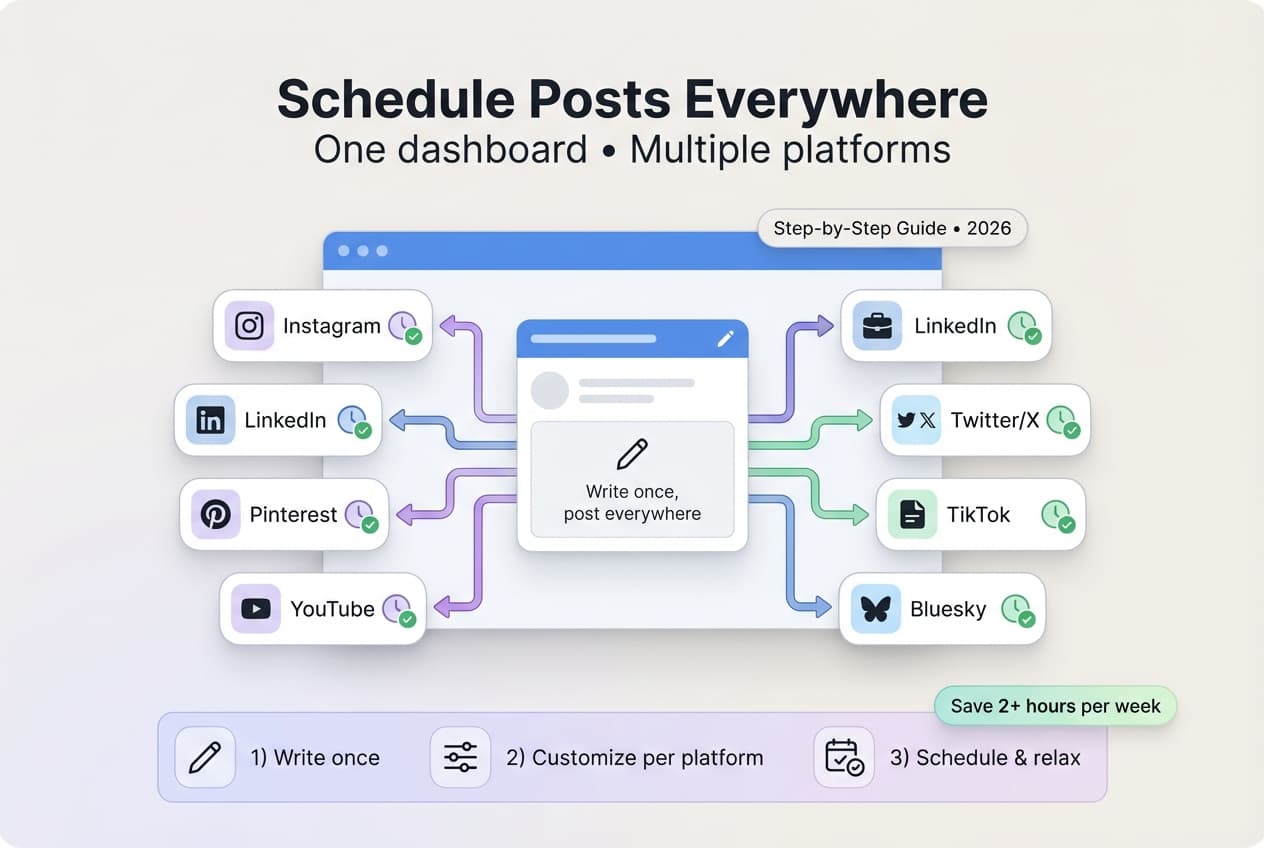
- •Supported platforms: Instagram, TikTok, Twitter/X, LinkedIn, YouTube, Facebook, Threads, Bluesky, Pinterest, Telegram
- •Write once, customize per platform, and schedule to all networks simultaneously
- •Cross-platform scheduling eliminates switching between multiple apps and tabs
- •Schedulala offers unlimited posts for $9/month on the Solo plan (10 accounts)
Managing social media on one platform is work. Managing it on five platforms? That's a full-time job — unless you're smart about it. If you're new to this, start with our primer on what social media scheduling is and why it matters.
The solution: schedule posts to multiple platforms from a single dashboard. Write once, schedule everywhere, and reclaim hours of your week.
This guide covers everything you need to know about multi-platform scheduling: how it works, which tools to use, and a step-by-step workflow to manage all your social accounts efficiently.
Try Schedulala for free
Schedule posts to Bluesky, Twitter, and 8 other platforms from one dashboard.
Get started for free→Why Multi-Platform Scheduling Matters
The Problem
Most businesses and creators are on multiple platforms:
- Instagram for visual content
- LinkedIn for professional networking
- Twitter/X for real-time engagement
- TikTok for short-form video
- Bluesky for the tech-savvy audience
- Facebook for community
- YouTube for long-form video
- Pinterest for evergreen discovery
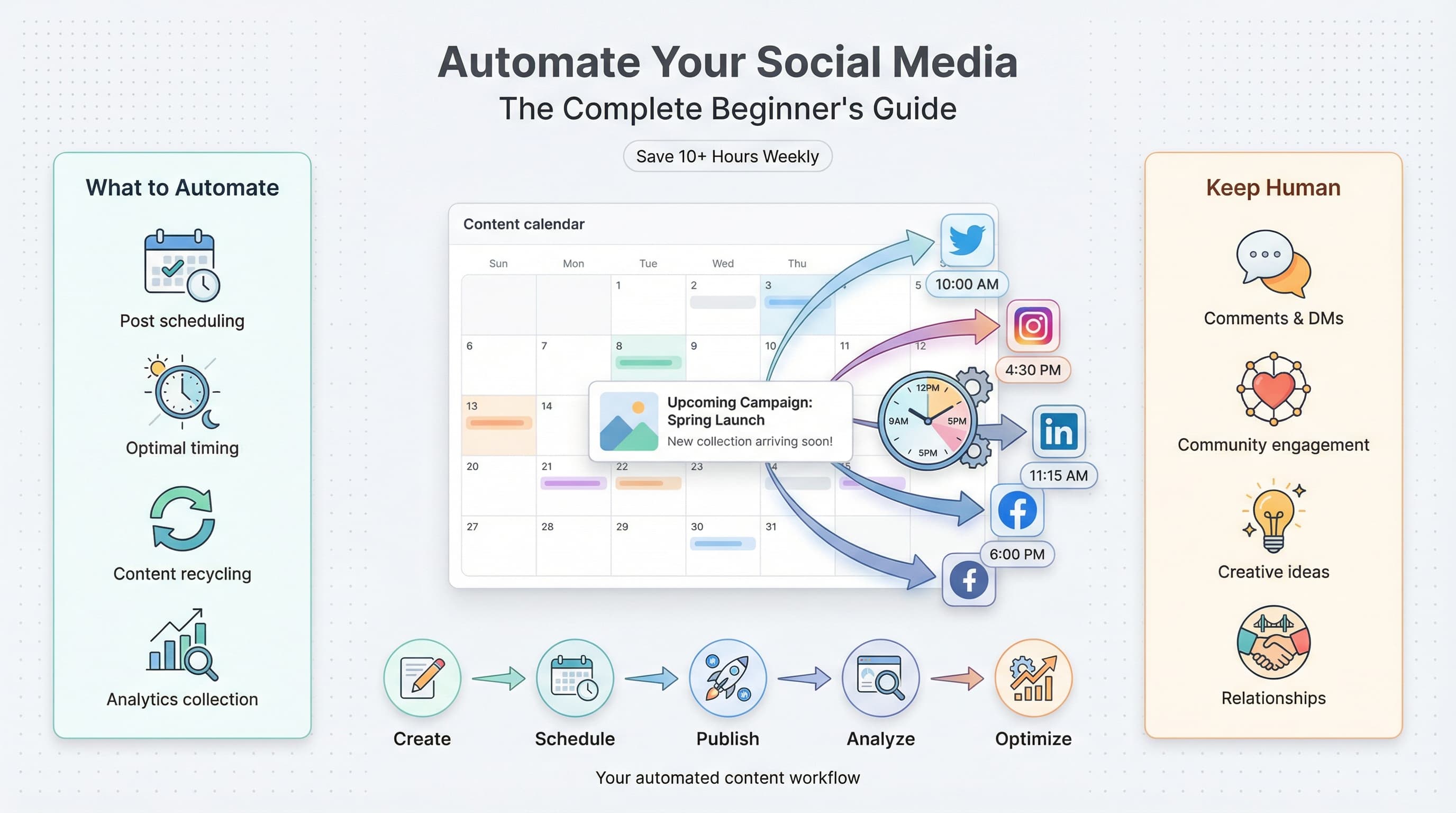
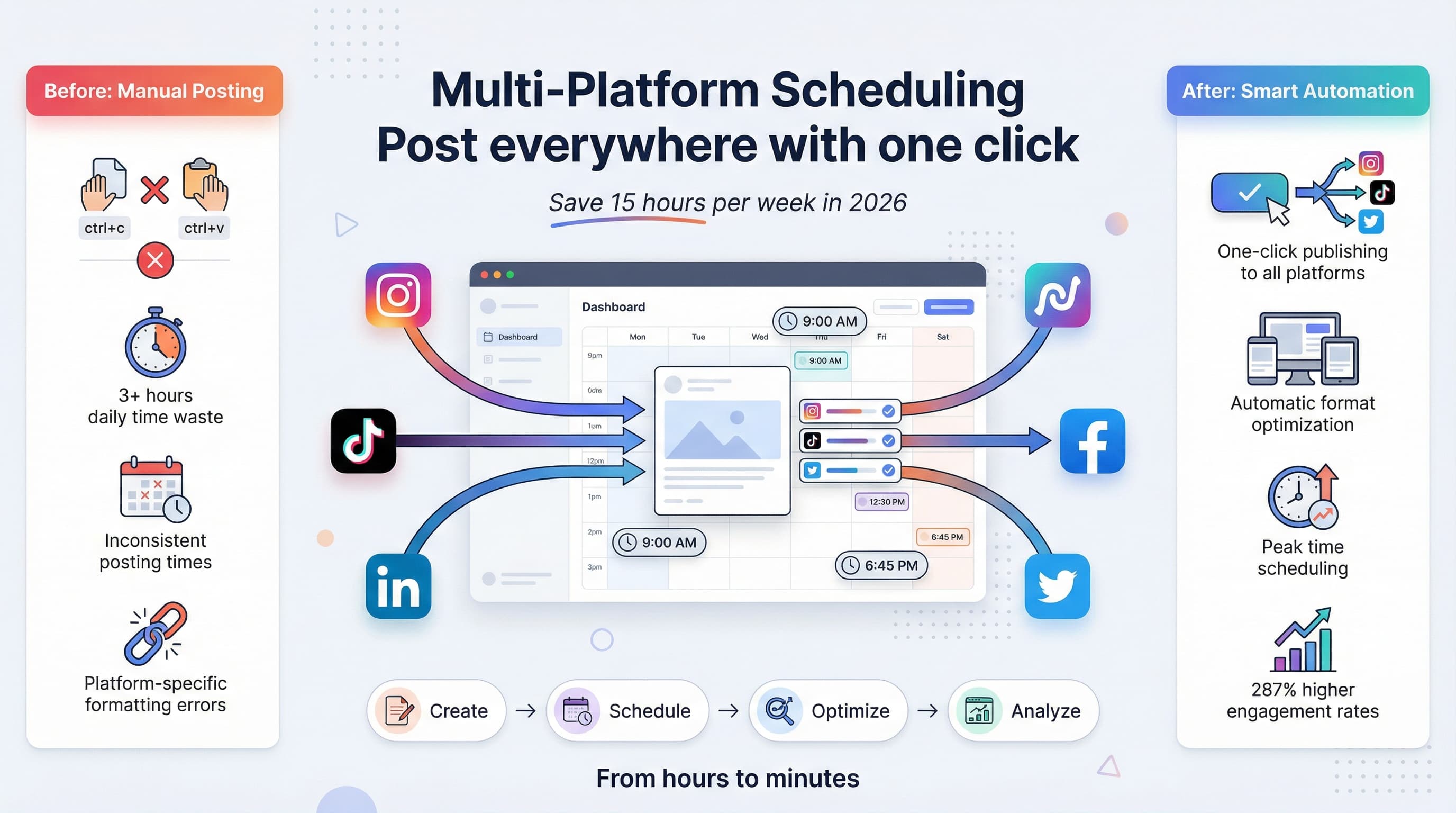
Posting manually to each platform means logging into multiple apps daily, reformatting content for each platform, tracking different posting schedules, and losing hours to context-switching.
The Solution
Multi-Platform Scheduling Benefits
- Create content in one place
- Customize for each platform
- Schedule everything at once
- Manage all accounts from one dashboard
The time savings compound. What takes 2 hours daily can become 2 hours weekly.
How Multi-Platform Scheduling Works
The basic workflow involves five steps:
1. Connect Your Accounts
2. Create Your Content
Write your post in the scheduling tool's composer. Most tools let you write one "master" version, customize per platform, preview how it looks on each platform, and add images, videos, or links.
3. Select Platforms
Choose which platforms to post to. You might send all platforms for major announcements, just LinkedIn for professional content, just Instagram and TikTok for visual content, or Bluesky and Twitter for text-based content.
4. Set Times
Schedule when each post goes live. Options typically include same time across all platforms, different optimal times per platform, suggested "best times" from the tool, or adding to a queue that auto-posts.
5. Review and Schedule
Preview everything, then schedule. The tool posts automatically at the specified times.
Choosing a Multi-Platform Scheduling Tool
Not all tools support all platforms. Here's what to look for:
Must-Have Features
- Platform coverage — Does it support all platforms you use?
- Unified dashboard — Can you see everything in one place?
- Per-platform customization — Can you tweak posts for each platform?
- Visual calendar — Can you see your schedule at a glance?
- Reliable posting — Do posts actually publish on time?
Nice-to-Have Features
- Optimal time suggestions
- Content recycling/evergreen posting
- Analytics and reporting
- Team collaboration
- AI-assisted writing
- Media library
Platform Support Comparison
| Tool | TikTok | Twitter/X | Bluesky | YouTube | Price | |||
|---|---|---|---|---|---|---|---|---|
| Schedulala | Yes | Yes | Yes | Yes | Yes | Yes | Yes | $9/mo |
| Buffer | Yes | Yes | Yes | Yes | Yes | Yes | Yes | $6/channel |
| Hootsuite | Yes | Yes | Yes | Yes | No | Yes | Yes | $99/mo |
| Later | Yes | Yes | Yes | Yes | No | No | Yes | $25/mo |
| Sprout Social | Yes | Yes | Yes | Yes | No | Yes | Yes | $249/mo |
Bluesky support is still uncommon among scheduling tools. If Bluesky is part of your strategy, choose a tool that supports it. Check out our guide on best Bluesky scheduling tools for more options.
For small businesses and creators managing multiple platforms, Schedulala covers 12 platforms (including Bluesky and Telegram), $9/month flat (not per-channel pricing), a clean simple interface, and all the core features you need. For a deeper comparison, check out our guide on free social media schedulers to see how the options stack up. Using Telegram? See our dedicated Telegram scheduling guide.
Step-by-Step: Scheduling to Multiple Platforms
Here's a practical workflow using Schedulala (similar process for other tools):
Step 1: Connect Your Accounts
Sign up or log in to your scheduling tool, go to Settings → Connected Accounts, click "Add Account" for each platform, and authorize access through each platform's login.
Time: 10-15 minutes (one-time setup)
Step 2: Plan Your Content
Before creating posts, know what you're posting. What topics will you cover this week? What mix of content types? Any time-sensitive content?
Having a content plan makes batch creation faster.
Step 3: Create Your First Multi-Platform Post
Click "Create Post" or "Compose," write your core message, add media (image, video, link), and select target platforms.
Step 4: Customize Per Platform
Different platforms have different requirements:
| Platform | Character Limit | Best Practices |
|---|---|---|
| Twitter/X | 280 | Concise, punchy, hashtags optional |
| Bluesky | 300 | Conversational, no hashtags |
| 3,000 | Professional tone, longer ok | |
| 2,200 | Hashtags matter, visual focus | |
| 63,206 | Moderate length, engagement questions | |
| TikTok | 2,200 | Casual, trending sounds matter |
Most tools let you edit the version for each platform individually.
Step 5: Set Posting Times
Options include same time (post everywhere at once), optimal times (use the tool's suggestions), or manual (set specific times per platform).
General optimal times (adjust for your audience):
- LinkedIn: Tuesday-Thursday, 8-10am
- Instagram: Monday-Friday, 11am-1pm
- Twitter/X: Weekdays, 8-10am, 12pm
- Bluesky: Tuesday-Thursday, 9-11am
For detailed timing data, see our guide on best time to post.
Step 6: Review and Schedule
Preview each platform's version. Check that text displays correctly, images look right, links work, and times are correct. Then click Schedule.
Step 7: Repeat for Batch Content
Don't schedule one post at a time. Batch create: do all your posts for the week in one session, schedule everything at once, and spend 2-3 hours once instead of 30 minutes daily.
Best Practices for Multi-Platform Posting
Do: Customize for Each Platform
The same message can be framed differently:
LinkedIn version: "We analyzed 1,000 social media posts to find what drives engagement. The surprising result: questions outperform statements by 47%. Here's what we learned..."
Twitter/X version: "Questions outperform statements by 47% on social media. We analyzed 1,000 posts. Here's the data"
Bluesky version: "Interesting finding from our analysis: posts that ask questions get 47% more engagement than statements. Has that matched your experience?"
Same core message. Different execution.
Copy-pasting the exact same post to every platform feels lazy to followers who see you on multiple platforms, misses platform-specific optimization, and may not fit character limits or culture. Take 2 extra minutes to customize.
Do: Consider Platform-Specific Content
Schedule your posts. Don't schedule your replies. Automation for publishing is good. Automation for conversations feels robotic. Still engage authentically with comments and replies.
Do: Leave Room for Real-Time
Don't schedule so much that you have no room for trending topics, timely responses, or spontaneous content. Maybe schedule 70% of content, leave 30% for real-time.
Time Savings Calculator
Here's what multi-platform scheduling saves:
Manual Posting (Daily)
| Task | Time |
|---|---|
| Log into 5 platforms | 5 min |
| Format post for each | 15 min |
| Upload media to each | 10 min |
| Post to each | 5 min |
| Daily total | 35 min |
| Weekly total | 4+ hours |
Scheduled Posting (Batched Weekly)
| Task | Time |
|---|---|
| Weekly planning | 15 min |
| Create 7 posts | 45 min |
| Customize per platform | 30 min |
| Schedule all | 15 min |
| Weekly total | ~2 hours |
2+ hours per week = 100+ hours per year
That's over two full work weeks reclaimed annually.
Common Mistakes to Avoid
Mistake 1: Not Verifying Posts Published
Scheduling tools occasionally fail. Check that posts actually went live, especially for important content.
Mistake 2: Forgetting Time Zones
Make sure your scheduling tool is set to the correct time zone. A post scheduled for 9am in the wrong zone misses your audience.
Mistake 3: Ignoring Platform Updates
Platforms change. Features get added or removed. Your scheduling tool might need reconnection after platform updates.
Mistake 4: Scheduling Too Far Ahead
Scheduling a month in advance seems efficient, but information becomes outdated, you can't respond to current events, and content may become irrelevant. 1-2 weeks ahead is the sweet spot.
Mistake 5: Set-It-And-Forget-It Mentality
Scheduling isn't "post and disappear." You still need to monitor engagement, respond to comments, and adjust strategy based on results.
Frequently Asked Questions
Can I schedule to all platforms for free?
Some tools offer limited free tiers. Schedulala offers a 7-day free trial with full access to all features, then plans start at $9/month. There is no free plan. For serious multi-platform scheduling, a dedicated tool is essential.
Will scheduling hurt my reach?
No. Platforms don't penalize scheduled posts. Timing and content quality matter far more than whether you posted manually or via a tool.
How far in advance should I schedule?
1-2 weeks is ideal. Far enough to reduce daily work, close enough to stay relevant.
Can I schedule videos to all platforms?
Most tools support video scheduling, but platform requirements vary. TikTok and Instagram Reels have specific requirements. Check your tool's video support.
What if I need to change a scheduled post?
All scheduling tools let you edit or delete scheduled posts before they publish. Most have easy-to-find "scheduled" or "queue" views.
Should I post at the same time on all platforms?
Not necessarily. Different platforms have different optimal times. Most tools let you set per-platform posting times.
Start Scheduling Smarter
Multi-platform scheduling is the difference between social media controlling your time and you controlling your social media.
Your action plan:
- Choose a tool that supports all your platforms
- Connect your accounts (one-time setup)
- Batch create content for the week
- Customize per platform for best results
- Schedule and reclaim your time
The hours you save can go toward creating better content, engaging with your audience, or simply having a life outside social media.
Ready to get started with Bluesky scheduling specifically? Check out our complete guide on how to schedule posts on Bluesky.
Try Schedulala for free
Schedule posts to Bluesky, Twitter, and 8 other platforms from one dashboard.
Get started for free→