New Feature: Schedule Pinterest Carousel Posts (Collection Pins)
Schedule multi-image carousel pins on Pinterest with Schedulala. Upload 2-25 images, add titles, and schedule your collection pins.

Quick answer
Schedulala now supports scheduling Pinterest carousel posts (Collection Pins) with 2-25 images, titles, and links per pin.
- •Pinterest carousels (Collection Pins) support 2-25 images per pin
- •Each image in the carousel can have its own title and destination link
- •Schedulala uses Pinterest's official API for reliable auto-publishing
- •Schedule Pinterest carousels alongside 11 other platforms for $9/month
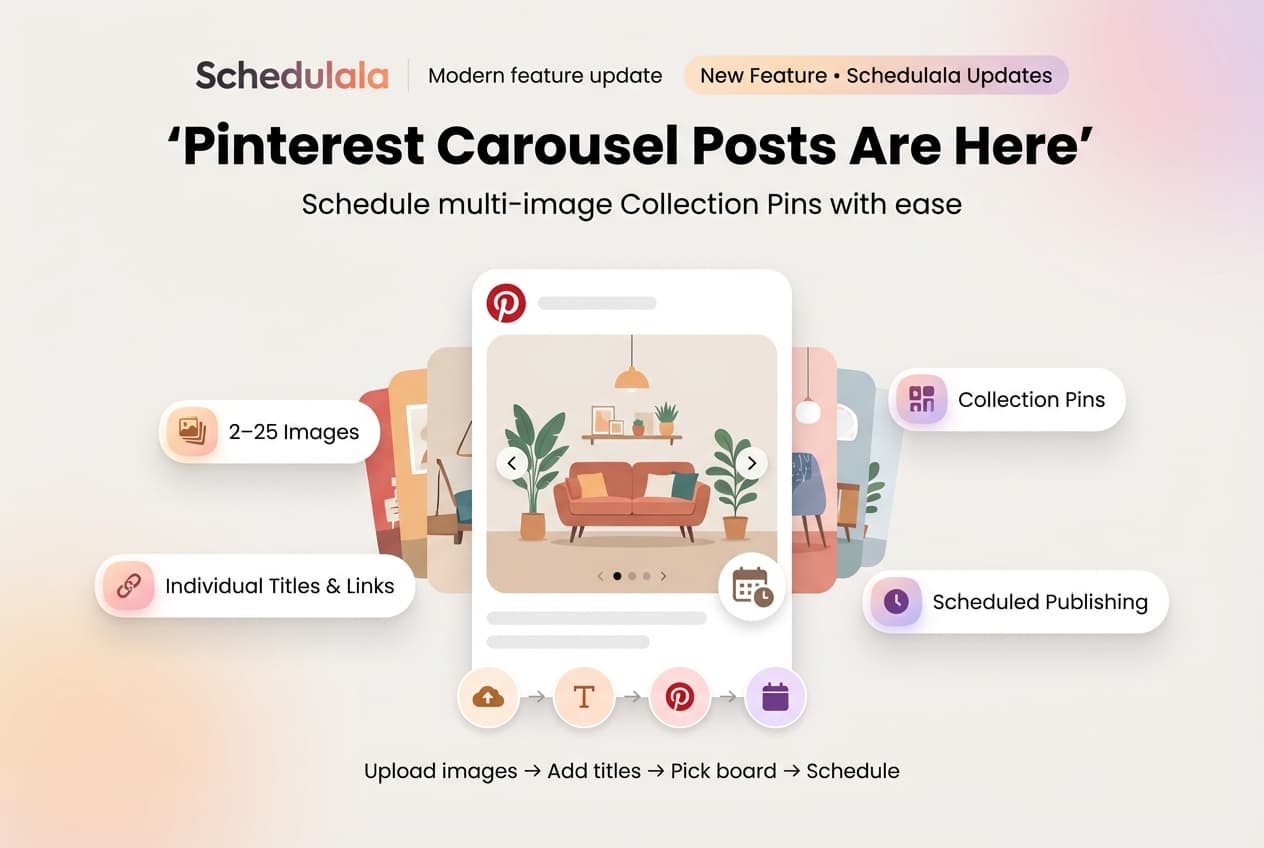
Pinterest just got more powerful on Schedulala. You can now schedule carousel posts — multi-image pins that users swipe through.
Pinterest calls these "Collection Pins." They're great for showcasing products, step-by-step tutorials, before/after comparisons, or any content that works better as a series.
Try Schedulala for free
Schedule posts to Bluesky, Twitter, and 8 other platforms from one dashboard.
Get started for free→What Are Pinterest Collection Pins?
Collection Pins display multiple images in a single pin that users can swipe through. Think of them like Instagram carousels, but for Pinterest.
When someone taps your pin, they see all images in the carousel. Each image can have its own title, description, and link — perfect for product catalogs or multi-step guides.
- Minimum: 2 images
- Maximum: 25 images
- Each image can have its own title, description, and destination link
What's Included
Multi-Image Upload
Upload 2 to 25 images for a single carousel pin. Drag to reorder them however you want.
Individual Titles & Descriptions
Add a unique title and description to each image in your carousel. Great for product details or step numbers.
Optional Links Per Image
Each carousel item can link to a different URL. Send users to specific product pages, blog posts, or landing pages.
Scheduled Publishing
Schedule your carousel pins just like any other post. Pick the date and time, and Schedulala handles the rest. Batch create multiple carousels in one sitting for maximum efficiency.
How to Create a Carousel Pin
- Select Pinterest as your posting platform
- Upload 2 or more images
- Add titles and descriptions for each image (optional)
- Add destination links for each image (optional)
- Write your pin description
- Select a board and schedule
- Lead with your best image — The first image is what people see in the feed
- Tell a story — Give people a reason to swipe through all images
- Use consistent styling — Keep colors, fonts, and layouts cohesive across all images
- Number your steps — For tutorials, add "Step 1", "Step 2" etc. to each image title
Get Started
Pinterest carousel support is available now for all Schedulala users. Connect your Pinterest account and start scheduling multi-image pins today. You can also cross-post to other platforms from the same dashboard.
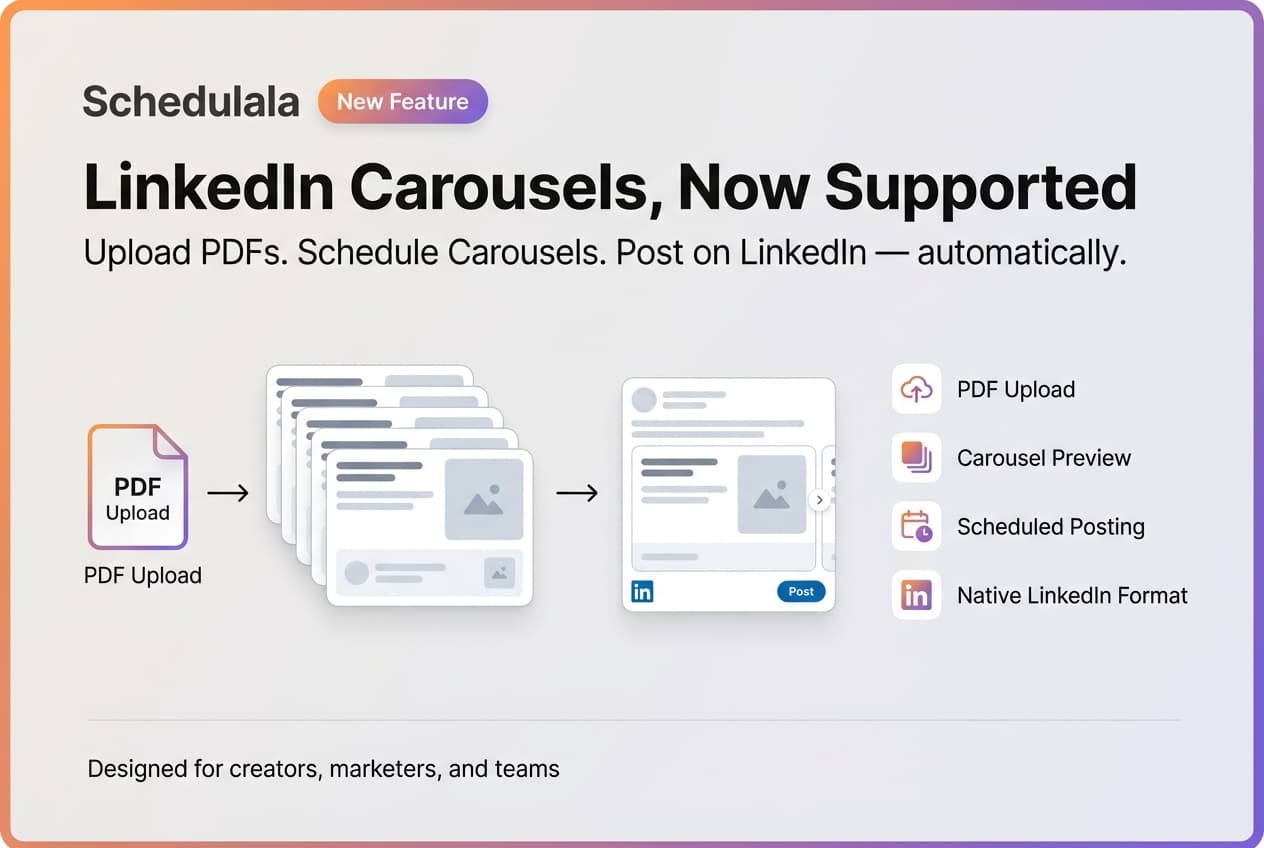
We also recently added LinkedIn PDF carousel support — another swipeable format that's great for guides and presentations.
Try Schedulala for free
Schedule posts to Bluesky, Twitter, and 8 other platforms from one dashboard.
Get started for free→