New Feature: Schedule LinkedIn PDF Carousel Posts
Upload PDFs and schedule them as swipeable carousel posts directly to LinkedIn. Perfect for presentations, guides, and visual content.

Quick answer
Schedulala now supports scheduling LinkedIn PDF carousel posts, letting you upload PDFs as swipeable slide decks directly to LinkedIn.
- •Upload PDF files that display as swipeable carousel slides on LinkedIn
- •LinkedIn carousels get 1.5-2x more engagement than text-only or image posts
- •Schedule carousels alongside posts for 11 other platforms for $9/month
- •Perfect for presentations, guides, case studies, and visual thought leadership
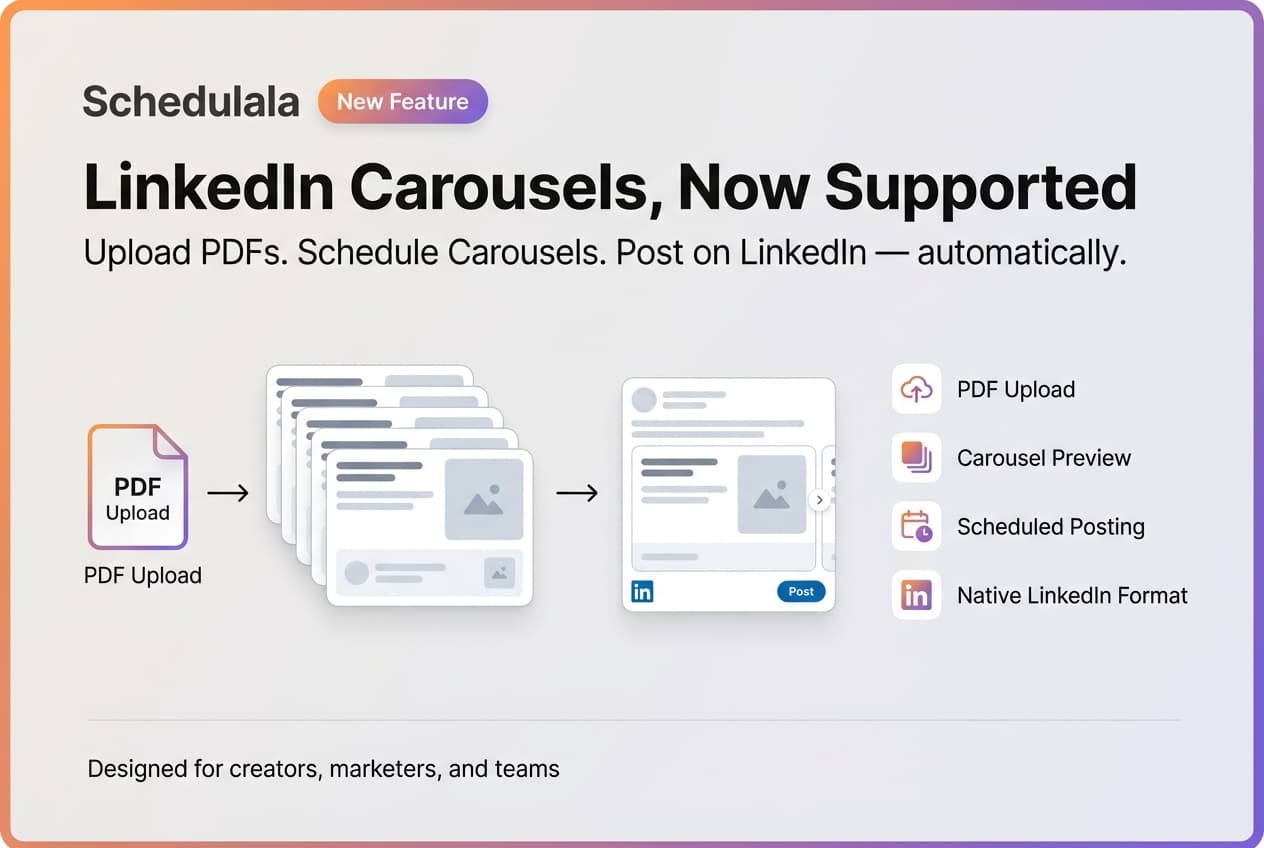
We just shipped a feature many of you have been asking for: LinkedIn PDF carousel support.
You can now upload PDF documents and schedule them as carousel posts directly to LinkedIn.
Try Schedulala for free
Schedule posts to Bluesky, Twitter, and 8 other platforms from one dashboard.
Get started for free→What Are LinkedIn Carousels?
LinkedIn carousels are swipeable document posts that display each page of your PDF as a slide. They're one of the highest-engagement content formats on LinkedIn.
Think slide decks, visual guides, step-by-step tutorials, or infographics — anything that works better as multiple pages rather than a single image. You can also repurpose this content across other platforms.
How to Use It
Step 1
Select LinkedIn as your posting platform in Schedulala.
Step 2
Upload your PDF file (up to 100MB, 300 pages max).
Step 3
Add a document title — this appears in the carousel header on LinkedIn.
Step 4
Write your post caption and schedule it. Done.
The preview shows exactly how your carousel will appear on LinkedIn, including page navigation so you can flip through your slides before posting.
Get Started
This feature is available now for all Schedulala users. Just connect your LinkedIn account and start scheduling your carousels. Want to post to multiple platforms at once? Check out our guide on scheduling to multiple platforms.
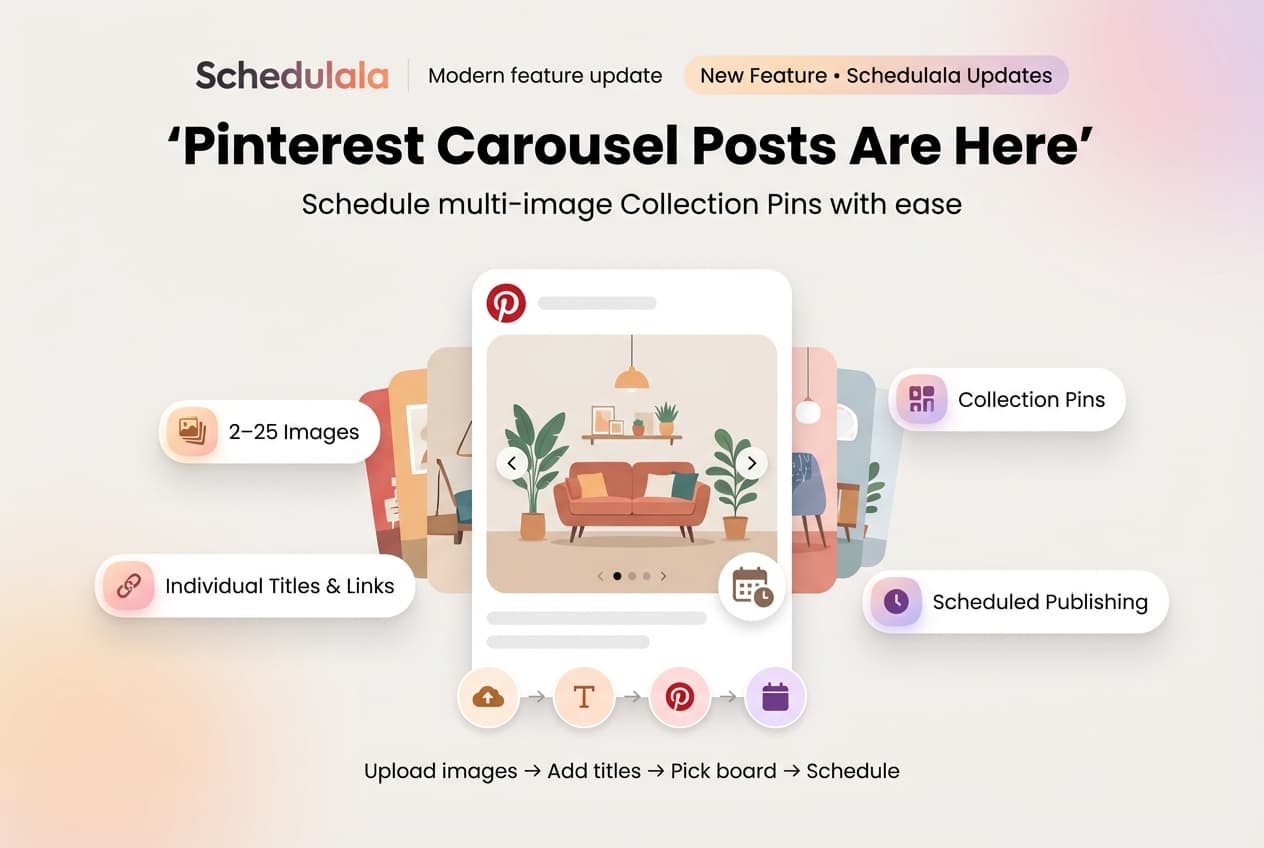
Looking for image carousels? We also support Pinterest carousel posts with up to 25 images per pin.
Try Schedulala for free
Schedule posts to Bluesky, Twitter, and 8 other platforms from one dashboard.
Get started for free→