How to Schedule Telegram Posts: Complete 2026 Guide
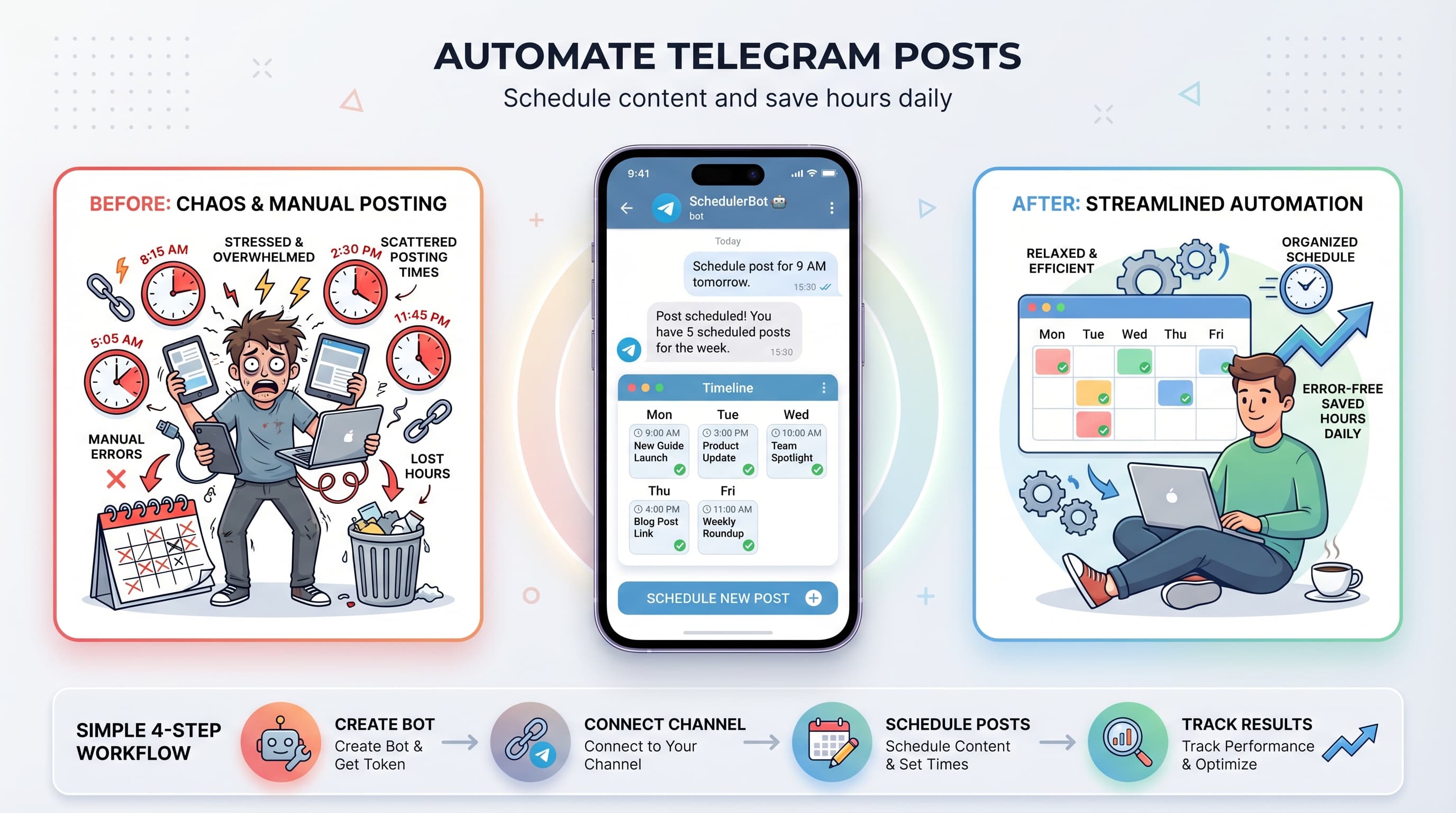
Schedule Telegram channel posts with bots, third-party tools, or built-in features. We walk through 3 methods. Setup takes under 2 minutes.

Quick answer
Schedule Telegram channel posts using Telegram's built-in timer, bots, or Schedulala for cross-platform automation in under 2 minutes.
- •Telegram's built-in scheduler: free, supports up to 100 pending messages per chat
- •Schedulala: $9/month for Telegram plus 11 other platforms with unlimited posts
- •Setup takes under 2 minutes by connecting your Telegram bot to Schedulala
- •Cross-platform scheduling lets you post to Telegram and other platforms simultaneously
Your Telegram channel has 10,000 subscribers. You posted at 3 AM because that's when you finished creating the content. Three people saw it.
Sound familiar? Telegram's engagement window is brutally short. Miss it, and your carefully crafted post drowns in the feed.
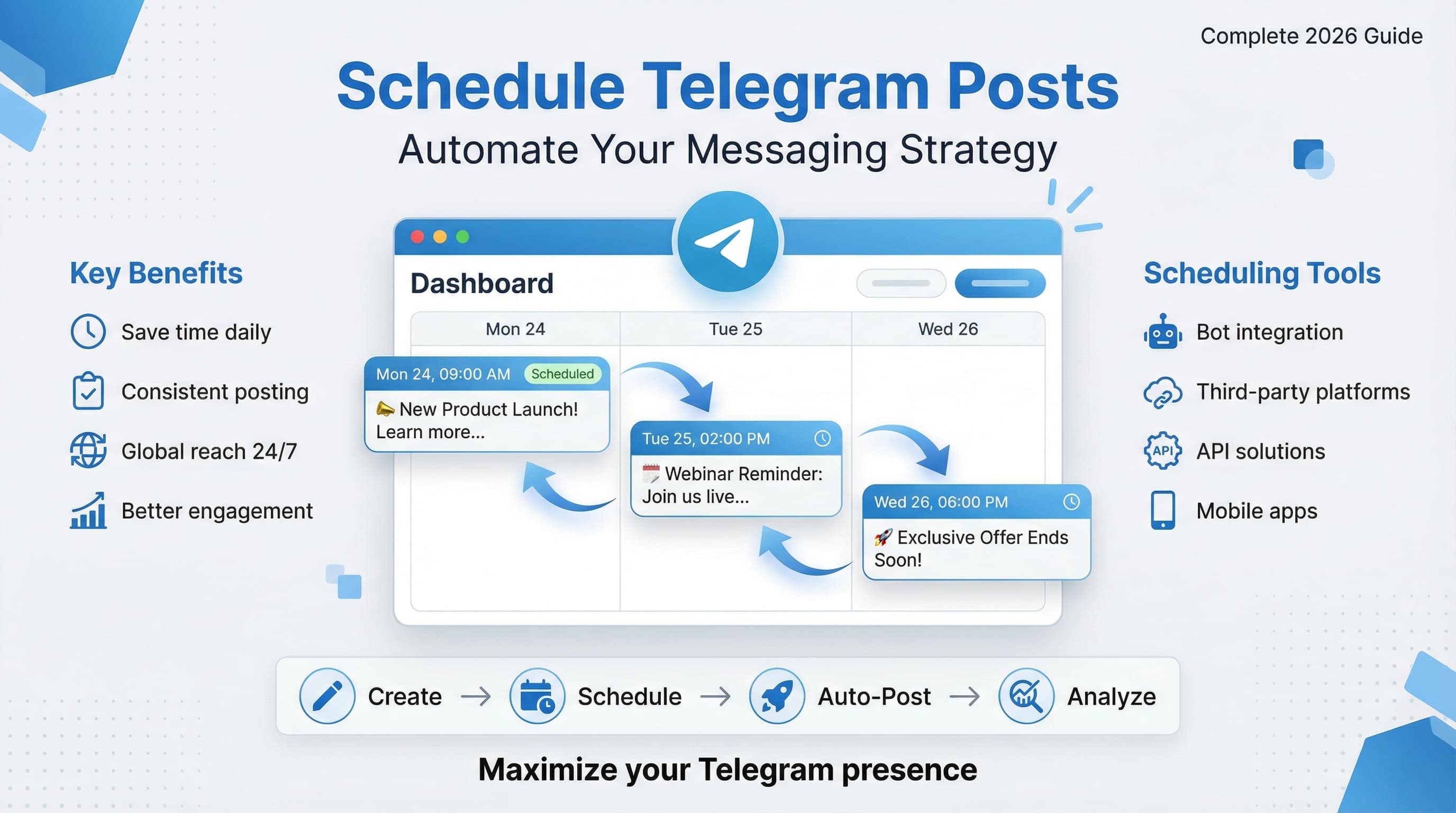
Here's the thing: scheduling Telegram posts isn't just about convenience. It's the difference between content that reaches your audience and content that exists in a void. This guide covers everything from Telegram's built-in scheduling to third-party tools, automation workflows, and the timing strategies that actually move the needle in 2026.
Try Schedulala for free
Schedule posts to Bluesky, Twitter, and 8 other platforms from one dashboard.
Get started for free→Why scheduling matters for Telegram channels
Telegram isn't like other social platforms. There's no algorithm deciding who sees your content. When you post, it goes directly to subscribers, which sounds great until you realize the implications: timing is everything.
A post published at 9 AM EST reaches European users during their lunch break and catches the US East Coast as they start their day. That same post at 9 PM? Europeans are asleep, and Americans are winding down. Your content's lifespan effectively shrinks by 70%.
The real cost of inconsistent posting
I've watched channels with 50,000 subscribers struggle to get 500 views per post. The reason wasn't bad content. It was erratic scheduling. Their audience never knew when to expect updates, so they stopped checking.
Compare that to channels posting at the same time every day. Subscribers develop habits. They check during their morning commute or lunch break because they know fresh content will be there. Consistency creates anticipation, and anticipation drives engagement.
One crypto news channel I analyzed increased their average views from 2,100 to 8,400 simply by committing to a 7 AM UTC posting schedule. No change in content quality. Just predictable timing.
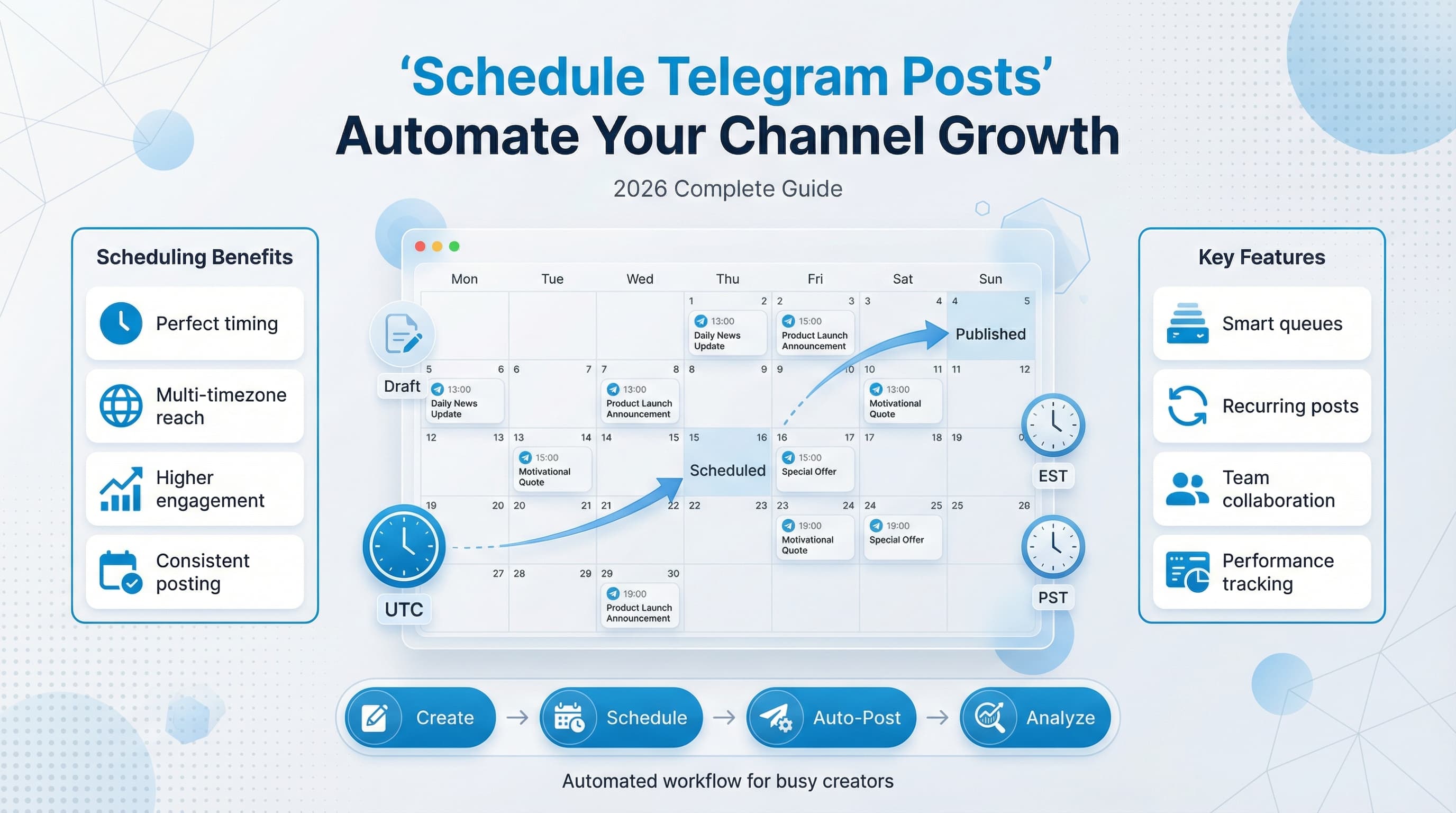
Scheduling solves the time zone problem
If you're running a channel with an international audience, you're already losing. You physically cannot be awake during every peak engagement window across all time zones.
A Telegram scheduler lets you target multiple windows. Post at 8 AM in Moscow, 2 PM in Mumbai, and 6 PM in São Paulo. Your content meets your audience where they are, not where you happen to be when inspiration strikes.
Telegram's built-in scheduling feature
Before you reach for third-party tools, know this: Telegram has native scheduling built right into the app. It's basic, but it works. And for single-channel operators, it might be all you need.
How to schedule a post in Telegram (step by step)
The process differs slightly between desktop and mobile, but the core functionality is identical. Here's the desktop method:
- Open your Telegram channel and compose your message as usual
- Instead of clicking the send button, right-click on it (or long-press on mobile)
- Select "Schedule Message" from the dropdown menu
- Choose your desired date and time from the calendar picker
- Click "Schedule" to confirm
Your message now sits in limbo until the scheduled time. To view or edit scheduled messages, click the calendar icon that appears next to the input field, or look for the "Scheduled Messages" option in your channel settings.
What you can schedule natively
Telegram's native scheduler handles most content types without issues:
- Text posts with full formatting (bold, italic, links, mentions)
- Single images and photos with captions
- Videos up to 2GB with thumbnails
- Documents and files of any type
- Voice messages and audio files
- Polls (regular and quiz-style)
- Location pins and live location shares
One limitation: you can't schedule media groups (albums) through the native interface. Each image in an album needs to be posted simultaneously, and the scheduler treats each as a separate post. This is where third-party tools start looking attractive.
Limitations of native scheduling
Telegram's built-in scheduler gets the job done for basic needs, but it falls apart quickly when you're managing content at scale.
First, there's no queue system. Every post needs its own scheduled time. Managing 30 posts across a week means manually setting 30 different timestamps. Miss one, and you've got a gap in your schedule.
Second, there's no visual calendar. You can see your scheduled posts as a list, but you can't get a bird's-eye view of your content week. Planning becomes guesswork.
Third, collaboration is nonexistent. If you have a content team, everyone needs channel admin access to schedule posts. There's no approval workflow, no draft sharing, no way to prevent someone from accidentally publishing instead of scheduling.
Finally, and this matters more than you'd think, there's no cross-platform capability. If you're also managing Instagram, LinkedIn, or Bluesky, you're juggling multiple tools with multiple logins and zero unified view of your content calendar.
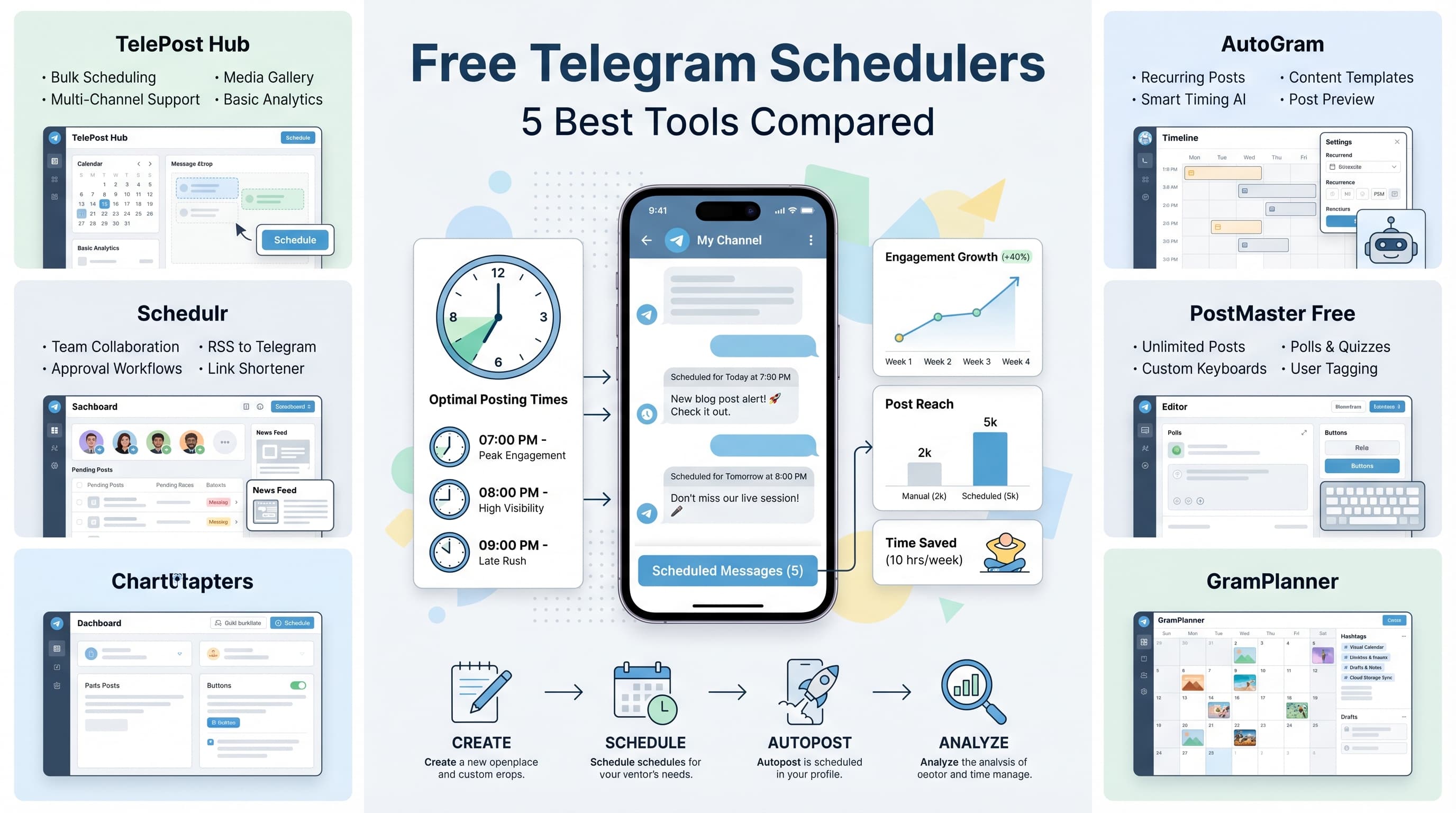
Third-party Telegram scheduler tools compared
Once you outgrow native scheduling, you've got options. But not all Telegram schedulers are created equal. Some focus exclusively on Telegram, others treat it as one platform among many. Your choice depends on your specific workflow.
| Tool | Best For | Telegram Features | Starting Price |
|---|---|---|---|
| Schedulala | Multi-platform creators | Full scheduling, queue, analytics | $9/month |
| Combot | Telegram-only channels | Scheduling, moderation, analytics | $9/month |
| Postoplan | Marketing agencies | Bulk scheduling, team access | $19/month |
| TGStat | Analytics-focused users | Basic scheduling, deep analytics | Free tier available |
| ControllerBot | Technical users | Bot-based scheduling, webhooks | Free |
What to look for in a Telegram scheduler
Don't get distracted by feature lists. Focus on what actually affects your daily workflow:
- Queue functionality: Can you set posting slots and let the tool fill them automatically?
- Media group support: Can you schedule albums as a single unit?
- Draft and approval workflow: Important if you're working with a team
- Visual calendar: See your entire content month at a glance
- Cross-posting: Schedule the same content to multiple platforms simultaneously
- Analytics integration: Track which scheduled times actually perform best
For creators managing content across multiple platforms, a unified scheduling tool makes more sense than piecing together platform-specific solutions. You can learn more about managing multiple channels efficiently in our guide to scheduling across platforms.
Setting up your Telegram scheduling workflow
Tools are just tools. The real leverage comes from building a workflow that removes friction and decision-making from your daily routine. Here's how to set up a scheduling system that actually sticks.
Step 1: Audit your current posting patterns
Before changing anything, you need data. Look at your last 30 days of posts and answer these questions:
- What times did your highest-engagement posts go live?
- What days saw the most activity?
- How many posts per day did you average?
- What content types performed best at which times?
If you don't have 30 days of data, start collecting it now. Use a simple spreadsheet: post time, content type, views at 24 hours, engagement (reactions, comments, shares). Two weeks of tracking gives you enough to start making informed scheduling decisions.
Step 2: Define your content categories
Not all content deserves the same treatment. Break your posts into categories based on purpose:
- Time-sensitive content (news, announcements, live events)
- Evergreen content (tutorials, resources, reference material)
- Engagement content (polls, questions, discussions)
- Promotional content (product launches, offers, CTAs)
Each category has different timing requirements. News needs to go out immediately (and probably shouldn't be scheduled at all). Evergreen content can be queued weeks in advance. Engagement posts work best during high-activity windows when people are likely to respond.
Step 3: Create your posting schedule template
Based on your audit and categories, build a weekly template. Here's an example for a news and commentary channel:
- Monday 8 AM: Week preview post (evergreen)
- Tuesday 10 AM: Deep-dive analysis (evergreen)
- Wednesday 12 PM: Community poll (engagement)
- Thursday 8 AM: Industry news roundup (time-sensitive)
- Friday 2 PM: Weekend discussion prompt (engagement)
- Saturday 10 AM: Best-of-week recap (evergreen)
Your template doesn't need to be rigid. It's a starting point, a default that prevents decision paralysis. If something urgent comes up, you can always add or adjust.
Step 4: Batch create your content
This is where the real time savings happen. Instead of creating content daily, batch your work into focused sessions. Most successful channel operators use one of two approaches:
The weekly batch: Every Sunday (or whatever works for you), create all content for the upcoming week. Schedule everything in one sitting. Your weekdays become execution-free zones focused on engagement and spontaneous content.
The monthly sprint: Once a month, create all evergreen content for the next 30 days. Schedule it all. Then spend your daily time on time-sensitive content only.
Batching works because context-switching is expensive. When you're in "creation mode," stay there. When you're in "scheduling mode," schedule everything at once. For more on this approach, check out our guide to batch content creation.
Best times to schedule Telegram posts
Let's cut through the generic advice. "Post when your audience is online" is useless without specifics. Here's what the data actually shows for Telegram engagement in 2026.
Global peak hours
Telegram's user base skews heavily toward Eastern Europe, the Middle East, and South Asia. If your channel has a broad international audience, these windows consistently outperform:
- 8:00-10:00 AM UTC: Catches morning routines in Europe and lunch breaks in Asia
- 12:00-2:00 PM UTC: European lunch, early morning US East Coast
- 6:00-8:00 PM UTC: Evening in Europe, afternoon in Americas
These are starting points, not gospel. Your specific audience will have specific patterns. The only way to know for sure is to test and measure.
Day-of-week patterns
Engagement varies significantly by day, and it depends on your content type:
- Monday: High engagement for informational content (people catching up after weekend)
- Tuesday-Wednesday: Peak days for most channel types
- Thursday: Strong for promotional content (people making weekend plans)
- Friday: Lower engagement but good for light, entertaining content
- Saturday-Sunday: Highly variable (great for hobby channels, weak for business content)
| Content Type | Best Days | Best Times (UTC) | Why It Works |
|---|---|---|---|
| Breaking News | Any day | ASAP (don't schedule) | Time-sensitive |
| Educational/Tutorials | Tue-Thu | 9 AM, 6 PM | High focus periods |
| Polls/Engagement | Wed-Fri | 12-2 PM | Lunch break browsing |
| Promotional | Thu-Fri | 10 AM, 5 PM | Pre-weekend buying mode |
| Entertainment | Fri-Sun | 7-9 PM | Leisure time |
Advanced Telegram automation strategies
Basic scheduling is just the beginning. Once you have that foundation, you can layer on automation that saves even more time while improving results.
Auto-posting from RSS feeds
If you curate content from multiple sources, manually checking and posting gets old fast. Set up RSS-to-Telegram automation using tools like IFTTT, Zapier, or dedicated RSS bots.
The workflow looks like this: RSS feed updates → Automation tool catches new item → Formats the post → Sends to Telegram channel (optionally with a delay for review).
Be careful with pure automation. Channels that just blast RSS feeds without curation lose subscribers fast. Use automation to surface content for review, not to replace editorial judgment.
Cross-posting workflows
Creating platform-specific content is ideal, but not always realistic. When you need to post similar content across platforms, set up a workflow that adapts the content automatically.
A practical approach: Create your master content in a Google Doc or Notion page. Use automation to pull that content and format it appropriately for each platform. Telegram gets the full version with rich formatting. Twitter/X gets a truncated version with a link. LinkedIn gets a more professional tone.
Tools like Schedulala can handle this cross-posting automatically, adjusting formatting and length while maintaining your core message. Our social media automation guide covers the details of setting this up properly.
Recurring post automation
Some content should post on a regular schedule without any manual intervention. Examples include:
- Weekly discussion threads ("What are you working on this week?")
- Daily market updates pulled from an API
- Monthly milestone celebrations ("We hit X subscribers!")
- Reminder posts for recurring events
Set these up once and forget them. They maintain channel activity during busy periods and give your audience consistent touchpoints.
Bot-assisted content scheduling
Telegram's Bot API opens up possibilities that most scheduling tools don't offer. If you're technically inclined (or have access to a developer), custom bots can:
- Schedule posts based on external triggers (stock price changes, weather alerts, score updates)
- Automatically translate and post to language-specific channels
- Queue user-submitted content for admin approval before posting
- Generate and post data visualizations on a schedule
ControllerBot and Combot offer some of this functionality out of the box. For anything more custom, you're looking at building your own bot using Python's python-telegram-bot library or Node.js alternatives.
Common Telegram scheduling mistakes (and how to avoid them)
I've seen channels with great content fail because of scheduling missteps. These are the most common traps and how to sidestep them.
Mistake 1: Over-scheduling
The temptation to "get ahead" leads some channel operators to schedule 50 posts in advance. Then something happens: a major event, a trend, a news story that makes your scheduled content irrelevant or tone-deaf.
The fix: Never schedule more than two weeks of content for time-sensitive topics. For evergreen content, you can go further, but review your queue weekly. Cancel or reschedule anything that no longer fits.
Mistake 2: Ignoring time zone shifts
Daylight saving time changes catch people every year. Your 9 AM post suddenly goes out at 8 AM or 10 AM for half your audience. Engagement drops, and you don't notice for weeks.
The fix: Use a scheduling tool that handles time zones intelligently, or set calendar reminders to review your schedule during DST transitions (March and November for most regions).
Mistake 3: Scheduling without context
A promotional post scheduled for Tuesday morning goes out on Tuesday morning, which happens to be September 11th. Or a lighthearted meme posts right as a tragedy hits the news.
The fix: Maintain a "do not post" calendar of sensitive dates for your audience. Check your scheduled content against breaking news before it goes out. Most tools let you pause scheduled posts with one click.
Mistake 4: Set and forget mentality
Scheduling doesn't mean abandoning your channel. I've seen operators schedule a week of content, then disappear. Comments go unanswered. Questions pile up. The channel feels dead despite regular posts.
The fix: Schedule your content, but stay present. Check comments, respond to messages, participate in discussions. Scheduling handles the posting; you handle the community.
Mistake 5: Uniform posting intervals
Posting at exactly 9 AM every single day without variation is predictable in a bad way. It signals automation. Subscribers feel like they're interacting with a robot.
The fix: Vary your posting times slightly. Instead of always posting at 9:00 AM, rotate between 8:47 AM, 9:12 AM, and 9:23 AM. It's a small thing, but it makes your presence feel more human.
Measuring scheduled post performance
Scheduling without tracking is just guessing with extra steps. You need to know which scheduled times, days, and content types actually perform best for your specific audience.
Key metrics to track
Focus on metrics that actually matter for growth and engagement:
- View-to-subscriber ratio: What percentage of subscribers actually see each post?
- Engagement rate: Reactions, comments, and shares divided by views
- Forward rate: How often is your content shared outside the channel?
- Subscriber growth by post: Which posts drive new subscriptions?
- Optimal posting time analysis: Which scheduled times get the best results?
Building a tracking system
Telegram's native analytics are limited, especially for smaller channels. Build your own tracking system with these components:
- A spreadsheet tracking each post's time, type, and 24-hour performance
- Weekly review sessions to identify patterns
- Monthly A/B testing of different scheduled times
- Quarterly strategy reviews based on accumulated data
Third-party tools like TGStat or Popsters provide deeper analytics if you're willing to pay. They can surface insights like optimal posting frequency and content type performance that would take months to figure out manually.
Running scheduling experiments
Don't trust generic advice (including this guide). Run your own experiments. Here's a simple framework:
- Hypothesis: "Posting at 7 PM UTC will outperform our current 9 AM UTC slot"
- Test period: Two weeks minimum, ideally four
- Control: Keep content type and quality consistent
- Measurement: Compare average engagement between old and new times
- Decision: Adopt the new time if it outperforms by 10% or more
One variable at a time. If you change posting time and content format simultaneously, you won't know which change drove the results.
Telegram scheduler integrations worth setting up
Your Telegram scheduler becomes more powerful when connected to your other tools. Here are the integrations that deliver the most value.
Content calendar integration
Sync your Telegram scheduler with a central content calendar (Google Calendar, Notion, Airtable). This gives you a unified view of all your content across all platforms. When you plan a campaign, you see exactly how Telegram fits into the bigger picture.
Most scheduling tools offer calendar exports or direct integrations. Set this up first; it's the foundation for organized content management.
Analytics dashboard connection
If you're using a BI tool like Looker, Tableau, or even Google Data Studio, pipe your Telegram metrics in. Seeing your scheduled post performance alongside website traffic, email opens, and sales data reveals correlations you'd otherwise miss.
That Tuesday 9 AM post that seems to underperform on engagement? It might actually drive the highest conversion rate on your website. You'd never know without connected analytics.
Team communication tools
Connect your scheduler to Slack, Discord, or Microsoft Teams. Set up notifications for:
- Posts going live (so everyone knows content is out)
- High-engagement posts (so you can capitalize on momentum)
- Scheduling errors or failed posts (so you can fix issues fast)
- Queue running low (so someone can add more content)
AI writing tool connections
Tools like ChatGPT, Claude, or Jasper can draft Telegram content that you then review and schedule. Set up a workflow where AI generates first drafts based on topics you specify, deposits them in a review queue, and you edit and approve for scheduling.
This isn't about replacing your voice. It's about handling the blank page problem. AI gets something on the page; you make it yours.
Building a sustainable Telegram posting routine
The best scheduling system is one you actually use. Here's how to build habits that stick.
The weekly scheduling ritual
Pick one day per week as your scheduling day. Mine is Sunday evening. Here's the process:
- Review last week's performance (15 minutes)
- Identify content gaps for the upcoming week (10 minutes)
- Create or curate content to fill gaps (60-90 minutes)
- Schedule all content with appropriate times (20 minutes)
- Set reminder to check Monday morning before first post (1 minute)
Total time: Under two hours for a week's worth of scheduled content. Compare that to the mental load of daily "what should I post?" decisions.
The content bank approach
Build a reserve of evergreen content that can be scheduled whenever you need to fill gaps. Aim for 20-30 pieces of content that work anytime.
Store these in a dedicated folder or database. When you're building your weekly schedule and come up short, pull from the bank. Replenish the bank during creative bursts when ideas flow easily.
This approach eliminates the panic of "I have nothing to post tomorrow." There's always something in the bank.
Managing multiple Telegram channels
If you run multiple channels (common for agencies or creators with niche audiences), separate scheduling sessions prevent bleed-over and mistakes.
- Schedule each channel in distinct time blocks
- Use color coding or tagging in your calendar
- Double-check you're posting to the right channel before confirming
- Consider separate scheduling tools if channels are very different in tone
Your Telegram scheduling action plan
Here's what to do with everything you've just read. Start today, not next week.
This week
- Audit your last 14 days of posts: times, engagement, content types
- Identify your three best-performing posting times
- Try Telegram's native scheduling for at least 5 posts
- Start a simple tracking spreadsheet
This month
- Create a weekly posting template based on your data
- Test at least two different scheduling tools
- Set up your weekly scheduling ritual
- Build your first content bank (10 evergreen pieces minimum)
This quarter
- Run controlled experiments on posting times
- Implement at least one automation (RSS, cross-posting, or recurring posts)
- Review and refine your scheduling strategy based on accumulated data
- Expand to multi-platform scheduling if not already doing so
Ready to automate your Telegram channel? Check out our Telegram scheduling features to see how Schedulala can help you stay consistent.
Try Schedulala for free
Schedule posts to Bluesky, Twitter, and 8 other platforms from one dashboard.
Get started for free→