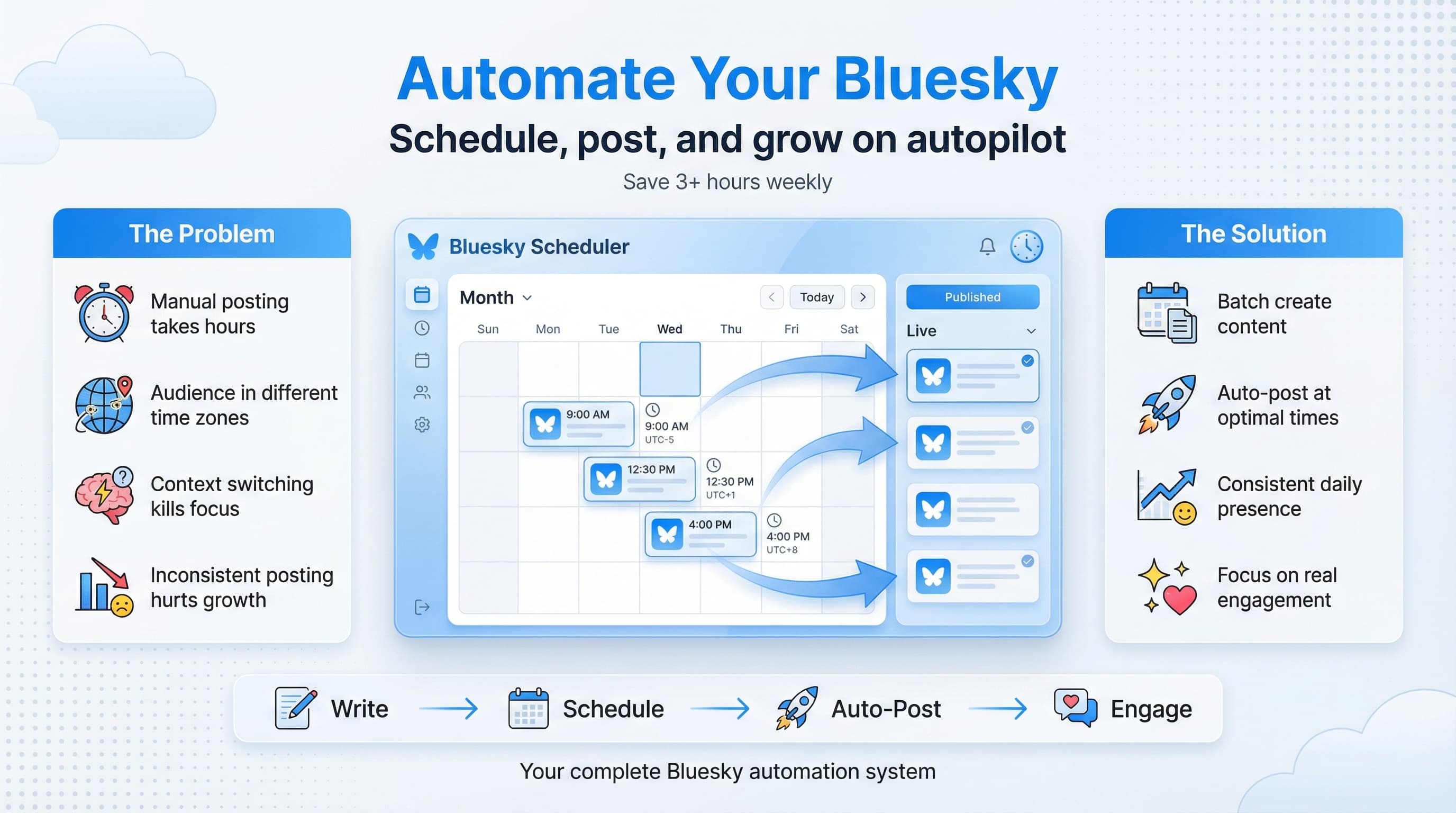
How to Schedule Posts on Bluesky: Complete 2026 Guide
Learn how to schedule posts on Bluesky using free and paid tools. Step-by-step guide to automating your Bluesky content and growing your audience in 2026.

Quick answer
Schedule Bluesky posts by connecting your account to Schedulala, composing your post, selecting a date and time, and clicking schedule.
- •Connect your Bluesky account to Schedulala using your handle and app password
- •Compose posts, add images, and schedule to specific dates and times
- •Schedulala supports Bluesky scheduling for $9/month across 12 platforms with unlimited posts
- •Schedule Bluesky threads by composing multiple connected posts in sequence
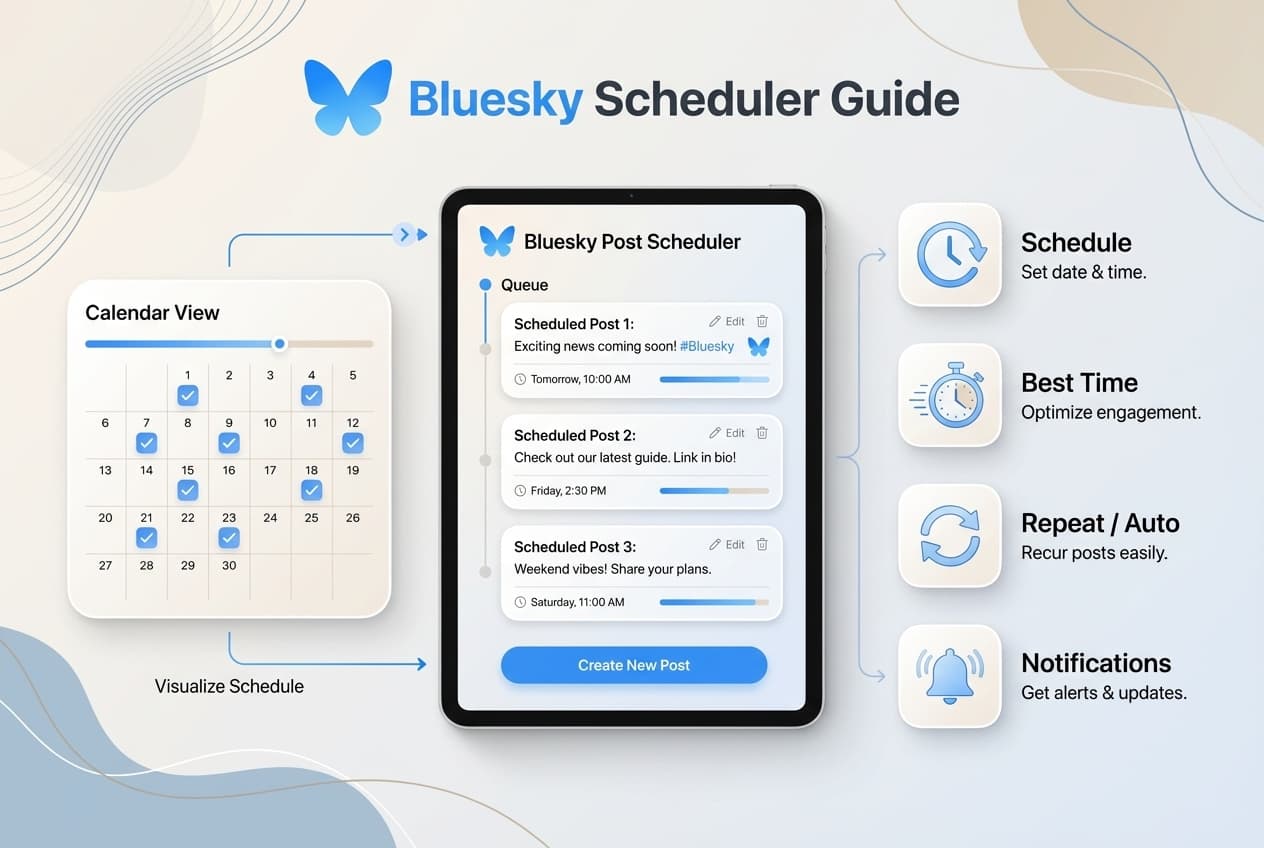
Bluesky is no longer the "Twitter alternative" people check occasionally. It's become a serious platform with millions of active users.
But posting manually every day is exhausting. You've got a business to run and probably three other platforms demanding attention.
The solution? Schedule your Bluesky posts in advance.
Try Schedulala for free
Schedule posts to Bluesky, Twitter, and 8 other platforms from one dashboard.
Get started for free→Can You Schedule Posts on Bluesky?
Bluesky doesn't offer built-in scheduling (yet). But Bluesky's open API has made it easy for scheduling tools to add support.
For the quick answer, see our post on can you schedule posts on Bluesky.
Why Schedule Bluesky Posts?
Before we dive into the how, let's talk about why scheduling matters — especially on a newer platform like Bluesky.
1. Consistency Builds Trust
The Bluesky algorithm favors accounts that post regularly. When you schedule content in advance, you guarantee you'll show up consistently — even on days when you're busy.
2. Batch Creation Saves Hours
Instead of context-switching between "creator mode" and "posting mode" every day, you can batch-create a week's worth of content in one sitting. Our social media automation guide walks you through setting up this workflow.
3. Post at Optimal Times
Your audience isn't online at random times. They have patterns. Scheduling lets you hit those peak engagement windows even if they don't align with your personal schedule.
4. Cross-Platform Efficiency
If you're also posting to Instagram, TikTok, LinkedIn, X (Twitter), or other platforms, a scheduler lets you manage everything from one dashboard. Create once, distribute everywhere.
Wondering which platform to prioritize? Check our Bluesky vs Twitter comparison. And once you're on Bluesky, use custom feeds to discover relevant content and grow your audience.
5. Mental Freedom
There's something deeply satisfying about knowing your content is handled for the next week (or month). You can focus on engagement, strategy, and actually running your business — or exploring Bluesky starter packs to find new accounts to follow.
How to Schedule Bluesky Posts (Step-by-Step)
Here's exactly how to schedule your first Bluesky post using a third-party scheduling tool. We'll use Schedulala as the example, but the general process is similar across most tools.
Step 1: Choose Your Scheduling Tool
Pick a scheduler that supports Bluesky. Not all social media tools do yet, so check before signing up. Look for:
- Native Bluesky integration (not just "coming soon")
- Support for images and text posts
- A visual content calendar
- Reasonable pricing for your needs
Step 2: Connect Your Bluesky Account
Once you've signed up for your scheduler:
- Go to your account settings or "Connected Accounts" section
- Click "Add Account" and select Bluesky
- Enter your Bluesky handle (e.g., @yourusername.bsky.social)
- Authorize the connection using your app password
Step 3: Create Your Post
With your account connected:
- Click "Create Post" or "New Post"
- Select Bluesky as your target platform
- Write your post content (up to 300 characters)
- Add an image if desired (Bluesky supports images up to 1MB)
- Preview how it will look
Step 4: Choose Your Date and Time
Instead of posting immediately:
- Click "Schedule" instead of "Post Now"
- Select the date from the calendar
- Choose the time (consider your audience's timezone)
- Confirm the scheduling
Step 5: Review and Confirm
Before finalizing, double-check the content for typos, verify the image looks correct, confirm the date and time are right, and make sure you selected the correct Bluesky account (if you have multiple).
Step 6: Let It Run
Once scheduled, your post will automatically publish at the specified time. You'll typically get a notification confirming it was posted successfully.
See It in Action
This is what scheduling a Bluesky post looks like in Schedulala
Best Bluesky Scheduling Tools in 2026
Not all schedulers are created equal. Here are the top tools that support Bluesky scheduling right now. (For a detailed comparison, see our best Bluesky scheduling tools guide, or our comprehensive Bluesky scheduler guide for everything you need to know.)
1. Schedulala
Best for: Small businesses and creators who want affordable multi-platform scheduling
Schedulala supports Bluesky alongside 9 other platforms. It's built specifically for small businesses using Bluesky and solo creators who need simple, reliable scheduling without enterprise pricing.
Key Features: Visual content calendar, cross-platform posting, optimal posting time suggestions, plans starting at $9/month.
2. Buffer
Best for: Teams who need collaboration features
Buffer added Bluesky support in late 2024. It's a solid choice if you're already using Buffer for other platforms.
3. Typefully
Best for: Writers and thought leaders focused on text content
Typefully started as a Twitter thread tool but has expanded to support Bluesky. It's particularly good if you write long-form threads.
Free vs Paid Scheduling Options
Budget matters. Here's how to think about free vs paid Bluesky scheduling. (See our free Bluesky scheduler guide for more options.)
Free Options
Pros: No financial commitment, good for testing if scheduling works for you, usually sufficient for very low posting volumes.
Cons: Limited number of scheduled posts, fewer platforms supported, basic or no analytics.
Paid Options
Pros: Unlimited or higher post limits, full feature access, priority support, advanced analytics.
When to upgrade: If you're posting more than 10 times per month, hitting free tier limits, or need features like analytics.
How to Create a Bluesky Content Schedule
Having a scheduling tool is step one. Knowing what to schedule is step two. Here's a simple framework for planning your Bluesky content:
The 3-2-1 Weekly Framework
- 3 Value Posts — Educational content, tips, insights, or helpful information related to your niche.
- 2 Engagement Posts — Questions, polls, opinions, or conversation starters.
- 1 Promotional Post — Content about your product, service, or offer.
This gives you 6 posts per week — enough to stay visible without overwhelming your audience.
Batch Creation Day
Pick one day per week to create and schedule all your content. Many creators use Sunday afternoon. Review your content ideas, write all 6 posts, add images, schedule everything, and you're done until next week.
Bluesky Scheduling Best Practices
Follow these practices to get the most out of your scheduled content:
1. Don't 'Set and Forget' Completely
Schedule your posts, but still check Bluesky daily to reply to comments and engage with others' content. Scheduled posting + real-time engagement = the winning combination.
2. Use Your Analytics
Pay attention to which posts get the most engagement, what times perform best for YOUR audience, and which content types resonate. Adjust your strategy based on data, not guesses. If you're also on X/Twitter, check out our guide on X/Twitter analytics for tracking performance across platforms.
3. Leave Room for Spontaneity
Don't schedule every single post. Leave space for real-time reactions to news or trends. A good ratio: 70% scheduled, 30% spontaneous.
4. Optimize Your Posting Times
Based on early Bluesky data, general best times to post on Bluesky include weekday mornings (8-10am) and early evening (5-7pm). But test for your specific audience.
5. Write Natively for Bluesky
Don't just copy-paste your Twitter/X posts. Bluesky vs Twitter — they have different cultures and norms: 300 character limit, more tech-savvy audience, and a community-focused vibe.
Common Scheduling Mistakes to Avoid
Mistake 1: Scheduling Too Far Ahead
Scheduling a month of content seems efficient, but trends change and news happens.
Mistake 2: Ignoring Engagement
Scheduled posts that get replies you never answer = wasted opportunity.
Mistake 3: Same Content Everywhere
Cross-posting the exact same content to every platform usually performs poorly.
Mistake 4: Never Reviewing What Works
Scheduling is efficient. But if you never analyze results, you're just being efficiently mediocre.
FAQ
Can you schedule Bluesky posts for free?
Buffer offers a limited free tier for Bluesky scheduling. Schedulala offers a 7-day free trial to test all features. Either option lets you try scheduling before committing.
Does Bluesky have built-in scheduling?
No. As of early 2026, Bluesky doesn't have native scheduling features. You need a third-party tool to schedule posts in advance.
How many posts should I schedule on Bluesky per day?
For most users, 1-2 posts per day is plenty. Quality matters more than quantity on Bluesky.
Will scheduled posts hurt my Bluesky reach?
No. Bluesky can't tell the difference between a scheduled post and a manual post. The content appears the same to the algorithm and your audience.
What's the best time to post on Bluesky?
General best times are weekday mornings (8-10am) and early evenings (5-7pm) in your audience's timezone. But this varies by audience — use your scheduler's analytics to find your optimal times.
Start Scheduling Your Bluesky Posts Today
The next step? Pick a scheduler and post your first scheduled content.
If you're looking for an affordable option that supports Bluesky alongside 9 other platforms, try Schedulala free for 7 days. Cancel anytime.
Try Schedulala for free
Schedule posts to Bluesky, Twitter, and 8 other platforms from one dashboard.
Get started for free→