Can You Schedule Posts on Bluesky? Yes — Here's How
Yes, you can schedule Bluesky posts. Use Schedulala, Buffer, or Fedica - all connect via Bluesky's API. Setup takes 2 minutes.

Quick answer
Yes, you can schedule Bluesky posts using third-party tools like Schedulala that connect through Bluesky's open AT Protocol API.
- •Bluesky does not have built-in post scheduling in its app
- •Third-party tools like Schedulala use the AT Protocol API to schedule posts
- •Schedulala supports Bluesky scheduling for $9/month with unlimited posts
- •Schedule text posts, image posts, and threads to Bluesky in advance
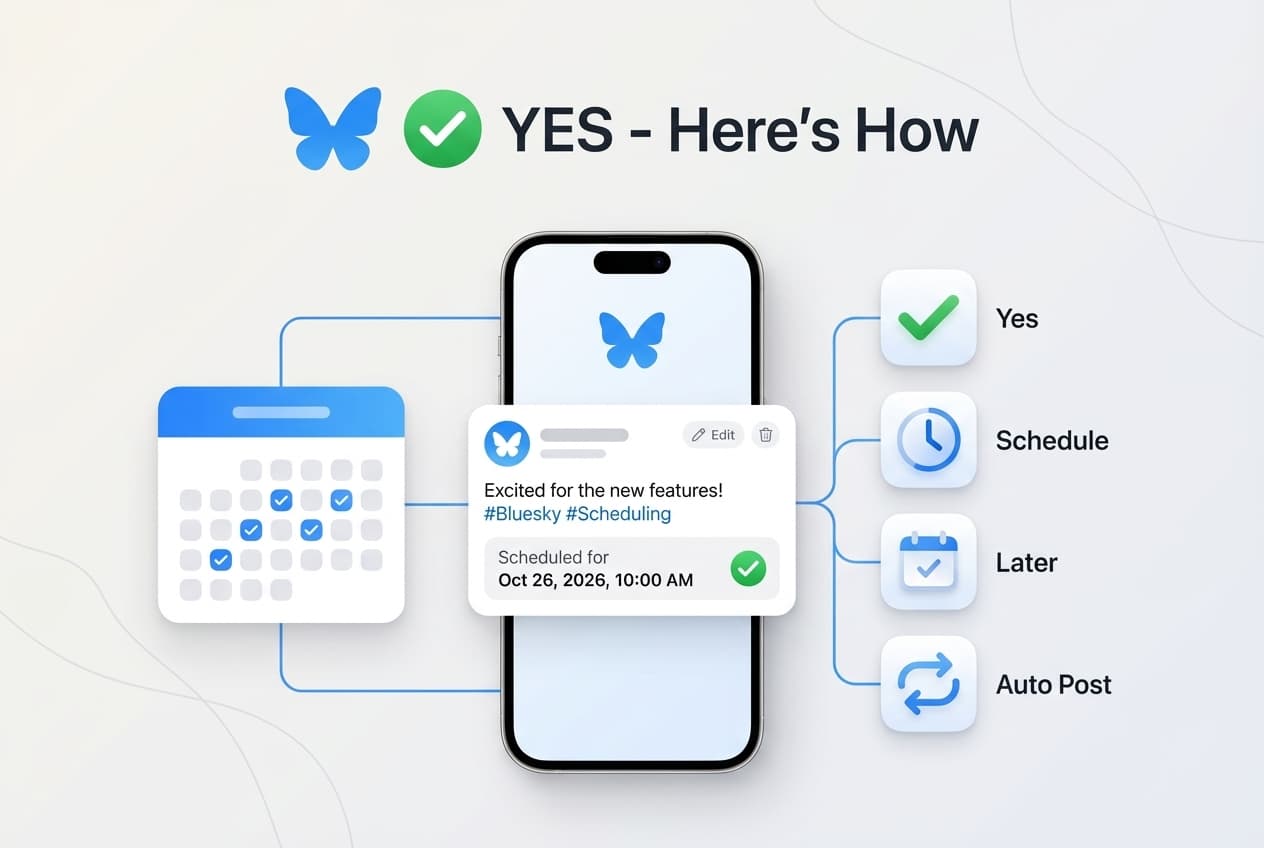
Bluesky doesn't have built-in scheduling yet, but third-party tools now support it. You can set up automated posting in under 5 minutes.
Try Schedulala for free
Schedule posts to Bluesky, Twitter, and 8 other platforms from one dashboard.
Get started for free→Does Bluesky Have Native Scheduling?
No. As of January 2026, Bluesky doesn't offer built-in post scheduling.
When you open Bluesky and compose a post, your only option is to publish immediately. There's no "Schedule for later" button like you might find on some other platforms.
This means if you want to schedule Bluesky posts, you need a third-party scheduling tool.
The good news: Bluesky's open API makes it easy for external tools to connect. Several popular social media schedulers have already added Bluesky support.
How Bluesky Scheduling Actually Works
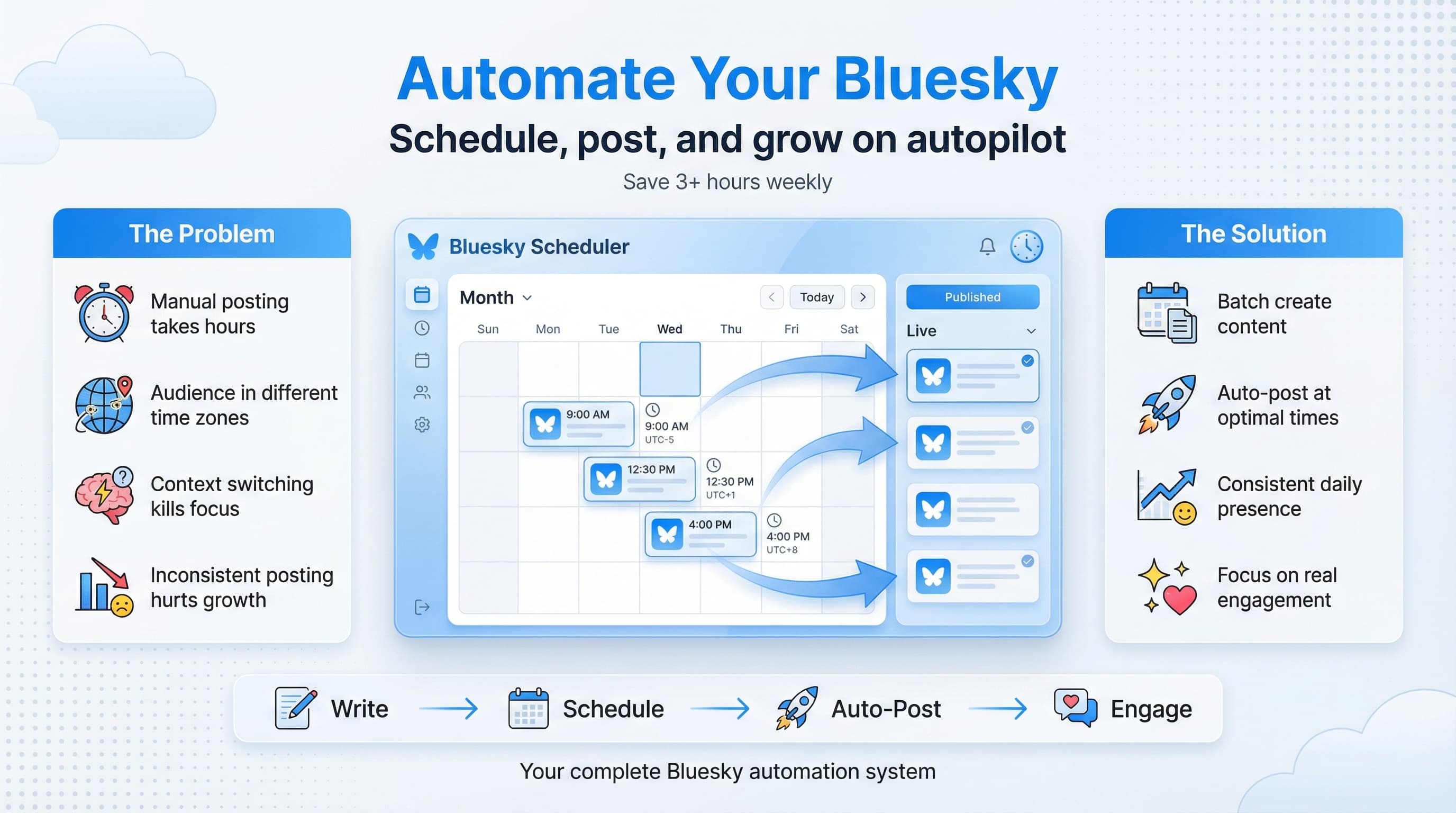
Here's what happens behind the scenes when you schedule a Bluesky post:
The Scheduling Process
- You connect your Bluesky account to a scheduling tool using an "app password"
- You write your post in the scheduling tool and pick a date/time
- The tool stores your post and waits until the scheduled time
- At the scheduled time, the tool automatically publishes via the API
- The post appears on Bluesky exactly as if you'd manually posted it
Which Tools Let You Schedule Bluesky Posts?
Several social media schedulers now support Bluesky. Here are the main options. (For a full comparison, see our best Bluesky scheduling tools guide.)
Schedulala
Supports Bluesky plus 9 other platforms. Built for small businesses and creators.
- Pricing: 7-day free trial, then $9/month
- Bluesky features: Text posts, images, scheduling calendar
- Best for: Multi-platform scheduling on a budget
Buffer
Popular scheduler that added Bluesky support in 2024. Good if you're already using Buffer.
- Pricing: Free tier available, paid from $6/month per channel
- Best for: Teams and existing Buffer users
Typefully
Originally built for Twitter threads, now supports Bluesky. Great for writers.
- Pricing: Free tier available, paid from $12.50/month
- Best for: Thread creators and writers
How to Schedule Your First Bluesky Post
Here's a quick walkthrough to get you scheduling in the next 5 minutes:
Step 1: Create a Bluesky App Password
Before connecting any scheduler, you need an app password:
- Open Bluesky and go to Settings
- Navigate to Privacy and Security
- Click App Passwords
- Click Add App Password
- Give it a name (e.g., "Schedulala")
- Copy the generated password — you'll need it next
Step 2: Connect to Your Scheduling Tool
Using your scheduler of choice:
- Go to account settings or "Connected Accounts"
- Click Add Account and select Bluesky
- Enter your Bluesky handle (e.g., yourname.bsky.social)
- Paste the app password you created
- Authorize the connection
Step 3: Create and Schedule a Post
Now the fun part:
- Click Create Post or New Post
- Select Bluesky as the platform
- Write your post (up to 300 characters)
- Add an image if you want (optional)
- Click Schedule instead of Post Now
- Pick your date and time
- Confirm
For a more detailed walkthrough, see our complete guide to scheduling Bluesky posts.
See It in Action
This is what scheduling a Bluesky post looks like in Schedulala
Frequently Asked Questions
Is scheduling posts on Bluesky free?
Buffer offers a limited free tier for Bluesky scheduling. Schedulala offers a 7-day free trial so you can test all features before committing to $9/month. For more options, see our free Bluesky scheduler guide.
Will Bluesky add native scheduling?
Possibly. Bluesky is still actively developing new features, and scheduling is a commonly requested addition. But as of early 2026, there's no official timeline for native scheduling.
Can I schedule image posts on Bluesky?
Yes. Most Bluesky scheduling tools support image uploads. Just add your image when creating the post in your scheduler, and it'll be included when the post publishes.
Does scheduling hurt my Bluesky reach?
No. Bluesky can't distinguish between scheduled posts and manual posts. The content appears exactly the same to the algorithm and your followers.
Can I schedule to Bluesky and other platforms at the same time?
Yes. Tools like Schedulala let you schedule the same post (or variations) to Bluesky, Instagram, TikTok, LinkedIn, and other platforms simultaneously.
What's the character limit for scheduled Bluesky posts?
Same as regular Bluesky posts: 300 characters. Your scheduling tool should enforce this limit and warn you if you go over.
Why Schedule Instead of Posting Manually?
If you're still on the fence, here's why scheduling is worth the 5-minute setup:
Benefits of Scheduling
- Save time. Batch-create a week of content in one sitting.
- Stay consistent. The algorithm rewards accounts that post regularly.
- Hit optimal times. Post when your audience is online, even if that's 6am on a Tuesday.
- Reduce stress. Knowing your content is handled for the week is genuinely freeing.
- Cross-post efficiently. Schedule everything from one dashboard.
See our guide on the best time to post on Bluesky.
Start Scheduling Bluesky Posts Today
The quickest path forward:
- Pick a scheduling tool (Schedulala has a 7-day free trial)
- Create your Bluesky app password
- Connect your account
- Schedule your first post
That's it. You'll wonder why you didn't start sooner.
Try Schedulala for free
Schedule posts to Bluesky, Twitter, and 8 other platforms from one dashboard.
Get started for free→