How to Schedule Posts to Multiple Platforms at Once (Complete 2026 Guide)
Learn how to schedule posts to multiple platforms simultaneously. Save hours with cross-platform posting strategies and automation tools.

Quick answer
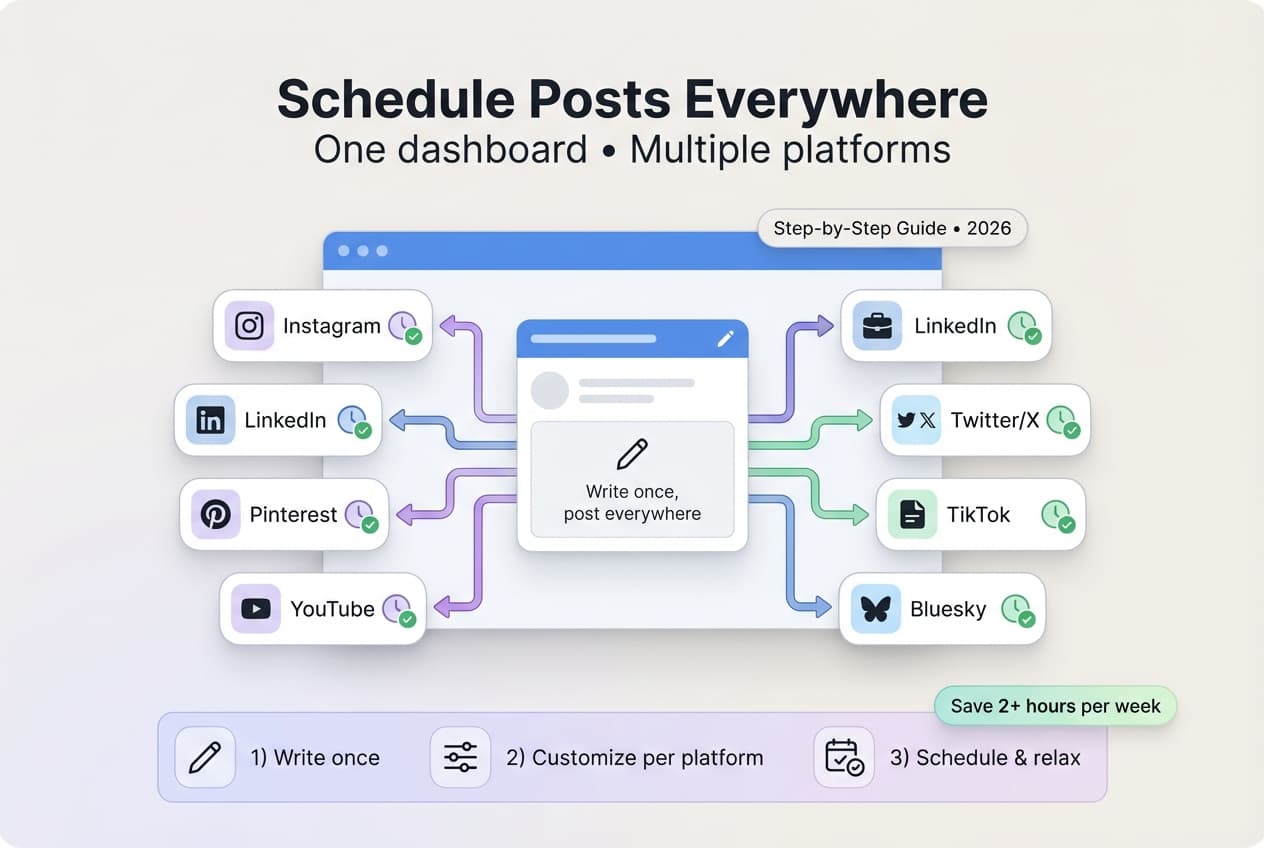
Schedule posts to multiple platforms at once using a cross-platform scheduler like Schedulala that supports 10 social networks from one dashboard.
- •Schedulala supports Instagram, TikTok, Twitter/X, LinkedIn, YouTube, Facebook, Threads, Bluesky, Pinterest, and Telegram
- •Write one post, customize per platform, and schedule to all at once for $9/month
- •Customize captions, hashtags, and media for each platform before publishing
- •Cross-platform scheduling saves 5-10 hours per week versus posting manually
Managing multiple social media accounts feels like juggling flaming torches while riding a unicycle.
You craft the perfect post, then spend 20 minutes copying and pasting it across Instagram, TikTok, LinkedIn, and Facebook – tweaking each version for platform-specific requirements.
What if you could publish to all platforms with a single click instead?
Try Schedulala for free
Schedule posts to Bluesky, Twitter, and 8 other platforms from one dashboard.
Get started for free→Why multi-platform posting matters in 2026
The numbers don't lie
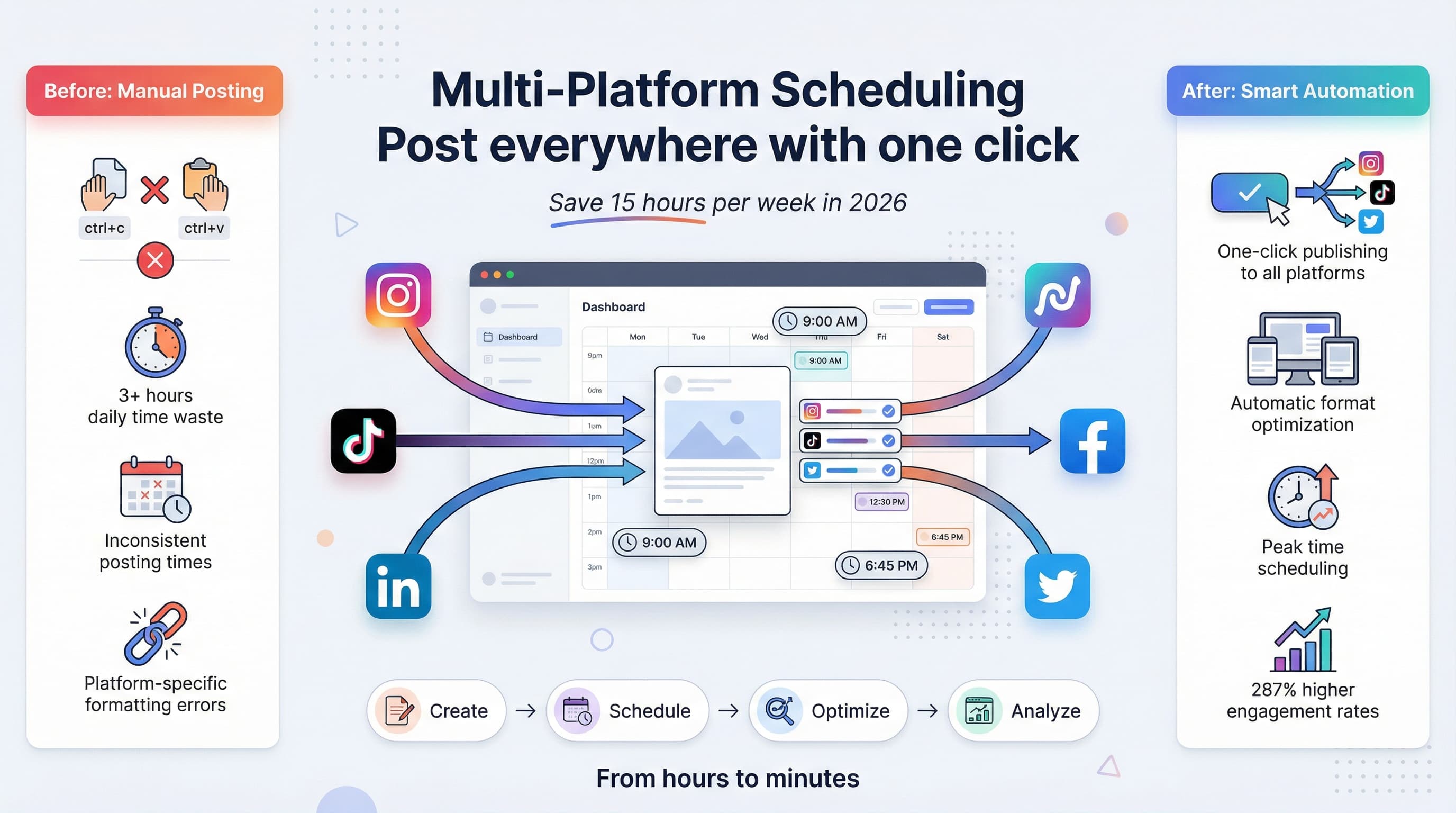
Brands posting across 3+ platforms see 287% higher engagement than single-platform accounts. Your audience isn't hanging out on just one app – they're scattered across the social media universe.
But here's the kicker: 73% of marketers spend over 3 hours daily on manual posting. That's 15 hours per week you could spend on strategy instead of copy-paste busywork.
The platform fragmentation problem
Each platform has different optimal post times, character limits, hashtag rules, and content formats. Instagram loves square images, LinkedIn prefers professional tone, TikTok demands vertical videos.
Managing these differences manually turns content creation into a part-time job.
The smart way to schedule across platforms
Option 1: All-in-one scheduling tools
Tools like Schedulala let you compose once and publish everywhere. You write your post, upload media, select target platforms, and hit schedule.
The software handles platform-specific formatting, optimal timing, and even suggests hashtags based on each platform's algorithm preferences.
Option 2: Platform-native scheduling
Facebook's Creator Studio, LinkedIn's native scheduler, and Instagram's Creator tools offer free scheduling – but you're still managing multiple dashboards.
This works if you only use 2-3 platforms, but becomes unwieldy as you scale.
Option 3: Hybrid approach
Use scheduling tools for most platforms, but post manually to your highest-performing channel. This gives you automation benefits while maintaining hands-on control where it matters most.
Step-by-step multi-platform scheduling process
Step 1: Choose your core platforms
Don't try to be everywhere at once. Pick 3-5 platforms where your audience actually engages. Use analytics to identify which channels drive real traffic and conversions, not just vanity metrics.
B2B brands typically focus on LinkedIn, Twitter, and Facebook. E-commerce brands prioritize Instagram, TikTok, and Pinterest. If your audience uses messaging apps, our Telegram scheduler guide can help you add that channel too.
Step 2: Create platform-specific content variations
Write your core message, then adapt it for each platform's culture and technical requirements:
- LinkedIn: Professional tone, industry insights, longer captions
- Instagram: Visual-first, hashtag-heavy, story-driven
- TikTok: Casual, trend-aware, video-native
- Twitter: Concise, conversational, link-friendly
Step 3: Optimize posting schedules
Each platform has different peak engagement windows. Instagram performs best 11am-1pm and 5pm-7pm, while LinkedIn peaks during business hours Tuesday-Thursday.
Schedule the same content to hit optimal times across platforms – even if that means posting to Instagram at 12pm and LinkedIn at 9am.
Step 4: Set up your scheduling workflow
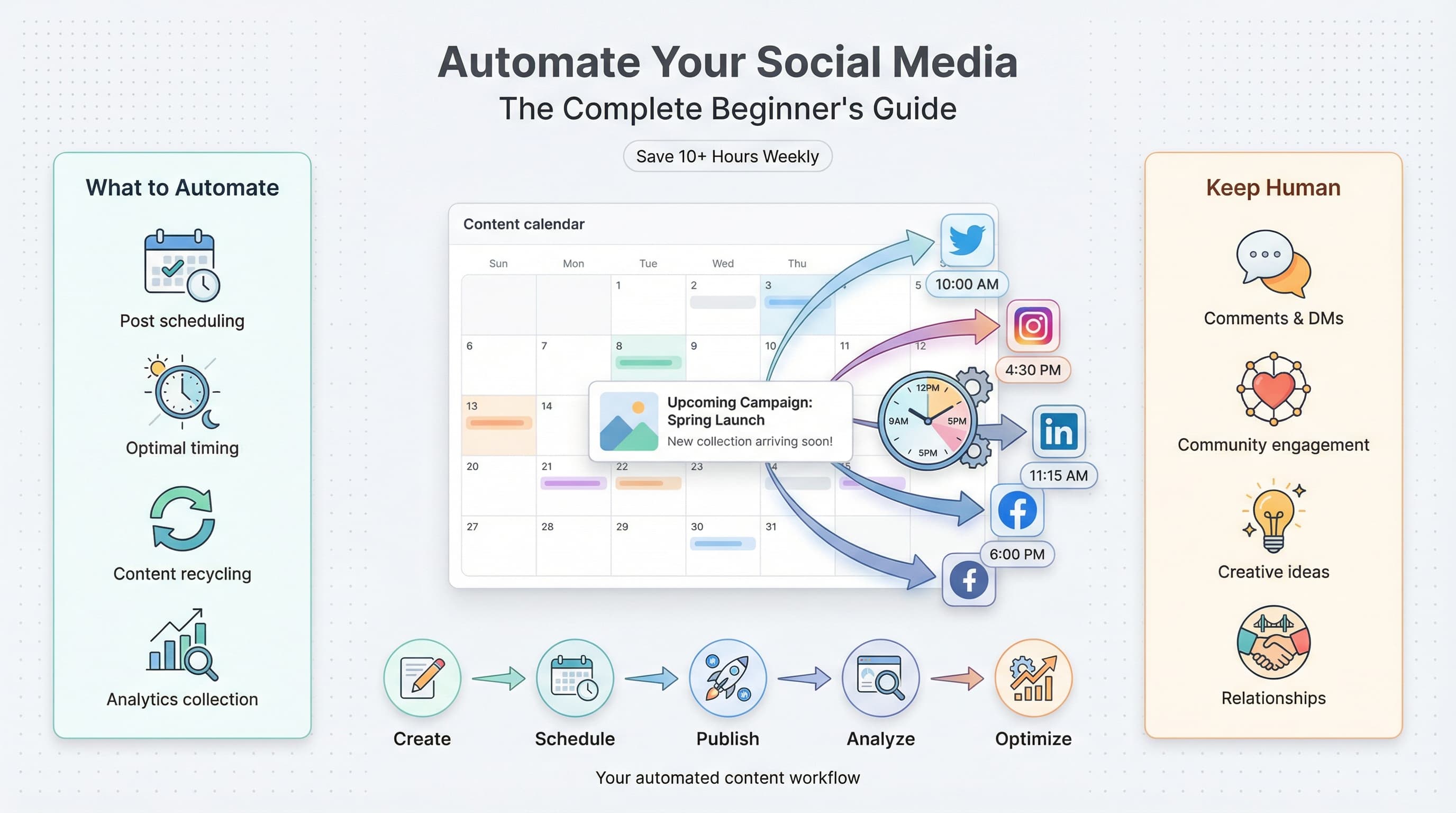
Batch create content weekly using a content calendar system. Write all captions, prepare images, and schedule everything in 2-3 focused sessions rather than posting ad-hoc daily.
This approach lets you maintain consistency even during busy weeks.
Step 5: Monitor and adjust
Track which platforms generate the most engagement, clicks, and conversions. Double down on high-performers and consider dropping or reducing frequency on underperforming channels.
Common multi-platform posting mistakes
Posting identical content everywhere
Your LinkedIn audience wants different content than your TikTok followers. A business tip that kills on LinkedIn might flop on Instagram if you don't adjust the presentation.
Adapt your core message to each platform's expectations and culture.
Ignoring platform-specific features
LinkedIn polls, Instagram Stories, TikTok effects – each platform offers unique engagement tools. Generic posts miss opportunities to leverage these features.
Over-scheduling without monitoring
Automation isn't "set it and forget it." You still need to respond to comments, engage with other accounts, and adjust strategy based on performance data.
Advanced multi-platform strategies
Cross-platform content recycling
Turn one piece of content into 5-10 posts across platforms. A blog post becomes a LinkedIn article, Instagram carousel, TikTok video series, and Twitter thread. Short-form video works especially well — learn how to schedule YouTube Shorts to repurpose clips across platforms.
This maximizes your content ROI while giving each platform format-optimized versions.
Platform-specific hashtag strategies
Instagram supports 30 hashtags, LinkedIn works best with 3-5, TikTok trends change daily. Build hashtag libraries for each platform rather than using the same tags everywhere.
Audience segmentation
Your LinkedIn followers might be decision-makers, while Instagram followers are end users. Tailor your messaging to speak directly to each audience segment's needs and pain points.
Choosing the right scheduling tool
| Feature | Free Tools | Premium Tools |
|---|---|---|
| Platforms supported | 3-5 major ones | 10+ including emerging platforms |
| Bulk scheduling | Limited | Unlimited with CSV import |
| Analytics | Basic metrics | Advanced ROI tracking |
| Team collaboration | 1-2 users | Unlimited team members |
| Auto-optimization | Manual timing | AI-powered best times |
| Content approval | None | Multi-step workflows |
Your next steps
Week 1: Audit and consolidate
List all your current social accounts. Identify your top 3-4 performing platforms. Close or merge underperforming accounts that drain your time without delivering results.
Week 2: Test scheduling tools
Try 2-3 different scheduling platforms with your actual content. Most offer free trials – use them to find the tool that fits your workflow best.
Week 3: Create your content system
Set up templates for each platform. Create hashtag libraries, optimal posting schedules, and content adaptation guidelines your team can follow.
Try Schedulala for free
Schedule posts to Bluesky, Twitter, and 8 other platforms from one dashboard.
Get started for free→