Caption Templates: 15 Copy-Paste Formulas for Instagram, TikTok, LinkedIn, and More
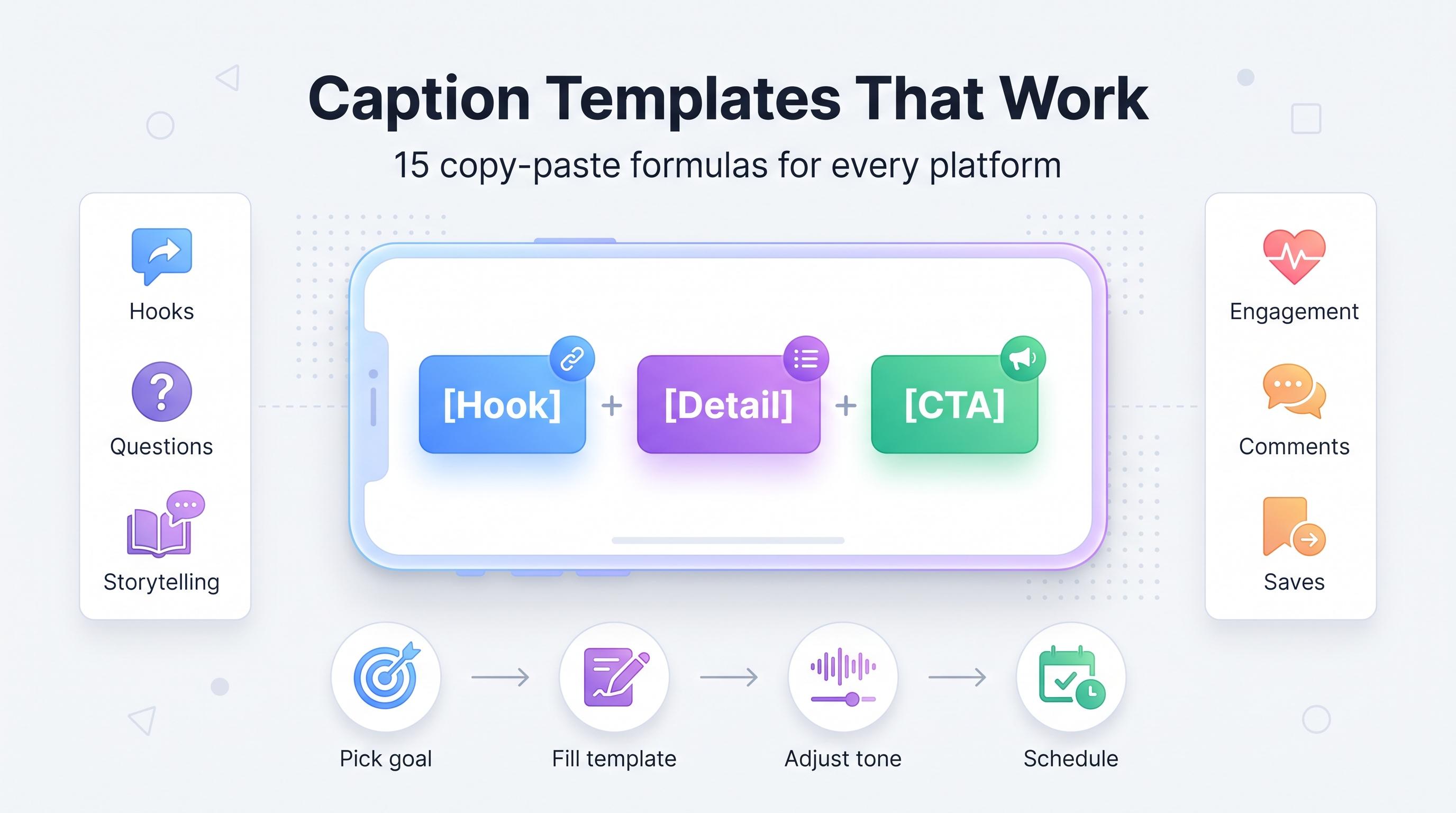
15 proven caption templates social media managers use to stop staring at a blank screen. Copy, customize, and post in minutes.

You've got the photo. You've got the video. You've got the product shot you spent 20 minutes lighting correctly. And then you sit there, cursor blinking in the caption box, typing and deleting the same sentence for ten minutes straight. Learn more about Instagram scheduling.
See It in Action
This is what scheduling an Instagram post looks like in Schedulala
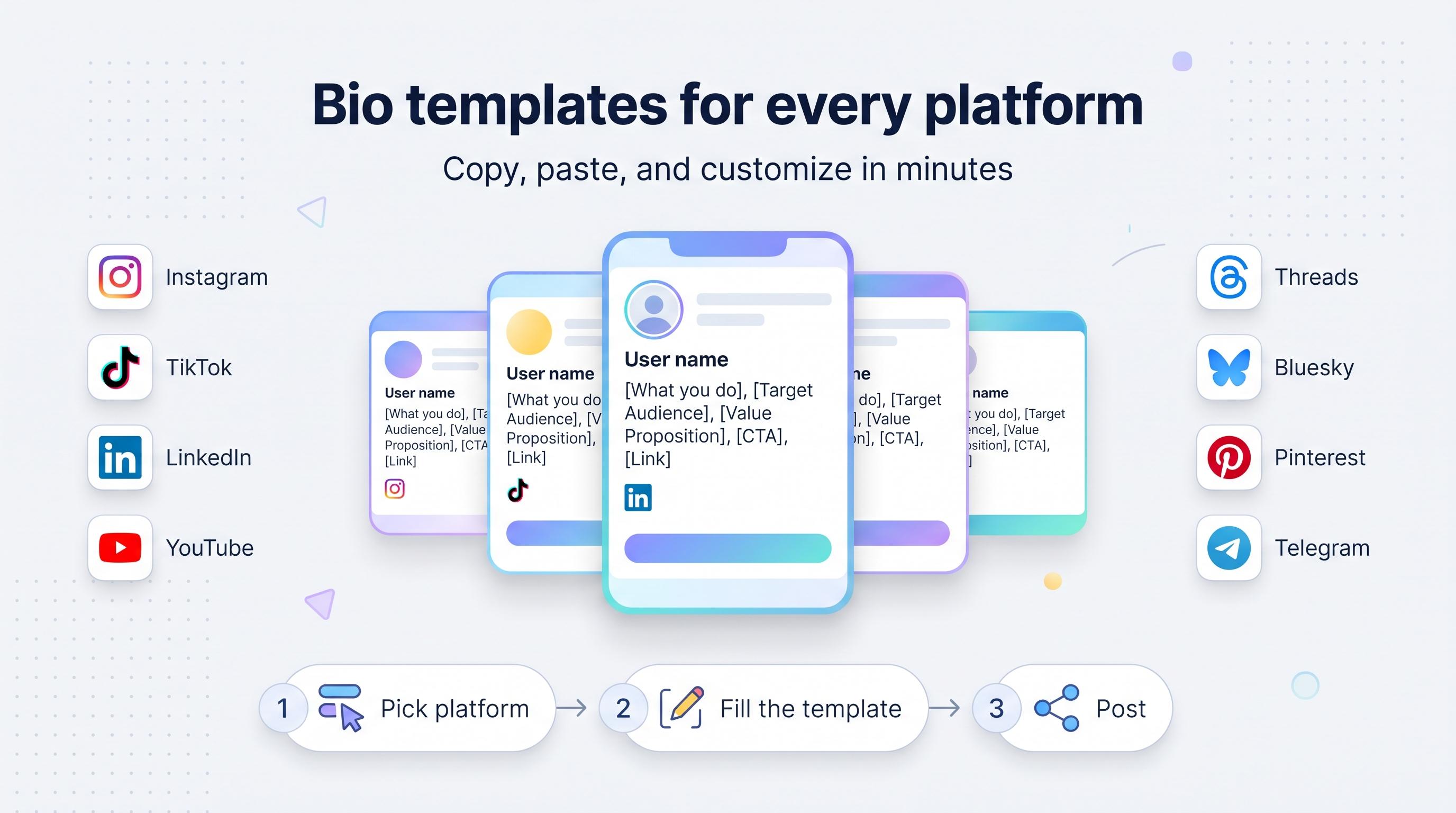
Writing captions from scratch every single time is one of the biggest time drains in social media management, and it's also one of the easiest things to fix. You don't need to reinvent your voice every post. You need a rotation of formulas that work, which you fill in with your specific details. Our social media bio templates can help.
That's what this list is. Fifteen caption templates social media pros actually use, organized by the job they do: hooking attention, building connection, driving sales, or getting comments. Copy any of these, swap in your own words, and post. No more blank-screen panic. Learn more about scheduling across platforms.
Quick overview
These templates are grouped into four buckets: attention-grabbing hooks, relatable and personal posts, sales and promo captions, and engagement bait that actually works (the good kind, not the spammy kind). Each one includes the formula, a filled-in example, and when to use it. Try our content calendar.
A tip before you dive in: the brackets [like this] are where you plug in your own content. Keep your fill-ins short. The best-performing captions in this list are punchy, not paragraphs. See our best time to post on instagram guide.
Try Schedulala for free
Schedule posts to Bluesky, Twitter, and 8 other platforms from one dashboard.
Get started for free→Hooks that stop the scroll
1. The question opener
Formula: "[Relatable question about a problem your audience has]? Here's what actually fixed it for me.". Our instagram engagement calculator can help.
Example: "Still scheduling every post manually at 11pm? Here's what actually fixed it for me."
Questions work because the brain can't help but answer them, even silently. Use this when you're introducing a tip, product, or realization. Keep the question specific to a pain point, not generic ('Who else loves coffee?' gets ignored, 'Who else has 47 unread Slack messages right now?' gets a reaction).
2. The confession
Formula: "I need to admit something: [vulnerable or surprising confession]. Here's what I learned."
Example: "I need to admit something: I used to post the same caption on every platform without changing a word. Here's what I learned when I finally stopped."
Confessions perform well because they drop the polished-brand act for a second and sound like a person talking. Use this sparingly, maybe once every couple weeks, so it still feels genuine instead of a tactic.
3. The number hook
Formula: "[Number] things I wish I knew before [doing the thing]."
Example: "5 things I wish I knew before I started posting on TikTok for my business."
Numbers set an expectation for scannable value, which is exactly what people want in a feed they're flicking through at 70 miles per hour. Follow this caption with the actual list in the body or carousel so you deliver on the promise.
4. The contrarian take
Formula: "Unpopular opinion: [belief that goes against common advice in your niche]."
Example: "Unpopular opinion: posting every single day isn't what grew our account. Posting consistently at the same three times a week did."
This one's great for comments because people love to agree loudly or argue in the replies. Use it when you actually believe the take. Fake controversy reads as fake, and audiences can smell it.
Captions that build connection
5. The storytime
Formula: "Last [timeframe], [something happened]. I didn't expect [the outcome]. Here's the full story."
Example: "Last Tuesday, a client asked us to redo a campaign three hours before launch. I didn't expect the redo to perform better than the original. Here's the full story."
Storytime captions pair well with carousels or short video where the first slide is the hook and the rest unpacks the story. People stick around for the payoff, which is great for watch time and dwell time, two things platforms love to reward.
6. The behind-the-scenes
Formula: "What it actually looks like to [do the thing people only see the finished version of]."
Example: "What it actually looks like to plan a month of content in one sitting (hint: it's three coffees and a lot of sticky notes)."
Audiences trust brands and creators who show the messy middle, not just the polished result. This template works especially well on Instagram and TikTok, where raw and unscripted content consistently outperforms the overproduced stuff.
7. The milestone callout
Formula: "[Number/milestone] and it still doesn't feel real. Thank you for [specific thing the audience did]."
Example: "10,000 followers and it still doesn't feel real. Thank you for sharing our posts, leaving comments, and showing up every week."
Gratitude posts build loyalty, but only if you're specific about what you're thanking people for. "Thanks for the support" is forgettable. "Thanks for arguing with me in the comments about pineapple pizza" is memorable and gets replies.
8. The relatable struggle
Formula: "Me: has a [tool/plan/system] to be organized. Also me: [the actual reality]."
Example: "Me: has a content calendar planned three weeks out. Also me: posting a photo of my lunch at 9pm because I forgot to schedule anything today."
Self-deprecating humor humanizes a brand fast. It's especially effective for B2B accounts trying to shake a stiff, corporate tone. Use it in moderation so you don't undercut your credibility.
Captions that sell without sounding like an ad
9. The problem-agitate-solve
Formula: "If [problem] sounds familiar, you're not alone. [Agitate: why it's worse than people think]. That's exactly why we built/made/created [product/offer]."
Example: "If you're scheduling posts on five different apps for five different platforms, you're not alone. It's not just annoying, it's the reason your content calendar falls apart every month. That's exactly why Schedulala lets you plan everything from one dashboard."
This classic copywriting structure works in caption form because it meets the reader at their frustration before pitching anything. Don't skip the agitate step. Jumping straight from problem to solution feels like a sales pitch, while agitating the problem first feels like empathy.
10. The social proof caption
Formula: "[Number] of [customers/users] can't be wrong. Here's what they're saying about [product/service]."
Example: "Thousands of social media managers switched tools this year. Here's what they told us after making the move."
Pair this caption with a real quote, screenshot of a review, or a quick testimonial clip. Specificity matters here too: "Here's what they're saying" followed by an actual quote beats a vague claim every time.
11. The limited-time nudge
Formula: "[Offer] ends [specific date/time]. After that, [what happens, no exceptions]."
Example: "Our Black Friday pricing ends Sunday at midnight. After that, it's back to full price, no extensions."
Urgency works, but only when it's true. If your "limited time" offer runs every single week, your audience will clock the pattern fast and stop believing you. Use real deadlines, and honor them.
12. The feature-to-benefit flip
Formula: "[Feature name] isn't just [technical thing it does]. It means [what that actually gets you]."
Example: "Unlimited scheduled posts isn't just a number on a pricing page. It means you can batch a month of content in one sitting without hitting a wall halfway through."
Nobody buys features, they buy outcomes. This template forces you to translate the spec sheet into something a person actually cares about, which is the entire job of a good caption on a product post.
Captions built to get comments
13. The fill-in-the-blank
Formula: "[Sentence with a blank]. Drop your answer below."
Example: "The social media task I procrastinate on the most is _____. Drop your answer below."
Fill-in-the-blank captions lower the bar for commenting to almost nothing, which means more people actually do it. One-word answers still count as engagement signals to the algorithm, and they often spark longer replies once a few people start the thread.
14. The this-or-that
Formula: "[Option A] or [Option B]? No wrong answers, but we're judging a little."
Example: "Carousels or Reels? No wrong answers, but we're judging a little."
Binary choices are an easy engagement win because they take two seconds to answer. The playful jab at the end ("we're judging a little") adds personality so it doesn't read like a generic poll caption copied from a template (even though, well, it is).
15. The save-this-for-later
Formula: "Save this if [specific future situation where they'll need it]. You'll thank yourself later."
Example: "Save this if you're planning next month's content and don't want to start from a blank page. You'll thank yourself later."
Saves are one of the strongest engagement signals on Instagram and Pinterest because they tell the algorithm the content has lasting value, not just a quick-scroll reaction. Use this template on genuinely useful, reference-worthy posts, like lists, templates, or step-by-step breakdowns.
Common mistakes people make with caption templates
Templates are a shortcut, not a crutch. A few habits turn a good formula into a flop.
- Using the same template back to back. If your last three posts all open with a question hook, the pattern becomes obvious and loses its spark. Rotate between buckets: hook, connection, sales, engagement.
- Forgetting to translate the formula into your actual voice. A template is a skeleton. If your brand is sarcastic and the filled-in example sounds like a corporate memo, rewrite it until it sounds like you.
- Writing the caption before you know the point of the post. Templates work best when you already know what you want the audience to feel or do. Pick the goal first, then pick the matching template.
- Making every caption about selling. If 12 of your last 15 posts are promo captions, your audience tunes out. A rough rule that works for a lot of accounts: for every sales caption, post two or three that connect or entertain.
- Ignoring platform differences. A confession caption that works on Instagram might feel off on LinkedIn, where a slightly more professional version of the same formula performs better. Adjust tone per platform, not just length.
Adapting templates across platforms
A good template bends to the platform without breaking. A few quick adjustments per platform:
- Instagram and TikTok: lean into personality and short, punchy sentences. Front-load the hook in the first line since captions get truncated after a couple of lines.
- LinkedIn: the same confession or contrarian-take formula works, but swap casual phrasing for a slightly more measured tone. Line breaks after every sentence help readability on desktop.
- Facebook: audiences here respond well to the storytime and milestone templates, especially with a question at the end to prompt comments from an older, more conversation-driven user base.
- Threads and Bluesky: keep it conversational and short. These platforms reward replies and back-and-forth more than polished one-way statements, so the fill-in-the-blank and this-or-that templates do especially well.
- Pinterest: captions act more like search descriptions than social hooks. Lead with the keyword-rich description, then add a short line of personality at the end rather than opening with it.
If you're managing all of these at once, rewriting the same caption five different ways for five different platforms eats up the time you just saved by using a template in the first place. That's really the whole point of using a scheduler: you write the core caption once, adjust the tone slightly per platform in the same editor, and queue everything without copying and pasting between five different apps and five different tabs.
A simple system for using these templates every week
Here's a workflow that actually sticks, instead of a list you bookmark and forget:
- Pick your content for the week first: photos, videos, carousels, whatever you've got.
- For each piece of content, decide the goal: get comments, build connection, drive a click, or grow saves.
- Match the goal to a template bucket from this list (hook, connection, sales, engagement).
- Fill in the formula with your specific detail. Don't overthink it, a rough draft is fine.
- Read it out loud once. If it sounds like a robot wrote it, loosen the wording until it sounds like you talking to a friend.
- Schedule it in a batch with the rest of the week's posts so you're not repeating this process daily.
That last step matters more than people give it credit for. Writing captions one at a time, every single day, is where most of the mental fatigue comes from. Batching a week's worth of captions in one sitting, using a rotation of these templates, takes maybe 30 minutes and saves you from the nightly blank-screen stare entirely.
Wrap-up: the three templates to start with
If fifteen templates feels like a lot to remember, start with three: the question opener for hooks, the storytime for connection, and the problem-agitate-solve for anything you're selling. Those three alone cover most of what a content calendar needs in a given week.
The goal isn't to sound like a template. It's to stop staring at a blinking cursor and start publishing consistently, because consistency beats perfection on every platform that matters. Once you've got a rotation that fits your voice, caption writing stops being the bottleneck it used to be.
Try Schedulala for free
Schedule posts to Bluesky, Twitter, and 8 other platforms from one dashboard.
Get started for free→