Free Social Media Tools: 50 Best Options for Design, Scheduling, Analytics, and More
Browse our free social media tools list covering design, scheduling, analytics, hashtags, and video so you can run a full strategy on any budget.

Running social media without a marketing budget shouldn't mean running it badly. The gap between a scrappy solo creator and a well-staffed agency isn't talent, it's usually the tools they know about. Try our Instagram scheduling.
See It in Action
This is what scheduling an Instagram post looks like in Schedulala
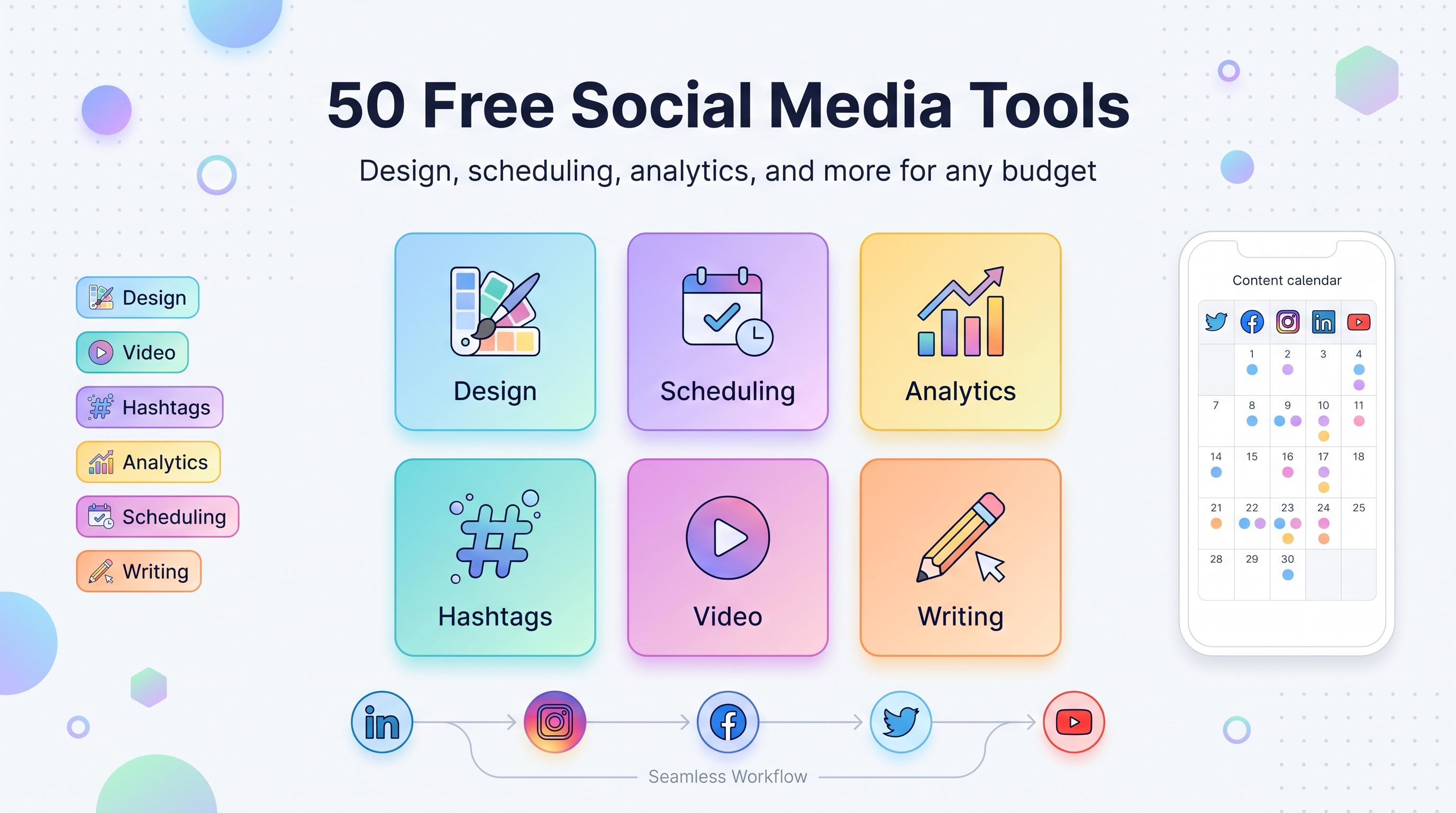
We pulled together a free social media tools list that covers every stage of the workflow: design, scheduling, hashtag research, analytics, video editing, writing, stock media, listening, and quick graphics. None of these require a credit card up front, and most will stay useful even after your account count or team grows. Try our cross-platform analytics track 11.
A quick note before we dive in: free tools are great for getting started, but most of them are built to handle one job, not your whole calendar. We'll flag where the gaps are so you know exactly when you've outgrown the free stack. Try our social media bio templates.
Try Schedulala for free
Schedule posts to Bluesky, Twitter, and 8 other platforms from one dashboard.
Get started for free→Design and graphics tools
Good visuals are the single biggest lever for stopping the scroll. These five tools let you build on-brand graphics without touching Photoshop. Learn more about 25 free instagram post.
1. Canva
Canva is the default answer for a reason. Its free plan includes thousands of templates sized for every platform, a basic brand kit, and drag-and-drop editing that doesn't require any design background. Try our best time to post on instagram.
It's strong enough that plenty of agencies still use it for first drafts before handing off to a designer. Start here if you only pick one tool from this whole list. Our instagram engagement calculator can help.
2. Adobe Express
Adobe Express gives you access to a slimmed-down version of Adobe's design engine, with free templates, stock assets, and simple animation tools built right in.
It's a solid pick if your team already lives in Creative Cloud and wants assets that export cleanly into Photoshop or Illustrator later.
3. VistaCreate
VistaCreate (formerly Crello) is a close cousin to Canva with its own template library and an animation editor that's genuinely easy to use.
It's worth a look if Canva's templates start feeling overused in your niche. The layouts here tend to look slightly different, which helps you avoid the "everyone's feed looks the same" problem.
4. Snappa
Snappa is built specifically for social graphics, with templates sized exactly to platform specs so you never guess at dimensions for a cover photo or Pin.
The free plan caps how many downloads you get per month, so it works best as a lightweight secondary tool rather than your main editor.
5. Pablo by Buffer
Pablo is a no-frills tool for quickly adding text over a photo. There's no account required, no learning curve, just pick an image, add a quote or headline, and export.
It's the fastest option on this list for a single quick graphic when you don't need a whole template library.
Free scheduling and publishing tools
Scheduling is where most free tools start showing their limits fast, usually through caps on how many accounts you can connect or how far ahead you can queue posts. These five are the best of what's out there at zero cost.
6. Buffer
Buffer's free plan supports a small number of connected channels with basic queued scheduling. The interface is clean and genuinely easy to learn in a single sitting.
It's a reasonable starting point for a single creator managing one or two accounts, but it gets tight fast once you add more platforms or team members.
7. Later
Later started as an Instagram-first scheduler and still has one of the better visual content calendars around, letting you drag and drop posts to preview your grid before publishing.
The free plan is limited on monthly post volume, which makes it better suited to light posting schedules than daily multi-platform publishing.
8. Meta Business Suite
If you only post to Facebook and Instagram, Meta Business Suite is genuinely free with no account cap, since it's built directly by Meta for its own platforms.
The tradeoff is obvious: it only works for Meta properties, so it won't help if your audience also lives on TikTok, LinkedIn, or Pinterest.
9. Pallyy
Pallyy offers a free tier built around visual planning for a single Instagram account, including a feed preview grid and basic hashtag storage.
It's a decent niche pick if Instagram is your only priority platform and you want something lighter than the bigger schedulers.
10. Mixpost
Mixpost is open source, meaning you can self-host it for free if you (or someone on your team) is comfortable with a bit of server setup.
It's not for everyone, but if you have the technical chops, it removes the account and post caps that come with most hosted free plans.
Hashtag research tools
Hashtags still matter for discoverability on Instagram, TikTok, and X, even if their reach isn't what it was a few years ago. These tools help you find ones your audience actually searches instead of guessing.
11. All Hashtag
All Hashtag generates sets of related hashtags based on a seed keyword, grouped into top, random, and live categories so you can mix reach and specificity.
No account needed, which makes it the fastest tool here for a quick hashtag set before you post.
12. Display Purposes
Display Purposes works similarly, pulling hashtag suggestions from a keyword and letting you copy the whole set in one click.
It tends to surface slightly different results than All Hashtag, so it's worth cross-checking both if you want a wider pool to pick from.
13. RiteTag
RiteTag's browser extension color-codes hashtags based on how overused or underused they are, which helps you avoid hashtags that are either too competitive or basically dead.
The deeper analytics sit behind a paid trial, but the free color-coding alone is useful enough to keep installed.
14. Hashtagify
Hashtagify shows you related hashtags and basic popularity trends for a limited number of free searches per day.
Save your searches for your most important campaigns since the free tier won't let you check everything constantly.
15. Keyword Tool (hashtag mode)
Keyword Tool has a hashtag-specific mode that generates long lists of suggestions pulled from actual platform autocomplete data.
The free version shows you the list but hides search volume, which is fine if you just need raw suggestions to sort through manually.
Link-in-bio tools
Every platform gives you exactly one clickable link, so link-in-bio pages exist to turn that single spot into a mini landing page. These free options cover the basics well.
16. Linktree
Linktree is the tool that basically invented this category, and its free plan still covers the essentials: an unlimited number of links, basic customization, and simple click analytics.
It's the safest default if you want something your followers will instantly recognize and know how to use.
17. Beacons
Beacons pushes further into creator monetization, with a free plan that includes a media kit builder alongside the standard link page.
It's a good pick if you're trying to pitch brands for partnerships and want a professional media kit without paying for a separate tool.
18. Milkshake
Milkshake builds a mobile-first, swipeable story page rather than a plain list of links, which looks noticeably more polished for visually driven brands.
It's free and genuinely different from the usual link-page format, worth trying if your brand leans heavily visual.
19. Campsite
Campsite offers a clean, free link-in-bio page with support for embedding TikTok videos, Spotify tracks, and other media directly instead of just plain links.
It's a nice option if you want your bio page to feel like a mini content hub rather than a list.
20. Lnk.Bio
Lnk.Bio keeps things simple with a free plan that covers unlimited links and basic styling, no bells and whistles required.
If you just need something functional without a learning curve, this is about as low-friction as it gets.
Analytics and native insights
Before paying for a dedicated analytics tool, check what each platform already gives you for free. The native dashboards have gotten genuinely good, and the data comes straight from the source.
21. Meta Business Suite Insights
This covers Facebook and Instagram in one dashboard, showing reach, engagement, follower growth, and content performance broken down by post type.
It's detailed enough that a lot of small businesses never need a third-party analytics tool for these two platforms at all.
22. X analytics
X's native analytics dashboard shows impressions, engagement rate, and top-performing posts per month, which is enough to spot patterns without extra software.
It's not the most detailed dashboard on this list, but it's free and built right into the account settings.
23. TikTok analytics
TikTok's creator analytics break down views, average watch time, and traffic sources for every video, which is some of the most useful free data on this whole list.
Watch the retention graph closely. It tells you exactly where viewers drop off, which is more actionable than almost any other metric.
24. YouTube Studio
YouTube Studio is one of the most thorough free analytics suites anywhere, covering audience retention, traffic sources, and subscriber behavior over time.
If you only run one YouTube channel, there's genuinely little reason to pay for a separate analytics layer on top of this.
25. Pinterest Analytics
Pinterest's free analytics dashboard shows impressions, saves, and outbound clicks for each Pin, which matters a lot for anyone using Pinterest to drive traffic to a blog or store.
It's underused compared to other platforms' dashboards, probably because Pinterest itself gets less attention in most strategy conversations.
Video editing and creation tools
Short-form video isn't optional anymore. These free editors handle everything from quick caption overlays to full multi-track edits.
26. CapCut
CapCut is the current favorite for short-form editing, with auto-captions, trending templates, and transitions built for vertical video specifically.
It's free, mobile-friendly, and the one tool on this list most likely to already be on your phone.
27. InShot
InShot has been around longer than CapCut and covers similar ground: trimming, music, text overlays, and speed adjustments, all from a mobile app.
Some advanced export options sit behind a watermark removal paywall, but the core editing is free to use.
28. Canva video editor
If you're already in Canva for graphics, its built-in video editor lets you cut, add music, and drop in templates without opening a separate app.
It's not as powerful as dedicated video tools, but for quick social clips it saves a step.
29. Clipchamp
Clipchamp is a browser-based editor with a genuinely free tier covering trims, transitions, text, and stock footage, built into Windows for anyone on that OS.
It's a good middle ground between mobile apps and full desktop editing software.
30. DaVinci Resolve
DaVinci Resolve's free desktop version is a professional-grade editor used in actual film production, with multi-track timelines and color grading included at no cost.
There's a real learning curve here, so it's better suited to someone making longer-form content than quick daily social clips.
Writing and content assistance tools
Writing captions all day burns out even the best copywriters. These tools help with ideas, grammar, and tone without replacing your voice entirely.
31. ChatGPT
ChatGPT's free tier is useful for brainstorming captions, outlining content calendars, or rewriting a post three different ways to see which tone lands best.
Treat it as a drafting partner, not a final answer. The best results come from editing its output in your own voice, not posting it as-is.
32. Grammarly
Grammarly's free plan catches basic spelling, grammar, and punctuation issues anywhere you type, including directly inside most scheduling and social apps.
It's a quiet workhorse. You won't notice it until it stops you from posting a typo in a caption that's already gone out to thousands of people.
33. Hemingway Editor
Hemingway Editor flags overly long or complex sentences and highlights passive voice, which is genuinely useful for tightening up captions that tend to ramble.
It's free, works in the browser, and takes about ten seconds to paste in a draft and get feedback.
34. Copy.ai
Copy.ai generates caption variations, hooks, and content ideas from a short prompt, with a limited free monthly allowance before it asks you to upgrade.
It's handy specifically for generating multiple hook options for the same video or photo so you can test which one performs better.
35. QuillBot
QuillBot's free paraphrasing tool is useful for reworking the same core message into several different caption styles without starting from a blank page every time.
It works well paired with Hemingway: paraphrase first, then tighten the sentence structure.
Stock photos, video, and audio
Not every post needs original photography. These libraries are genuinely free, with licenses that cover commercial use, no attribution required in most cases.
36. Unsplash
Unsplash has one of the largest free photo libraries around, with a style that leans polished and editorial rather than obviously stock-looking.
It's a go-to for background images, blog headers, and quote graphics across just about every industry.
37. Pexels
Pexels covers both photos and video clips, which makes it one of the few stock libraries that handles both formats under one free license.
Search is solid, and the video clips are often a better fit for Reels and TikTok intros than static photo options.
38. Pixabay
Pixabay's library spans photos, illustrations, vector graphics, and video, giving it more variety in format than most competitors.
The illustration section specifically is underused and worth a look if you want something less photo-realistic for infographic-style posts.
39. Mixkit
Mixkit specializes in free stock video and background music clips, curated in a smaller but consistently higher-quality library than some larger sites.
It's a solid first stop specifically for B-roll footage to fill out a short-form video edit.
40. YouTube Audio Library
YouTube's Audio Library offers a large catalog of royalty-free music and sound effects that are safe to use across platforms, not just YouTube itself.
It's one of the most reliable free sources for background music that won't trigger a copyright claim later.
Social listening and monitoring tools
Knowing when your brand gets mentioned (or when a competitor messes up publicly) matters more than most small teams realize. These tools keep tabs without a paid monitoring suite.
41. Google Alerts
Google Alerts sends you an email whenever your brand name, a keyword, or a competitor shows up in new content across the web.
It's basic, it's free forever, and it catches things a social-only monitoring tool would completely miss, like press mentions and blog write-ups.
42. Social Searcher
Social Searcher scans public posts across multiple platforms for a keyword and gives you a basic sentiment breakdown on the free plan.
The historical search window is limited for free users, so it's best for checking recent mentions rather than digging back months.
43. X Pro (formerly TweetDeck)
X Pro lets you set up columns tracking keywords, mentions, and specific accounts side by side, which is genuinely useful for watching a conversation unfold in real time.
It's one of the better free tools for anyone doing active community management or customer support on X.
44. Talkwalker Alerts
Talkwalker Alerts works a lot like Google Alerts but is built specifically for brand and keyword monitoring, delivering mention digests straight to your inbox.
Running both this and Google Alerts side by side tends to catch a wider net than relying on just one.
45. Mention
Mention offers a limited free trial that scans social platforms, blogs, and forums for your chosen keywords in one dashboard.
It's worth using during a product launch or campaign window when you want a short burst of close monitoring without committing to a paid plan.
GIFs, memes, and quick graphics
Sometimes a post doesn't need a polished design, it needs a fast reaction graphic or meme. These tools cover that niche without any learning curve.
46. Giphy
Giphy's massive free library makes it the easiest place to find or create a reaction GIF for a comment reply or quick post.
It also lets you upload your own clips and turn them into shareable GIFs, which is handy for branded reaction content.
47. Imgflip
Imgflip's meme generator has templates for basically every popular meme format, with a simple text-overlay editor that takes under a minute to use.
It's free, fast, and genuinely funny when used well, which is exactly what meme marketing needs.
48. Kapwing
Kapwing's free plan covers quick video edits, meme creation, and auto-subtitles, all in a browser-based editor with no software download.
The free exports include a watermark, which is worth knowing before you plan a full campaign around it.
49. Pixlr
Pixlr is a free browser-based photo editor with Photoshop-like tools for layers, filters, and basic retouching, without needing to install anything.
It's a solid pick for quick photo fixes that go beyond what Canva's editing tools can handle.
50. Remove.bg
Remove.bg strips the background out of a photo in a few seconds, which is genuinely useful for product shots, profile graphics, or layering images in a design tool.
The free tier gives you a limited number of low-res downloads per month, enough for occasional use without a subscription.
Common mistakes when stitching together free tools
Free tools work, but we see the same mistakes over and over once people start combining a handful of them into a daily workflow.
- Using too many separate logins. Five free tools means five passwords, five tabs, and five places to forget a scheduled post lives.
- Ignoring licensing fine print. Some stock assets and AI outputs come with commercial-use restrictions that only matter once a client asks about them.
- Posting the same content everywhere. Native dashboards tempt you into copying one caption across platforms, but each one has its own formatting and audience expectations.
- Losing track of what's scheduled where. Without one shared calendar, it's easy to double-post, miss a day, or forget which account a draft belongs to.
- Treating free as permanent. Free plans change terms often. A tool that covered three accounts last year might cap you at one today.
When free tools stop being enough
Here's where this gets honest. Free tools are genuinely great until you're managing more than a couple of accounts, posting daily, or working with a team that needs shared visibility into what's scheduled.
At that point, the time you spend logging into five dashboards, copying captions between apps, and checking five separate analytics tabs starts costing more than a paid subscription would. That's usually the signal to consolidate into one scheduling platform instead of patching together free ones.
Schedulala covers 12 platforms (Instagram, TikTok, Twitter/X, LinkedIn, YouTube, Facebook, Threads, Bluesky, Pinterest, Telegram, Mastodon, and Google Business Profile) with unlimited scheduled posts on every plan, including the entry tier. Accounts are a flat count you spend however you want: ten Instagram accounts, one account on each of ten platforms, or any mix in between. There's no per-platform sub-limit and no per-seat fee.
| Plan | Price (monthly) | Social accounts | Annual billing |
|---|---|---|---|
| Personal | $29/month | 10 accounts | $290/year (2 months free) |
| Team | $49/month | 25 accounts | $490/year (2 months free) |
| Agency | $99/month | 100 accounts | $990/year (2 months free) |
There's no free tier, just a 7-day free trial that requires a card to start. If you're already juggling three free apps to get the same result, it's worth doing the math on how much time that's actually costing you each week.
Try Schedulala for free
Schedule posts to Bluesky, Twitter, and 8 other platforms from one dashboard.
Get started for free→How to pick which free tools you actually need
Fifty tools is a lot to look at, so here's a simple way to narrow it down. Start by mapping your actual weekly workflow: what do you create, where do you post it, and what do you check afterward?
If your bottleneck is graphics, Canva alone solves most of it. If it's video, CapCut or Clipchamp covers the editing step, paired with Pexels or Mixkit for B-roll. If it's writing captions fast, ChatGPT plus Hemingway gets you most of the way there without extra cost.
Resist the urge to install all fifty. Pick one tool per step in your workflow, use it for a month, and only add more once you've found the actual gap. Tool-hopping wastes more time than almost any single missing feature does.
A simple starter stack
- Design: Canva for templates and quick graphics
- Video: CapCut for short-form, Clipchamp if you need longer edits
- Hashtags: All Hashtag for quick sets before posting
- Writing: Grammarly running in the background, ChatGPT for drafting
- Stock media: Pexels for photos and video clips
- Analytics: Native dashboards on each platform you actually use
- Scheduling: A single paid scheduler once you're managing more than two accounts
Quick takeaways
- Canva, CapCut, and Pexels cover the bulk of design and video needs for free, and most creators never need to replace them.
- Native analytics dashboards (Meta Business Suite, TikTok Analytics, YouTube Studio) are detailed enough that a paid analytics tool isn't always necessary early on.
- Free scheduling tools work fine for one or two accounts but cap out fast once you add platforms or teammates.
- Watch for watermarks, download limits, and licensing restrictions hidden in free plans, they're the most common surprise.
- Once logging into five dashboards takes longer than actually posting, it's time to consolidate into one paid scheduler.
Try Schedulala for free
Schedule posts to Bluesky, Twitter, and 8 other platforms from one dashboard.
Get started for free→