Buffer Pricing: Complete Breakdown [2026]
Complete Buffer pricing guide for 2026. Compare all plans, features, and costs. Find the best Buffer plan for your social media needs and budget.

Quick answer
Buffer pricing is $6/channel/month on the Essentials plan, with Team at $12/month per channel adding collaboration features.
- •Buffer Free: 3 channels, 10 posts per channel, no analytics
- •Buffer Essentials: $6/channel/month ($60/month for 10 channels)
- •Buffer Team: $12/month per channel ($120/month for 10 channels)
- •Schedulala: $9/month flat for 10 accounts across 12 platforms with unlimited posts
![Buffer Pricing: Complete Breakdown [2026]](/_next/image?url=%2Fblog%2Fbuffer-pricing-complete-breakdown-2026%2Fheader.jpeg&w=3840&q=75&dpl=dpl_6RiKV7dz1EjMEbYgqheh1pc2YPwv)
Buffer's pricing structure has evolved significantly in 2026, leaving many users wondering which plan actually fits their needs. Try our Instagram scheduling.
See It in Action
This is what scheduling an Instagram post looks like in Schedulala
The social media scheduling platform now offers four distinct tiers, each with different limitations and features that can make or break your social strategy. Try our scheduling across platforms.
But which Buffer plan gives you the best bang for your buck, and are there better alternatives worth considering? Try our scheduling across platforms.
Try Schedulala for free
Schedule posts to Bluesky, Twitter, and 8 other platforms from one dashboard.
Get started for free→Buffer pricing overview 2026
Buffer restructured its pricing in early 2026, simplifying some aspects while making others more expensive. The platform now offers four main plans: Free, Essentials, Team, and Agency. Gone are the confusing per-channel pricing models of previous years. Try our content calendar.
| Plan | Monthly Price | Social Channels | Team Members | Posts per Month |
|---|---|---|---|---|
| Free | $0 | 3 | 1 | 10 |
| Essentials | $6/month | 8 | 1 | 100 |
| Team | $12/month | 8 | Unlimited | 2000 |
| Agency | $120/month | 25 | Unlimited | Unlimited |
The biggest change? Buffer eliminated its per-channel pricing, which used to cost $15 per additional social account. Now you get multiple channels bundled into each plan, making it more predictable for agencies and businesses managing several accounts. Learn more about best time to post on instagram.
Free plan breakdown
What you get for free
Buffer's free plan covers the absolute basics. You can connect three social media accounts, schedule up to 10 posts per month, and access their mobile app. The interface is clean and the scheduling calendar works well for personal use. Try our instagram engagement calculator.
You also get basic analytics showing reach, engagement, and clicks. The data isn't as detailed as paid plans, but it covers the essentials most individuals need to track their performance.
Major limitations
The 10-post monthly limit hits faster than you'd think. If you post once per day across three platforms, you've used up your quota in just over three days. There's no way to bank unused posts for busier months either.
You can't add team members, schedule Instagram Stories, or access advanced features like optimal timing suggestions. The analytics are also limited to the past month, so you can't track long-term trends.
Essentials plan deep dive
At $6 per month, the Essentials plan targets individual creators and small business owners who need more posting capacity but don't require team collaboration features.
Core features
You get eight social media channels, which covers most platforms small businesses use: Facebook, Instagram, Twitter, LinkedIn, Pinterest, and TikTok. The 100 posts per month limit works out to about three posts per day, reasonable for most solo operations.
The plan includes Buffer's "Optimal Timing Tool" that suggests when your audience is most active. In practice, this feature works well for established accounts but needs a few weeks of data to become accurate for new profiles.
Content creation tools
Buffer includes basic photo editing tools and a library of stock photos through their partnership with Unsplash. You can add text overlays, apply filters, and resize images for different platforms automatically.
The content creation features are decent but not revolutionary. Canva or similar tools still offer more design flexibility for creating engaging visual content.
Analytics and reporting
Essentials users get detailed analytics for all connected accounts, including engagement rates, reach, impressions, and click-through rates. You can export data to CSV files and track performance over the past year.
The reporting dashboard shows which content types perform best and identifies your top-performing posts. However, you can't create custom reports or white-label them for clients.
Team plan analysis
The Team plan at $12 monthly represents Buffer's sweet spot for small businesses and agencies. It doubles the price of Essentials but adds unlimited team members and significantly higher posting limits.
Collaboration features
Unlimited team members can access the account, each with customizable permissions. You can set some users as content creators who can draft posts, others as approvers who must review content before publishing, and administrators with full access.
The approval workflow works smoothly. Team members get email notifications when posts need review, and you can add comments or suggestions before approving. This prevents embarrassing mistakes and maintains brand consistency.
Advanced scheduling
With 2,000 posts per month, you can maintain active presences across all eight connected social channels. The platform's bulk upload feature lets you schedule weeks of content at once using CSV files.
Buffer's "Smart Schedule" automatically spaces out your posts to avoid overwhelming followers. You can also create different posting schedules for different content types, like promotional posts versus educational content.
Enhanced analytics
Team plans include competitor analysis tools that track how your content performs compared to similar accounts in your industry. You can see which hashtags competitors use successfully and identify content gaps in your strategy.
The reporting becomes more sophisticated too, with custom date ranges, filtered views by content type, and the ability to track specific campaigns or hashtags over time.
Agency plan breakdown
At $120 per month, Buffer's Agency plan targets marketing agencies and large businesses managing multiple client accounts or extensive social media operations.
Scale and capacity
The Agency plan supports 25 social media channels with unlimited posting. For agencies managing multiple clients, this usually means 3-4 clients with 6-8 social accounts each, depending on their social media presence.
Unlimited posting removes the anxiety of rationing content. You can run multiple campaigns simultaneously, test different posting frequencies, and respond to trending topics without worrying about hitting monthly limits.
Client management tools
The standout feature is white-label reporting. You can customize reports with your agency's branding, remove Buffer references, and create professional-looking documents for client presentations.
Client access controls let you give clients view-only access to their specific accounts without exposing other clients' data. Clients can see their analytics and scheduled content but can't make changes without permission.
Advanced features
Agency users get priority customer support with faster response times and phone support options. You also access Buffer's API for custom integrations with other marketing tools.
The plan includes advanced hashtag suggestions powered by AI, automated post variations for A/B testing, and integration with major social listening tools for monitoring brand mentions.
Hidden costs and add-ons
Buffer's advertised pricing doesn't include several features that many users expect to be standard, leading to surprise costs down the road.
Instagram Stories scheduling
While Buffer can schedule regular Instagram posts, Instagram Stories require a separate add-on called "Stories Creator" at $10 per month per account. This adds up quickly if you manage multiple Instagram accounts.
The Stories feature works through push notifications to your phone, so you still need to manually publish them. It's not true automation, which makes the extra cost feel unreasonable.
Video storage limits
All Buffer plans include video posting, but there are storage limits that aren't clearly advertised. Free users get 100MB total, Essentials gets 500MB, Team gets 2GB, and Agency gets 10GB.
These limits fill up fast with video content. A single minute of HD video can consume 50-100MB. Additional storage costs $5 per GB per month, which becomes expensive for video-heavy strategies.
Advanced analytics
While basic analytics are included, advanced features like hashtag performance tracking, audience demographics, and competitor analysis require the "Analyze" add-on at $35 per month.
This pricing feels disconnected from the main plans. A Team plan user pays $12 monthly but needs to spend another $35 for comprehensive analytics, nearly tripling their total cost.
Buffer vs competitors pricing
Buffer's 2026 pricing puts it in the middle range of social media scheduling tools, but the value proposition varies significantly depending on your needs.
| Tool | Comparable Plan | Price | Social Accounts | Team Members |
|---|---|---|---|---|
| Buffer Team | Small Business | $12/month | 8 | Unlimited |
| Hootsuite Professional | Small Business | $99/month | 10 | 1 |
| Sprout Social Standard | Small Business | $249/month | 5 | 1 |
| Later Starter | Small Business | $25/month | 6 | 1 |
| Schedulala Pro | Small Business | $15/month | 15 | 5 |
Against premium competitors
Compared to Hootsuite and Sprout Social, Buffer offers significantly better value for small to medium businesses. Hootsuite's Professional plan costs eight times more than Buffer's Team plan while offering similar core functionality.
Sprout Social provides more sophisticated analytics and customer service tools, but at $249 monthly, it's clearly targeting enterprise clients rather than small businesses or individual creators.
Against budget alternatives
Tools like Later and Creator.co offer similar basic scheduling features at lower prices. Later's Starter plan includes visual content planning tools that Buffer lacks, making it attractive for Instagram-heavy strategies.
However, Buffer's strength lies in its clean interface and reliable publishing. Cheaper alternatives often have bugs, posting failures, or confusing dashboards that waste time and create frustration.
Annual vs monthly pricing
Buffer offers annual billing discounts across all paid plans, but the savings vary by tier and aren't always as compelling as they first appear.
Discount breakdown
Essentials users save $12 per year by paying annually ($60 instead of $72). Team plan users save $24 annually ($120 instead of $144). Agency plan subscribers save $240 yearly ($1,200 instead of $1,440).
These represent roughly 17-20% savings, which is standard for SaaS tools. The absolute savings become more meaningful at higher tiers, making annual billing more attractive for Agency plan users.
Cash flow considerations
For freelancers and small businesses, paying $120 upfront for a Team plan might strain cash flow compared to $12 monthly. The $24 annual savings equals two months of free service, but only if you're certain you'll use Buffer for the full year.
Agencies spending $1,200 annually face a different calculation. The $240 savings could cover two additional months or pay for necessary add-ons like advanced analytics.
Platform-specific limitations
Buffer's pricing includes access to major social platforms, but each platform has different capabilities and restrictions that affect the overall value.
Instagram limitations
Instagram posts schedule automatically, but Instagram Stories require manual publishing through mobile notifications. Reels can be scheduled but don't support all editing features, and you can't schedule Instagram Live sessions or Shopping posts.
For businesses relying heavily on Instagram's newer features, Buffer feels incomplete despite including Instagram in all paid plans. The Stories add-on partially addresses this but increases costs significantly.
LinkedIn restrictions
LinkedIn Company Page posting works well, but personal LinkedIn profiles have strict API limitations. You can't schedule posts to personal profiles or LinkedIn newsletters, which limits B2B marketing strategies.
LinkedIn video posts often experience formatting issues, and Buffer doesn't support LinkedIn Events or native document sharing, forcing users to work around these limitations manually.
TikTok integration
TikTok scheduling requires manual approval for each post, similar to Instagram Stories. Buffer can prepare your content and remind you to post, but true automation isn't possible due to TikTok's API restrictions.
The TikTok integration feels more like a reminder system than actual scheduling, which reduces Buffer's value for TikTok-focused creators compared to platforms with full automation support.
ROI calculation guide
Determining whether Buffer's pricing makes financial sense requires calculating the time savings and potential revenue impact for your specific situation.
Time savings analysis
Manual posting across multiple platforms typically takes 5-10 minutes per post when you factor in logging into each platform, uploading images, writing captions, and adding hashtags. Buffer reduces this to about 2 minutes per post through bulk scheduling.
For a business posting three times daily across four platforms, that's 12 manual posts or roughly 90 minutes of daily work. Buffer reduces this to about 30 minutes, saving an hour daily or 20-25 hours monthly.
Opportunity cost calculation
If your time is worth $25 per hour, Buffer's time savings equal $500-625 monthly in value. Even the Agency plan at $120 monthly provides a positive ROI purely from time savings.
For agencies billing clients $75-150 per hour for social media management, the time savings can be rebilled to clients while the Buffer cost remains fixed, improving profit margins significantly.
Growth impact
Consistent posting typically improves engagement rates by 15-30% compared to sporadic manual posting. For businesses driving sales through social media, this consistency can translate to measurable revenue increases.
The analytics features help identify high-performing content types, allowing you to double down on what works. Even small improvements in engagement can compound over time into significant business growth.
Common pricing mistakes to avoid
Many Buffer users end up paying more than necessary or choosing inappropriate plans due to common misconceptions about the platform's pricing structure.
Overestimating posting needs
New users often assume they need unlimited posts and jump straight to the Agency plan. In reality, even active businesses rarely exceed 1,000 posts monthly. The Team plan's 2,000-post limit covers most scenarios comfortably.
Track your current posting volume for a month before upgrading. You might discover that Essentials' 100 posts covers your actual needs, especially if you focus on quality over quantity.
Ignoring add-on costs
Users frequently budget for the base plan price without considering essential add-ons. Instagram Stories scheduling, extra storage, and advanced analytics can double or triple your monthly costs.
Calculate your total cost including necessary add-ons before committing to a plan. Sometimes a more expensive base plan with included features costs less than a cheaper plan with multiple add-ons.
Wrong team size planning
Agencies often underestimate how many team members need Buffer access. Client services, content creation, and account management teams all benefit from platform access, pushing user counts higher than initially planned.
The Team plan's unlimited users feature becomes extremely valuable as your team grows. Paying per user on other platforms can become prohibitively expensive for larger teams.
Final verdict on Buffer pricing
Buffer's 2026 pricing reflects a maturing platform that has found its niche in the competitive social media management space. The simplified plan structure eliminates previous confusion, but price increases make it less of a budget option than in previous years.
Best use cases
Buffer excels for small to medium businesses that prioritize reliable scheduling and clean analytics over advanced features. The Team plan offers exceptional value for growing businesses with multiple team members.
Agencies managing 3-5 clients find the Agency plan reasonable, especially when factoring in white-label reporting and priority support. However, larger agencies might need multiple Agency accounts or enterprise solutions.
When to look elsewhere
Heavy Instagram users should consider alternatives with better Stories integration. TikTok-focused creators need tools with more robust short-form video features. Enterprise teams require more sophisticated approval workflows and user management.
Budget-conscious solopreneurs might find equal value in tools like Schedulala, which offers more social accounts and team members at lower price points, especially for basic scheduling needs.
Try Schedulala for free
Schedule posts to Bluesky, Twitter, and 8 other platforms from one dashboard.
Get started for free→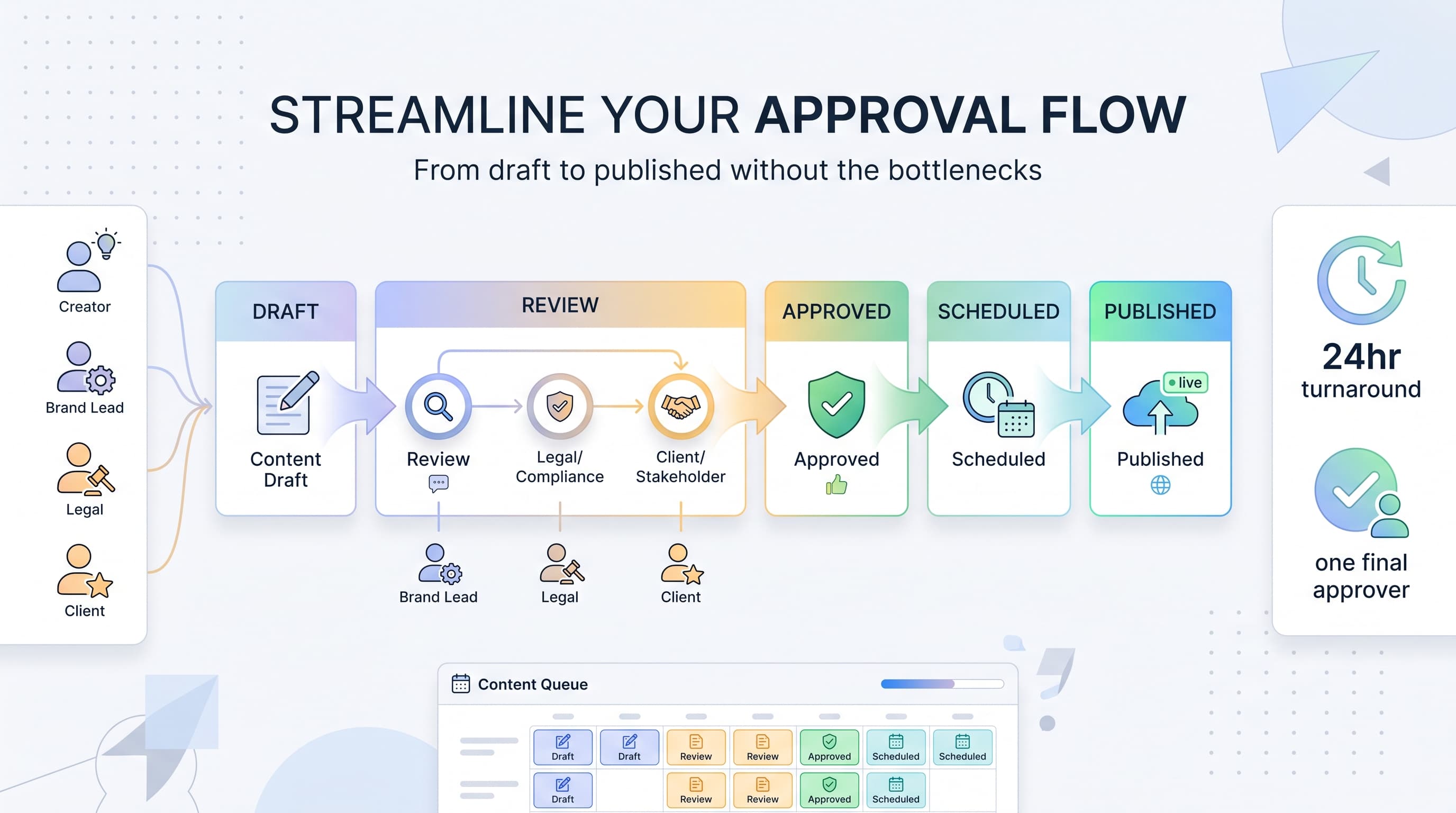
![Social Media Proposal Template [Free Download] - Win More Clients](/_next/image?url=%2Fblog%2Fsocial-media-proposal-template%2Fheader.jpeg&w=3840&q=75&dpl=dpl_6RiKV7dz1EjMEbYgqheh1pc2YPwv)