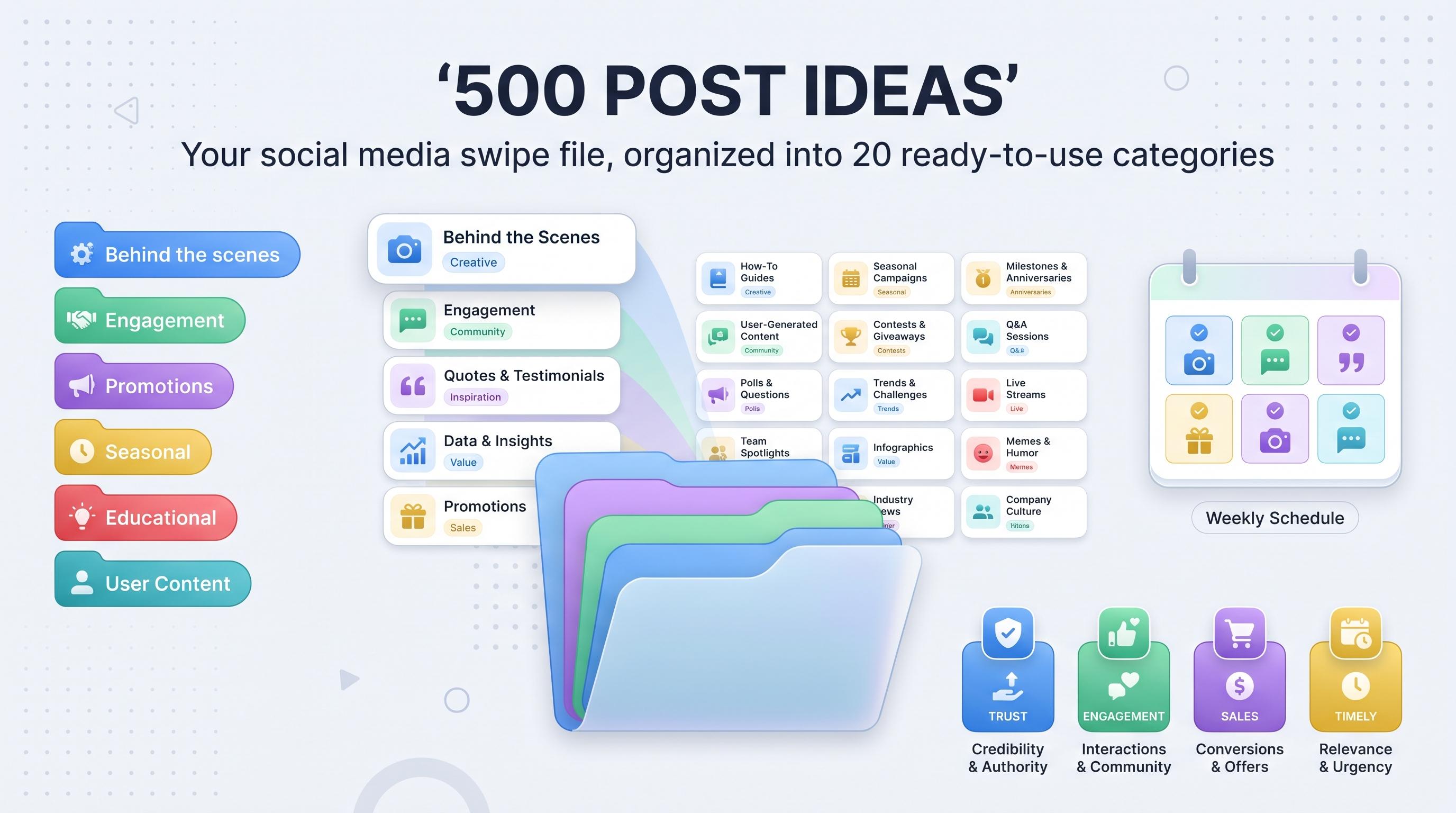
100 Free Social Media Post Templates for Every Platform (2026 Edition)
Get 100 free social media post templates for Instagram, TikTok, LinkedIn, and more, plus tips to customize and schedule them fast.


Staring at a blank caption box at 11pm, trying to figure out what to post tomorrow, is not a sustainable content strategy. It's how brands end up posting the same three content types on repeat (product shot, quote graphic, "link in bio") until the whole feed feels like filler. Learn more about Instagram scheduling.
See It in Action
This is what scheduling an Instagram post looks like in Schedulala
Templates fix that. Not because they make your content generic, but because they give you a reliable structure you can fill with your own voice, your own product, your own story. A good template is a shortcut, not a crutch. See our content calendar guide.
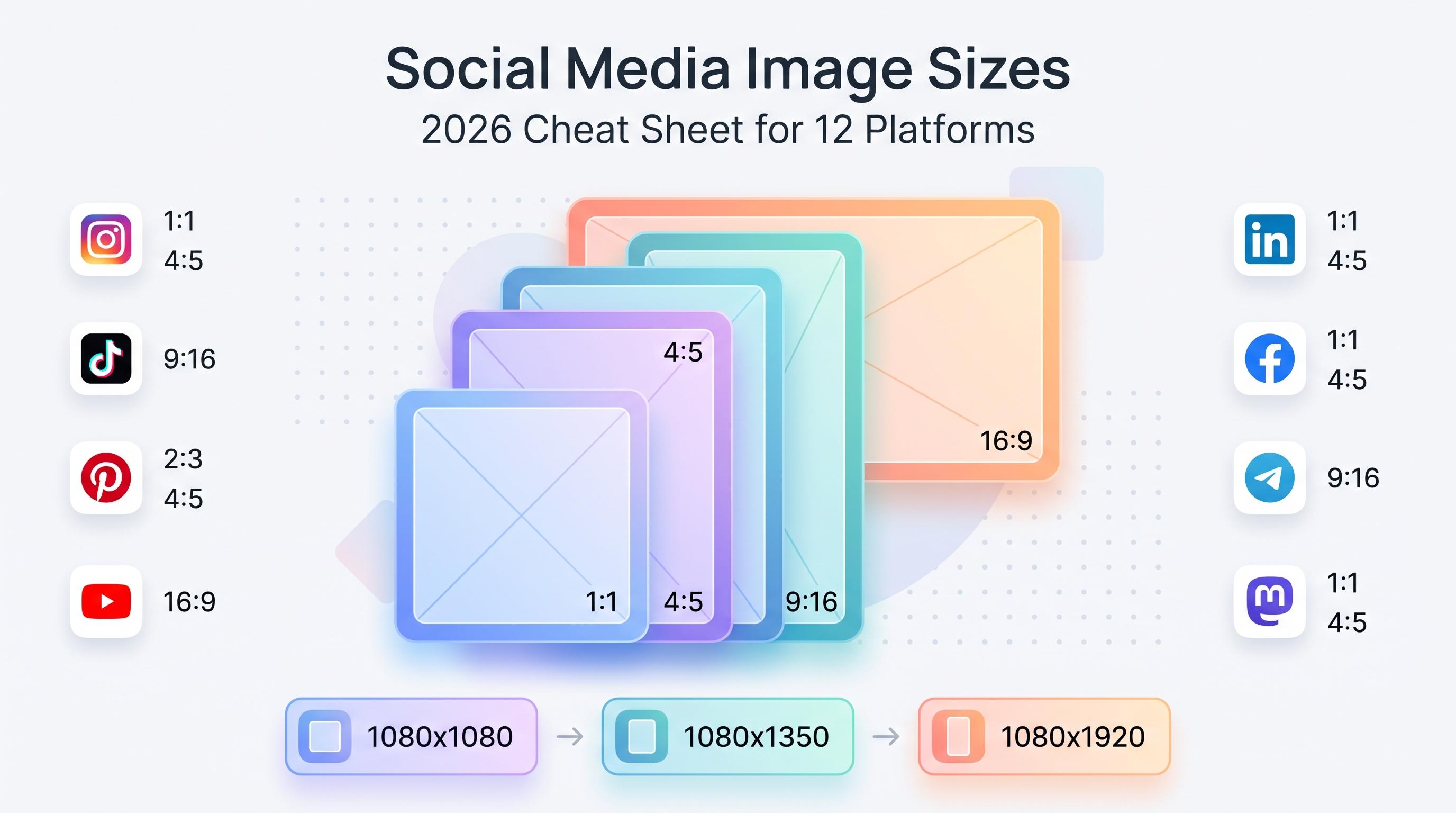
Below are 100 social media post templates organized by platform and format, covering Instagram, TikTok, Facebook, LinkedIn, Twitter/X, Pinterest, YouTube, Threads, Bluesky, Mastodon, Google Business Profile, and Telegram. Pick five, adapt them to your brand voice, and you've got a month of content ideas without the 11pm panic. Try our telegram engagement tips get.
Try Schedulala for free
Schedule posts to Bluesky, Twitter, and 8 other platforms from one dashboard.
Get started for free→How to use this list
Each category below covers a different platform or format, with 10 template ideas inside. These aren't fill-in-the-blank design files, they're repeatable content structures: the kind of post you can recreate weekly with a new topic, product, or story. Think of them as a recipe, not a photo of the finished dish. Try our scheduling across platforms.
If you manage more than one platform (and most brands manage at least four or five these days), the real work isn't coming up with ideas, it's getting the right version of each idea onto the right platform at the right time. That's the part worth automating, which we'll get to near the end. Try our best time to post on instagram.
Instagram templates (30 ideas)
1. Instagram feed post templates
The feed is still where most brands make their first impression, which is why it's worth having more than one trick in rotation. These ten cover education, social proof, and straight-up product promotion without feeling like an ad every time. Learn more about instagram caption generator.
- Product spotlight carousel: five slides, one product, each slide showing a different angle, use case, or detail.
- Before/after transformation: split-screen or swipe comparison showing a visible result your product or service creates.
- Quote card: a customer quote, founder quote, or industry stat on a branded background, kept to one sentence max.
- Customer testimonial screenshot: a real DM, review, or text message, lightly framed so it reads as authentic, not staged.
- Listicle carousel: "5 tips for X" with one tip per slide and a strong hook slide at the front.
- Myth vs fact post: common misconception on slide one, the correction and why it matters on slide two.
- Behind-the-scenes photo dump: five to seven candid shots from your workspace, team, or process, captioned casually.
- Launch announcement: the product or feature front and center, with a caption that leads with the benefit, not the feature list.
- User-generated content repost: a customer's photo or video, credited properly, with your own added commentary.
- Poll recap post: results from a Story poll turned into a feed post, which doubles your mileage on one piece of audience data.
2. Instagram Stories and Reels templates
Stories and Reels reward consistency more than polish. These templates are built to be shot and posted the same day, no production schedule required.
- Day in the life: five to ten clips strung together showing a normal workday, store day, or shoot day.
- This or that poll: two options, one sticker, easy engagement bait that also tells you something about your audience.
- Countdown sticker: build anticipation for a launch, sale, or event with a countdown sticker and daily teaser updates.
- Link sticker tutorial: a quick how-to that ends with a link sticker pointing to the full guide or product page.
- Scroll-stopping Reel hook: open with "stop scrolling if you've ever..." and address a specific pain point in the first two seconds.
- Trending audio transition: your product or team reveal timed to a trending sound's beat drop.
- Q&A sticker roundup: collect questions with the sticker, then answer the best five in a single Reel.
- Step-by-step tutorial: numbered on-screen text walking through a process in under 30 seconds.
- Story highlight cover set: branded, consistent icons for your permanent highlight categories (FAQ, reviews, shop, about).
- Flash sale countdown: urgency-driven Stories posted every few hours during a limited-time promotion.
3. TikTok video hook and caption templates
TikTok lives and dies by the first two seconds. These templates are built around hooks that have proven to hold attention, paired with caption structures that encourage comments.
- POV hook: "POV: you just found the thing that actually fixes [problem]" over a demo clip.
- "3 things I wish I knew" format: a quick list video that positions you as the guide, not the salesperson.
- Duet or stitch reaction: respond to a trending video or customer question with your own take.
- Day-in-the-life caption: a loosely narrated clip of a normal day, captioned with one honest, slightly funny line.
- Trend remix with a brand twist: take a trending format and swap in your product or story.
- Voiceover listicle: "Top 3 mistakes people make when..." narrated over b-roll.
- Before/after reveal: a hard cut from the problem state to the solved state, timed to a trending sound.
- Myth-busting caption: open with the myth as on-screen text, bust it in the video, repeat the correction in the caption.
- Product demo with text overlay: show, don't tell, with bold captions highlighting the key moment.
- Comment reply video: pick a genuinely good comment from a previous post and answer it on camera.
Facebook and LinkedIn templates (20 ideas)
4. Facebook post templates
Facebook's audience skews a little older and a lot more community-minded than the newer platforms, which means these templates lean into discussion and shared experience rather than pure aesthetics.
- Community question post: a simple, open-ended question your audience actually has an opinion on.
- Event announcement: date, time, location, and a one-line reason to care, posted with a Facebook Event link attached.
- Customer review share: a screenshot of a glowing review with a short thank-you caption.
- Milestone celebration: a follower count, anniversary, or achievement, framed as a thank-you to the community.
- Link share with commentary: don't just drop a URL, add two sentences on why it matters before the link.
- Live video announcement: a heads-up post a day before you go live, with a reminder post an hour before.
- Group discussion starter: tailored for your Facebook Group, inviting members to share their own experience.
- Weekly roundup post: a short recap of the week's top content, links, or news in your niche.
- Behind-the-scenes photo album: a multi-photo post giving a peek into production, packing, or team culture.
- Giveaway or contest post: clear rules, a clear prize, and a clear deadline, all in the first two lines.
5. LinkedIn post templates
LinkedIn rewards posts that read like a person wrote them, not a press release. These templates work whether you're posting as a company page or as an individual building a personal brand.
- Career lesson story: a short narrative about a mistake or win, with the lesson spelled out in the last line.
- Industry trend hot take: a one-line opinion on something happening in your industry right now, backed by one reason.
- Document carousel: a PDF-style carousel post breaking down a framework, list, or process, slide by slide.
- Company milestone announcement: funding, headcount, launch, or anniversary, framed around what it means for customers.
- Hiring announcement: role, team, and one sentence on why the role matters, with a clear link to apply.
- Case study breakdown: problem, approach, result, in three short paragraphs with a specific number in the result.
- "I used to think X, now I think Y" post: a personal opinion shift that invites disagreement in the comments.
- Behind-the-scenes of a project: what actually went into shipping something, warts and all.
- Poll question: a simple two- or three-option poll tied to something your audience debates regularly.
- Thought leadership share: commenting on someone else's article or post with your own added perspective, not just agreement.
Twitter/X and Pinterest templates (20 ideas)
6. Twitter/X post templates
X moves fast, so these templates are built for speed and opinion. If you're waiting for the perfect graphic, you've already missed the window.
- Thread hook + numbered thread: a bold claim in tweet one, then five to ten tweets breaking down the proof.
- Hot take tweet: a short, clear opinion, no hedging, no "just my thoughts but."
- Data stat tweet: one surprising number, source cited, with a one-line interpretation.
- Meme with a brand twist: a trending format, your product or industry swapped into the punchline.
- Quote tweet with commentary: repost someone else's tweet and add real value, not just "this."
- Audience question: a simple, specific question that's easy to reply to in under ten seconds.
- Product update tweet: what changed, why it matters, kept to two sentences.
- Unpopular opinion tweet: a genuinely contrarian take you're willing to defend in the replies.
- Behind-the-scenes tweet: a small, honest detail about how something actually gets made.
- Customer shoutout tweet: tag a customer, credit their win, keep it short.
7. Pinterest pin templates
Pinterest is a search engine wearing a social media costume. These templates are built around that reality: clear titles, high contrast, and content that answers a search query.
- Step-by-step infographic pin: numbered steps with icons, designed to be read at thumbnail size.
- Before/after pin: split image with a bold headline naming the transformation.
- Quote pin: a single quote on a branded template, sized for vertical scroll.
- Product roundup pin: "5 best X for Y" with thumbnail images of each item.
- Recipe or how-to card: ingredients or materials list up top, numbered steps below.
- Checklist pin: a downloadable-feeling checklist graphic tied to a blog post or guide.
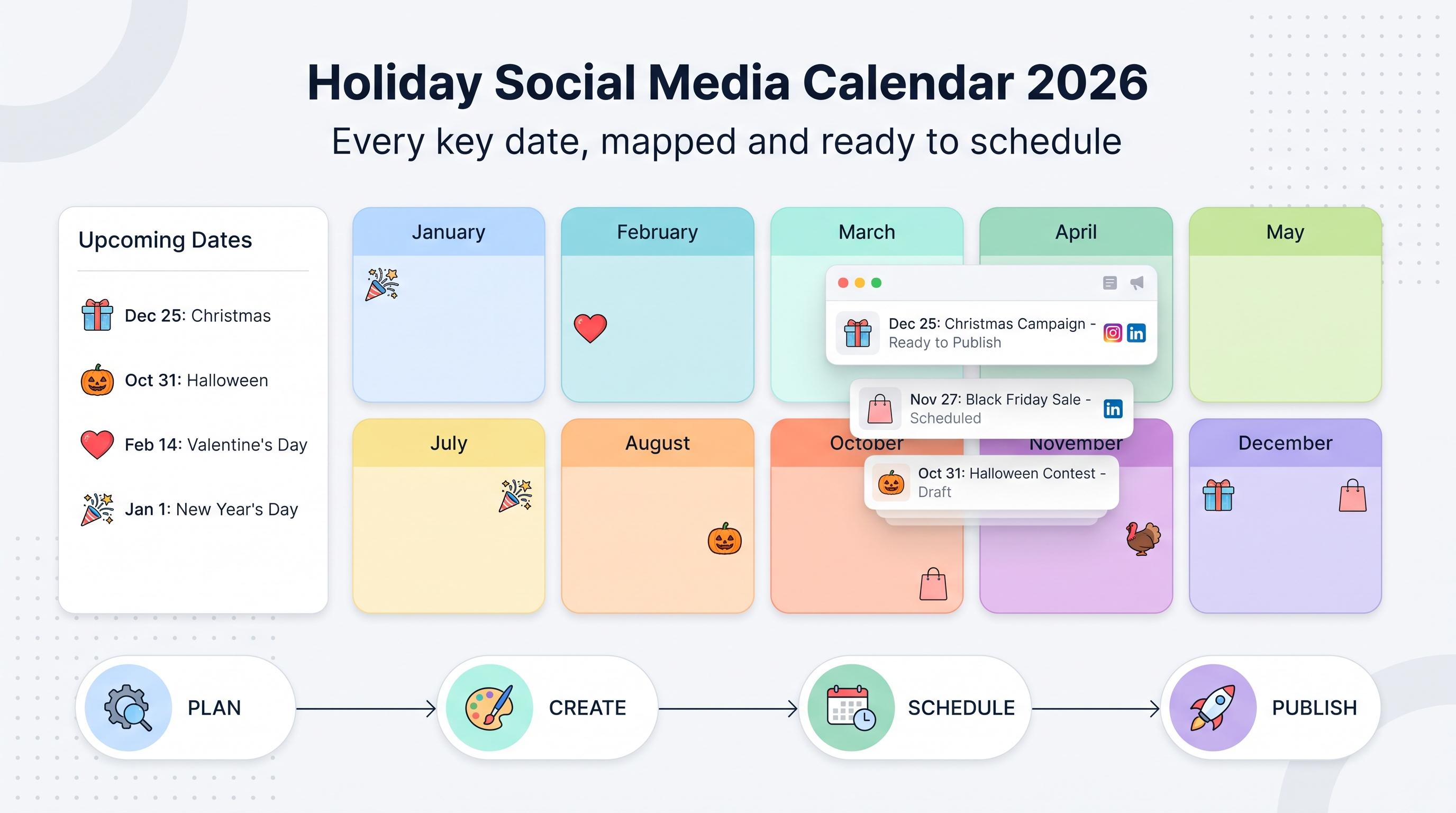
- Seasonal guide pin: tied to a holiday or season, with a clear date-relevant headline.
- Mood board pin: a curated grid of images around a theme, aesthetic, or color palette.
- Blog post teaser pin: headline plus hero image from your blog, built to drive click-throughs.
- Video pin trailer: a 10-15 second teaser clip of a longer tutorial or product demo.
YouTube, Threads, Bluesky, Mastodon, Google Business Profile, and Telegram templates (30 ideas)
8. YouTube thumbnail and community post templates
Your thumbnail is doing more work than your title. These templates cover both the thumbnail formulas that consistently earn clicks and the community tab posts that keep your channel active between video drops.
- Bold text + reaction face thumbnail: a shocked or curious expression paired with three to five words of text.
- Before/after split thumbnail: a visual divide showing the starting point versus the end result.
- Numbered list thumbnail: "5 ways to..." with the number rendered large and legible at thumbnail size.
- Community poll post: a quick two-option poll tied to your next video topic.
- Behind-the-scenes photo post: a still from filming or editing, posted the day before a video drops.
- New video teaser: a single compelling frame or quote from the upcoming video.
- Milestone thank you post: subscriber count or watch-time milestone, framed around the audience's role in getting there.
- Q&A community post: collect questions in the comments, answer the top ones in your next video.
- Countdown to premiere post: a reminder post 24 hours and again 1 hour before a scheduled premiere.
- Fan shoutout post: highlight a comment, fan edit, or community member in a dedicated post.
9. Threads, Bluesky, and Mastodon post templates
These three platforms reward a more conversational, less polished voice than Instagram or LinkedIn. If your Threads posts read like press releases, you're using the wrong template.
- Conversational hot take: a short, casual opinion that sounds like you're talking to a friend, not an audience.
- Thread-style follow-up: reply to your own post with added context, building a loose thread over a few replies.
- Behind-the-scenes text post: a candid, unpolished detail about your day, process, or decision.
- Community question: a simple prompt designed to get quick, easy replies.
- Quick tip post: one actionable tip, no fluff, no intro paragraph.
- Repost with added commentary: someone else's post, plus your own two cents.
- Casual update post: a short note on what you shipped, learned, or changed this week.
- Poll-style question: framed as a question with two obvious answer camps, even without a poll feature.
- Link share with personal take: a link plus one honest sentence on why you're sharing it.
- Meme or caption post: low effort by design, built for a quick laugh and a quote-repost.
10. Google Business Profile and Telegram post templates
These two get overlooked constantly, which is exactly why they're worth a dedicated template set. Google Business Profile posts influence local search and map visibility, and Telegram channels reach an audience that's already opted in to hear from you directly.
- New arrival or update post (GBP): a new product, menu item, or service, with a photo and a short description.
- Special offer post (GBP): the deal, the dates it runs, and a clear call to action.
- Event post (GBP): date, time, and what makes it worth showing up for.
- FAQ answer post (GBP): turn a common customer question into a short, public answer.
- Review response template (GBP): a consistent, warm structure for replying to reviews, good or bad.
- Channel announcement (Telegram): a direct, no-fluff heads-up about something new.
- Exclusive discount code (Telegram): a code only your Telegram subscribers get, which rewards them for staying subscribed.
- Poll post (Telegram): a native poll to gauge interest or preference before you commit to something publicly.
- Weekly digest post (Telegram): a short roundup of the week's updates, links, or wins.
- Behind-the-scenes update (Telegram): a slightly more candid version of what you'd post publicly elsewhere.
Which template fits which goal
Not every template is built for the same outcome. Some are built to stop a scroll, some are built to start a conversation, and some are built to convert a browser into a buyer. Here's a rough guide to matching template type to goal before you start filling in the blanks.
| Goal | Best template types | Platforms to prioritize |
|---|---|---|
| Build awareness | Trend remix, meme with a twist, hot take | TikTok, Instagram Reels, Twitter/X |
| Drive engagement | Polls, Q&A roundups, community questions | Threads, Facebook Groups, Instagram Stories |
| Build trust | Testimonials, case studies, before/after | LinkedIn, Instagram feed, YouTube |
| Drive sales | Product spotlight, limited-time offer, launch announcement | Instagram, Facebook, Google Business Profile |
| Build local visibility | Event posts, FAQ answers, special offers | Google Business Profile |
| Deepen loyalty | Exclusive codes, weekly digests, behind-the-scenes | Telegram, Threads |
Common mistakes brands make with templates
Templates are a tool, not a shortcut around doing the work. Here are the mistakes I see most often when teams lean on templates without thinking through the execution.
- Posting the exact same template, word for word, on every platform. A LinkedIn case study post and a TikTok caption need different lengths, tones, and hooks even if the underlying idea is identical.
- Treating the template as the finished product instead of the starting point. If your audience can tell you copied a format off Pinterest, the authenticity that made the template work in the first place is already gone.
- Overloading one format and ignoring the rest. If every post is a quote card, your feed starts to feel like a motivational poster shop instead of a brand with something to say.
- Skipping the hook. On video platforms especially, the template means nothing if the first two seconds don't earn the next eight.
- Forgetting to adapt the call to action. A template built for awareness shouldn't end with a hard sales pitch, and a template built for sales shouldn't bury the offer on slide five of a carousel.
Turning 100 templates into an actual content calendar
A list of templates is only useful if it turns into posts that actually go out on time. The practical problem most teams run into isn't a shortage of ideas, it's the logistics of adapting one idea across six or seven platforms and remembering to post it at the right moment on each one.
Here's a simple system that works well in practice: pick one core idea per week (a product update, a customer story, a tip), then run it through two or three of the template formats above for different platforms. One idea becomes an Instagram carousel, a LinkedIn case study post, a Threads hot take, and a Telegram update, each adapted to the format and tone that platform actually rewards.
That's where scheduling tools earn their keep. Writing five versions of one idea on a Monday and having them go out automatically across the week, on each platform's optimal posting window, beats remembering to log into seven apps individually. Schedulala covers all 12 of the platforms in this list (Instagram, TikTok, Twitter/X, LinkedIn, YouTube, Facebook, Threads, Bluesky, Pinterest, Telegram, Mastodon, and Google Business Profile), so you can draft once, customize per platform, and queue the whole week in one sitting.
Every Schedulala plan comes with unlimited scheduled posts, which matters a lot once you start running 100 templates through a real content calendar instead of posting whatever comes to mind that morning. The Personal plan covers 10 social accounts at $29/month, Team covers 25 accounts at $49/month, and Agency covers 100 accounts at $99/month, and that account count is flexible, meaning 10 accounts can be 10 Instagram profiles for 10 clients or one account on every platform with room to spare. There's no per-platform sub-limit forcing you to buy a bigger plan just because you added Mastodon to the mix.
How to customize these templates without losing your voice
The fastest way to make a template feel generic is to copy it exactly, including someone else's tone, jokes, and sentence rhythm. A few adjustments keep the structure useful while keeping the output recognizably yours.
- Swap in your actual customer language. If your audience calls your product something specific, use their words in the caption, not the generic category name.
- Change the hook format for your audience's attention span. A B2B LinkedIn audience tolerates a slower build than a TikTok audience scrolling past 50 videos before lunch.
- Keep one running list of your best-performing captions and reuse the sentence structures, not the exact wording, on future posts.
- Vary the proof point. Testimonials, data, and before/after visuals all build trust differently, so rotate which one you lean on each week.
- Set a recurring 30-minute block to adapt three templates for the upcoming week instead of starting from scratch every single post.
Quick picks if you only try five
If 100 templates feels like a lot to start with, here are the five that tend to perform well across nearly every industry and account size, no matter how small your following is today.
- The before/after transformation (Instagram or TikTok), because visible proof beats a claim every time.
- The customer testimonial screenshot (Instagram, LinkedIn, or Facebook), because social proof is doing half the selling for you.
- The listicle carousel or thread (Instagram, LinkedIn, Twitter/X), because it's genuinely useful and highly shareable.
- The community question (Threads, Facebook, Bluesky), because low-effort posts that get replies feed the algorithm and your inbox.
- The special offer post (Google Business Profile, Telegram), because it directly drives the action you actually want: a sale.
Start there, measure which ones get the best response from your specific audience, and build out from the rest of the list as you figure out what your people actually respond to. The goal isn't to use all 100 templates every month, it's to never run out of a reasonable next move when the blank caption box shows up again.
Try Schedulala for free
Schedule posts to Bluesky, Twitter, and 8 other platforms from one dashboard.
Get started for free→