Social Media Strategy Template: The Free Framework We Actually Use (With Examples)
Get a free social media strategy template with goals, content pillars, posting cadence, and KPIs you can copy and use this week.


Most social media strategies are just a list of things someone wants to post. There's no goal attached, no audience definition, no way to know if any of it worked. Then three months later someone asks "is this even doing anything?" and nobody has an answer. Our Instagram scheduling can help.
See It in Action
This is what scheduling an Instagram post looks like in Schedulala
A real strategy template fixes that. It forces you to write down what you're trying to accomplish, who you're trying to reach, what you'll actually post, how often, and how you'll measure it, all before you open a scheduling tool. Below is the exact template framework we recommend to teams managing anywhere from one brand account to a client roster of 15 clients. Copy it, fill in the blanks, and you'll have a working strategy document by the end of this article. Learn more about scheduling across platforms.
This isn't theory. It's the same structure marketing teams use to justify budget, agencies use to onboard new clients, and solo creators use to stop posting randomly and start posting with intent. Our content calendar can help.
Try Schedulala for free
Schedule posts to Bluesky, Twitter, and 8 other platforms from one dashboard.
Get started for free→Why you need a template instead of just "winging it"
I've seen a lot of social media accounts run without any documented strategy. They usually look fine for a few weeks, then stall out. Here's what happens without a template: posting becomes reactive (you scramble to post something, anything, because it's been three days), content becomes inconsistent (some weeks it's five posts, some weeks it's zero), and nobody can explain why engagement went up or down because there was never a baseline to compare against. See our telegram engagement tips get guide.
A written strategy template solves three specific problems. First, it creates accountability: if you write down that Instagram Reels should hit 3% engagement rate, you can actually check that number against reality instead of just feeling like "things are going okay." Second, it saves time: once your content pillars and cadence are defined, you stop staring at a blank calendar wondering what to post today. Third, it makes delegation possible. If you ever hand social media off to a teammate, a freelancer, or an agency, a documented strategy means they don't have to guess what you were trying to do. Learn more about best time to post on instagram.
This template works whether you're a solo founder posting for your own brand, a marketing manager running accounts for one company, or an agency managing dozens of clients across a dozen platforms. The structure stays the same. Only the details change. See our instagram engagement calculator guide.
The 7 sections every social media strategy template needs
A good strategy document has seven parts. Skip any one of them and you'll end up with gaps that turn into excuses later ("we never set a goal so I don't know if this worked" is a sentence I hear constantly).
1. Goals (specific, not vague)
Write down the actual business outcome you want, not "grow our social media presence." That phrase means nothing and can't be measured. Instead, write something like: "Generate 50 qualified leads per month from Instagram and LinkedIn by Q2" or "Grow email list by 1,000 subscribers through TikTok content by end of year."
Every goal should have a number and a deadline. If you can't put a number on it, it's not a goal yet, it's a wish. Pick one primary goal per platform. You can have secondary goals too, but the primary one is what you optimize posting decisions around.
2. Audience definition
Describe who you're actually talking to. Not "millennials" or "small business owners" (too broad to be useful), but something specific: "Marketing managers at 10-50 person B2B SaaS companies who are frustrated with managing social media manually."
Include what platforms they actually use, what problems they have, and what kind of content format they respond to (short video, carousel, long-form text, whatever). If you run multiple audience segments across platforms, like a younger TikTok audience and a more professional LinkedIn audience, write a separate mini-profile for each.
3. Platform audit
List every platform you're currently on (or considering) and rate each one honestly: is it working, is it worth the time, should you drop it? Most brands are spread too thin across platforms that don't fit their audience, just because "everyone should be on TikTok" or similar advice.
For each platform, note your current follower count, average engagement rate, and posting frequency. This becomes your baseline for measuring improvement later.
4. Content pillars
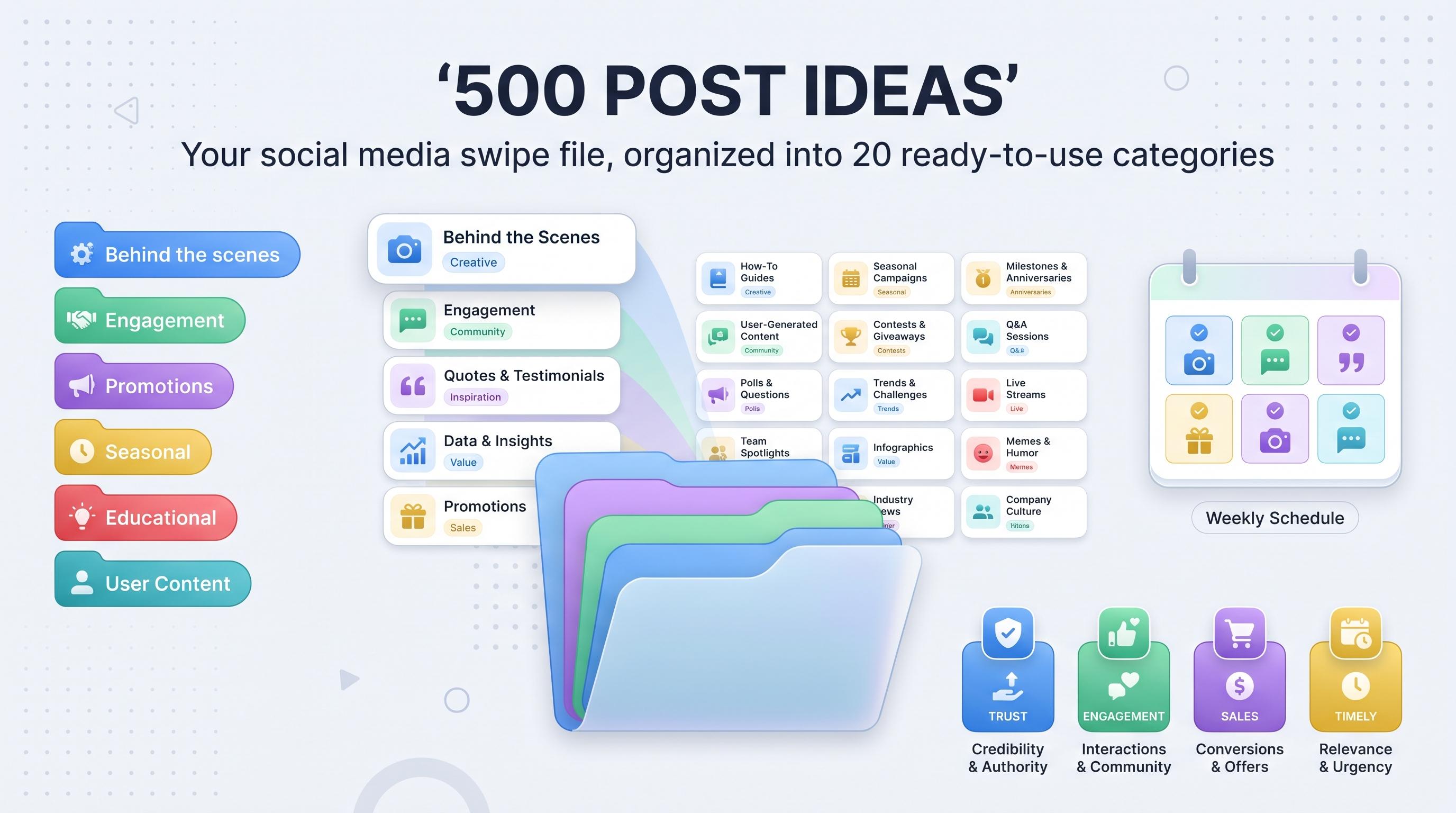
Pick 3-5 content categories (pillars) that you'll rotate through. This is the single most useful part of the whole template because it eliminates the "what do I post today" problem permanently.
Example pillars for a B2B software company: educational tips (40% of posts), customer stories and case studies (25%), behind-the-scenes/company culture (15%), industry news and commentary (10%), product updates and promotions (10%). The percentages matter: if 90% of your content is promotional, people stop following you.
5. Posting cadence
Write down exactly how many times per week you'll post on each platform. Not an aspirational number, a realistic one you can actually sustain. Posting 3 times a week consistently beats posting 7 times a week for two weeks and then going silent.
See the posting frequency table further down for platform-specific recommendations based on what we see working across accounts.
6. Voice and tone guide
A short paragraph describing how your brand sounds. Are you playful or formal? Do you use emoji? Do you ever get political or opinionated, or stay strictly neutral? This matters more once more than one person is writing captions, because without it every post sounds like it came from a different company.
7. KPIs and reporting cadence
Decide which 3-5 metrics actually matter for your goal, and how often you'll check them. If your goal is leads, track click-through rate and conversions, not just likes. If your goal is brand awareness, track reach and impressions over follower count.
Set a reporting cadence: weekly quick check, monthly deep dive, quarterly strategy review. Put it on the calendar now so it actually happens.
The template, filled out as a real example
Reading about a template in the abstract is less useful than seeing one filled in. Here's a complete, realistic example for a fictional company: a project management app called "Flowstack" with a small marketing team.
| Section | Flowstack's answer |
|---|---|
| Primary goal | Generate 75 trial signups per month from organic social by Q3 |
| Audience | Operations managers at 20-100 person agencies, active on LinkedIn and Instagram, frustrated with spreadsheet-based project tracking |
| Platforms | LinkedIn (primary), Instagram (secondary), YouTube (long-term), dropped Twitter/X (low ROI for this audience) |
| Content pillars | Workflow tips (35%), customer wins (25%), product features (20%), industry commentary (20%) |
| Posting cadence | LinkedIn 4x/week, Instagram 3x/week, YouTube 1x/month |
| Voice | Direct, slightly dry humor, no corporate jargon, speaks like a sharp coworker not a press release |
| Key KPIs | Click-through rate to signup page, trial signups attributed to social, LinkedIn engagement rate |
| Reporting | Weekly metrics check every Monday, full strategy review every quarter |
Notice how specific every row is. "Operations managers at 20-100 person agencies" is a target you can actually write content for. "Grow our social media" is not. This level of specificity is what separates a strategy document that gets used from one that gets written once and forgotten in a shared drive.
How often should you actually post? A cadence table by platform
One of the most common questions when filling out a strategy template is simply "how much content do I need?" There isn't one universal answer, but here are realistic starting points based on what sustains engagement without burning out whoever's creating the content.
| Platform | Minimum viable cadence | Strong cadence | Format that works best |
|---|---|---|---|
| 3x/week | 5-7x/week (mix of feed + Reels + Stories) | Short video, carousels | |
| TikTok | 3x/week | 1x/day | Native short video, unpolished beats overproduced |
| 2-3x/week | 5x/week | Text posts with a hook, document carousels | |
| 3x/week | 5x/week | Video, community-style posts | |
| Twitter/X | 1x/day | 3-5x/day | Threads, timely commentary |
| YouTube | 1x/month | 1x/week | Long-form tutorials, Shorts for discovery |
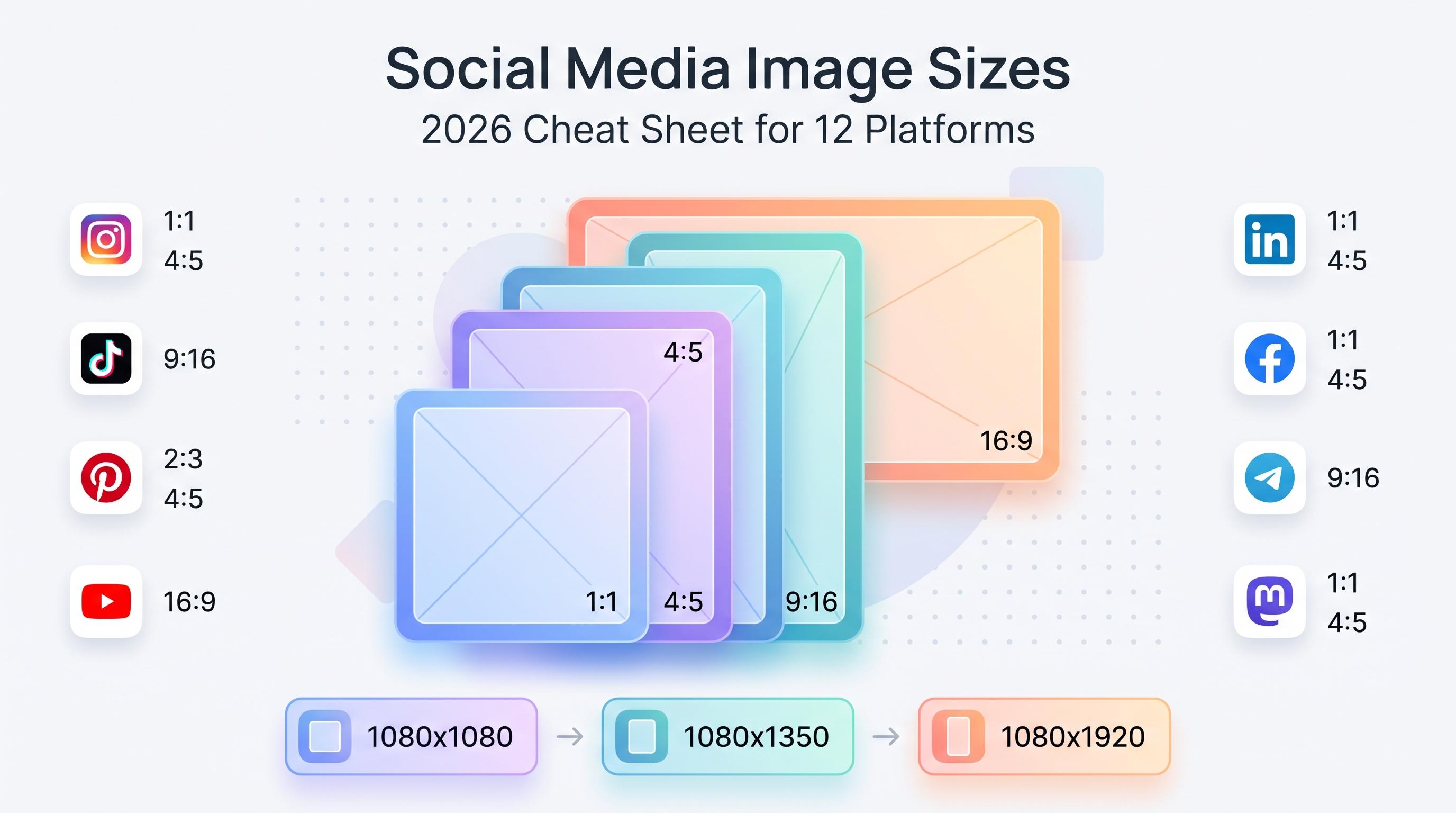
| 3x/week | 1x/day | Vertical graphics, infographics | |
| Threads | 3x/week | 1x/day | Conversational, timely text posts |
| Bluesky | 2-3x/week | 1x/day | Text posts, community engagement |
| Telegram | 2x/week | 3x/week | Updates, exclusive content for channel subscribers |
| Mastodon | 2-3x/week | 1x/day | Text posts, niche community content |
| Google Business Profile | 1x/week | 2-3x/week | Updates, offers, photos |
Pick the cadence you can sustain for three months straight without burning out, not the one that looks best on paper. A realistic 3x/week on Instagram that you actually maintain beats an ambitious daily posting plan that collapses after 10 days.
Step-by-step: building your strategy in one afternoon
You don't need a week-long offsite to build this. Block off three to four hours and work through these steps in order.
1. Pull your current numbers
Before you plan anything new, write down where you currently stand: follower count, average engagement rate, and posting frequency for every platform you're on. You need a baseline to know if your new strategy is actually working.
2. Set one primary goal
Resist the urge to set five goals. Pick the single most important business outcome (leads, signups, sales, brand awareness measured by reach) and make that the thing every other decision gets measured against.
3. Write your audience profile
Spend 20 minutes writing two to three sentences describing exactly who you're trying to reach. If you have customer data or past buyers, look at who actually converts and describe them, not your aspirational ideal customer.
4. Audit your platforms honestly
Be willing to drop a platform that isn't working. Being on a platform because "we should be everywhere" is how teams end up stretched thin and mediocre on all of them instead of strong on two or three.
5. Draft your content pillars
List out 3-5 pillars and assign rough percentages. Then brainstorm 5 specific post ideas under each pillar. By the time you finish this step you'll have 15-25 post ideas ready to schedule, which solves the blank-page problem for the next month.
6. Lock in your cadence
Use the table above as a starting point, then adjust based on your team's actual bandwidth. It's better to commit to 3 posts a week you can sustain for a year than 7 posts a week you'll abandon in a month.
7. Define your KPIs and put reporting on the calendar
Pick 3-5 metrics tied directly to your primary goal. Then literally open your calendar and schedule a recurring 15-minute weekly check and a 60-minute monthly review. If it's not on the calendar, it won't happen.
8. Build a content calendar and start scheduling
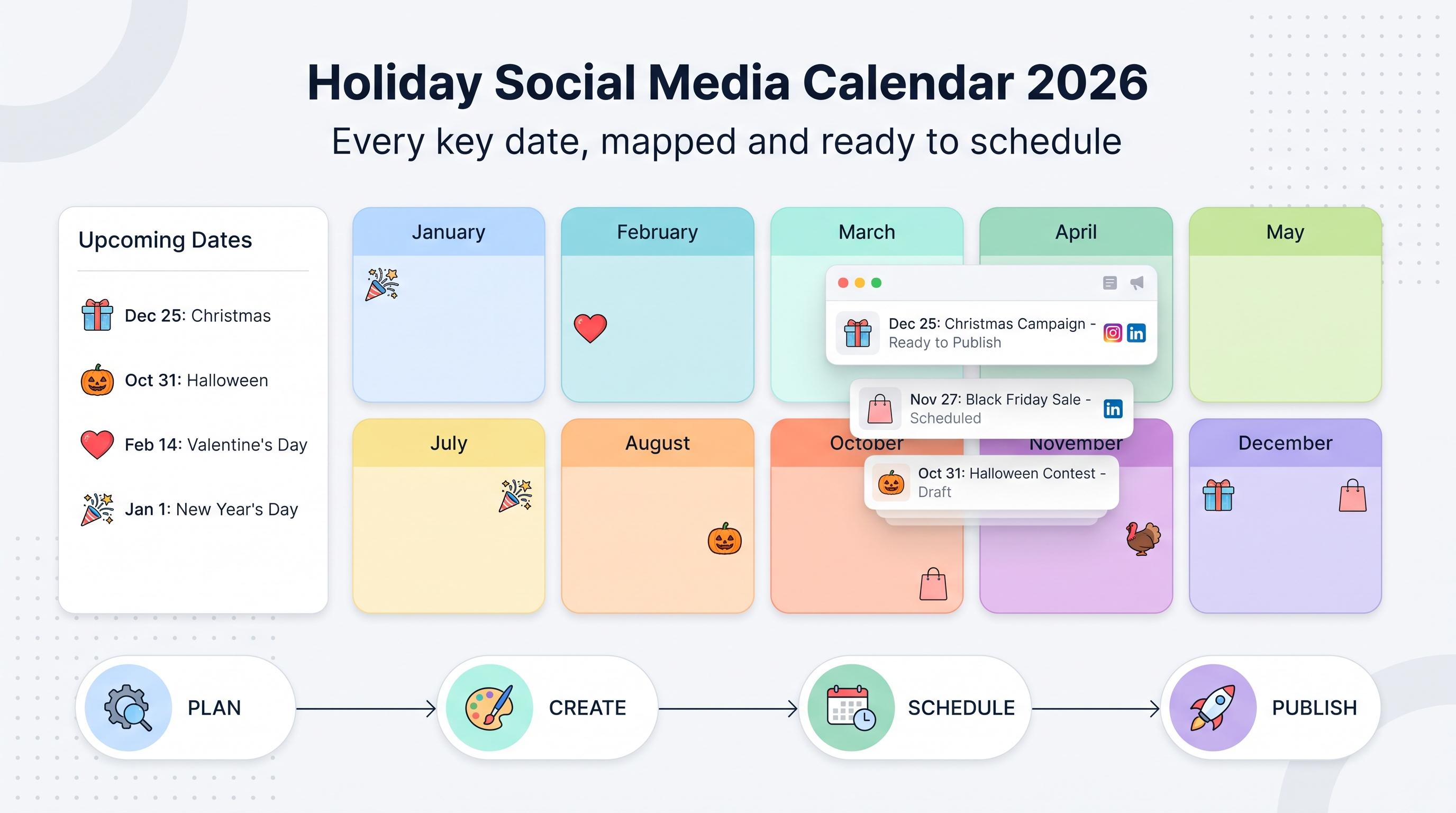
Take your pillar ideas and cadence and map them onto an actual calendar for the next 30 days. This is where a scheduling tool pays for itself: load a month of content in one sitting instead of logging into six different apps every single day to post manually.
Turning your strategy into a calendar you'll actually stick to
A strategy document is only useful if it changes what you actually do day to day. The bridge between the two is a content calendar, and this is where most strategies quietly die. People fill out a nice template, feel good about it, then go back to posting whatever comes to mind because setting up a recurring system feels like extra work.
Here's the fix: the same afternoon you finish your strategy template, spend another 30-60 minutes loading the next two to four weeks of content into a scheduling tool. This does two things. It forces you to actually apply your content pillars and cadence immediately (instead of "someday"), and it removes the daily temptation to skip a post because you're busy.
This is especially important if you're managing more than one or two platforms, because the math gets ugly fast. If your strategy calls for 4 LinkedIn posts, 5 Instagram posts, and 3 TikTok posts per week, that's 12 separate manual logins and uploads every single week, times however many weeks you want to stay consistent. Multiply that across multiple client accounts if you're running an agency and it becomes unmanageable without a scheduling system.
This is exactly why Schedulala exists: you build the content once using your strategy template as the blueprint, schedule it across all 12 supported platforms (Instagram, TikTok, Twitter/X, LinkedIn, YouTube, Facebook, Threads, Bluesky, Pinterest, Telegram, Mastodon, and Google Business Profile), and the posts go out automatically on the cadence you defined. Every plan includes unlimited scheduled posts, so you're never rationing how far ahead you plan. Accounts are counted as a flat number you can split however you want. On the Personal plan ($29/month), that's 10 social accounts you could put all on Instagram, spread across every platform, or anything in between. Team ($49/month) gives you 25 accounts, and Agency ($99/month) gives you 100, which matters a lot if you're running multiple client strategies off the template above.
Common mistakes people make with their social strategy (and template)
Mistake 1: setting vague goals
"Build brand awareness" isn't measurable. "Increase reach by 25% quarter over quarter" is. If you can't check a number against your goal in three months, rewrite the goal.
Mistake 2: being on every platform instead of the right ones
Trying to maintain a strong presence on all 12 platforms when your audience really only lives on two or three spreads your time and quality thin. Pick the platforms where your audience actually spends time, and go deep there first.
Mistake 3: content pillars that are 90% promotional
If every post is "buy our thing," people unfollow or stop engaging, which tanks your reach on algorithmic feeds. Aim for the 80/20 rule: 80% value, entertainment, or education, 20% direct promotion.
Mistake 4: an unrealistic posting cadence
Committing to daily posts on five platforms when you have one person managing social part-time is a plan for burnout, not growth. Start with a cadence you're confident you can hit for 90 days straight, then increase it once it's sustainable.
Mistake 5: never reviewing the data
A strategy without a reporting cadence is a strategy you'll never improve. Put a recurring reminder on the calendar and actually open the analytics every time, even when results feel unremarkable.
Mistake 6: writing the strategy once and never updating it
Platforms change, algorithms shift, and audiences evolve. Treat the template as a living document, not a one-time project. Revisit it every quarter and adjust pillars, cadence, and goals based on what the data actually shows.
Strategy templates for different team sizes
The core template doesn't change based on how big your team is, but how you use it does. Here's how the same seven sections play out differently depending on your situation.
Solo creator or small business owner
Keep it lightweight. Pick 2-3 platforms max, write your pillars on one page, and set a cadence you can hit solo (3-4 posts per week per platform is realistic without burning out). Batch content once a week in a single sitting rather than trying to post live every day.
Marketing team at a single company
This is where the voice and tone section becomes critical, because multiple people will be writing copy. Assign clear ownership: who approves content, who writes captions, who designs graphics, and who reviews the monthly report. The Team plan (25 accounts) usually covers a company running presences on 4-6 platforms with a couple of regional or sub-brand accounts mixed in.
Agencies managing multiple clients
Build one master template, then create a filled-out copy for every client. Keep each client's goals, pillars, and KPIs separate since what counts as success for a local restaurant looks nothing like success for a B2B SaaS client. With 100 accounts on the Agency plan ($99/month), you can run full strategies for a dozen or more clients across every platform they need without worrying about per-seat or per-channel fees stacking up.
FAQ: social media strategy templates
A few questions that come up constantly when teams start filling out their first strategy template.
How long should a social media strategy document be?
One to three pages for a small business or solo creator. Agencies managing multiple clients will have one template per client, each running a page or two. Longer isn't better, actionable is better.
How often should I update my strategy?
Review it monthly at a glance and do a full revision quarterly. Platforms and algorithms change enough that a strategy written a year ago is probably stale in at least one section.
What's the difference between a strategy and a content calendar?
The strategy is the "why" and "what": goals, audience, pillars, cadence. The content calendar is the execution layer, the actual posts mapped to specific dates. You need both, and the strategy should always come first.
Your next step
Don't let this template sit in a tab you close tonight. Block 2-3 hours this week, work through the seven sections in order, and come out the other side with a document that answers the only question that matters: what are we posting, why, and how will we know it worked.
Once it's filled out, the next bottleneck is execution. A great strategy posted inconsistently still underperforms a mediocre strategy posted reliably. If you're managing more than a couple of platforms, build out your first two weeks of content from your new pillars, load them into a scheduler, and let the cadence run itself while you focus on creating the next batch.
Try Schedulala for free
Schedule posts to Bluesky, Twitter, and 8 other platforms from one dashboard.
Get started for free→