Social Media Calendar Template [Free 2026 Guide + Framework]
Get a free social media calendar template for 2026, plus a step-by-step framework to plan, organize, and schedule content across 12 platforms.


You know the feeling. It's 9pm on a Tuesday, you haven't posted anything since the weekend, and you're scrolling through your camera roll trying to find something, anything, to throw up on Instagram before the day's gone. Try our Instagram scheduling.
See It in Action
This is what scheduling an Instagram post looks like in Schedulala
A social media calendar template fixes that. Not because it's magic, but because it forces you to plan content before you're desperate for it. In this guide I'll give you a full template structure you can copy today, plus the framework we use at Schedulala to figure out what goes in it and when. See our youtube shorts ideas 100 guide.
This isn't a generic 'here's a spreadsheet, good luck' post. We'll cover exactly which columns matter, how far out to plan, how to handle 12 different platforms without losing your mind, and the mistakes that turn a calendar into another abandoned Google Sheet. Try our batch content creation.
Try Schedulala for free
Schedule posts to Bluesky, Twitter, and 8 other platforms from one dashboard.
Get started for free→Why a content calendar actually matters (not just busywork)
A lot of advice about content calendars treats them like a box to check. 'Be organized, have a calendar, good job.' But the real reason a calendar matters comes down to three things: consistency, strategy, and sanity. Our content calendar can help.
Consistency is the one everyone mentions. Platforms reward accounts that post regularly because it keeps people engaged and keeps the algorithm fed with fresh signals. An account that posts three times a week for a month and then vanishes for two weeks sends a weaker signal than one that posts twice a week, every week, without fail. Learn more about best time to post on instagram.
Strategy is the part people skip. When you're posting reactively, every piece of content is an island. You post whatever feels urgent that day. A calendar forces you to zoom out and ask: what's the goal this month? Are we launching something? Is there a seasonal moment to hit? What's underrepresented in our content mix, educational posts, behind-the-scenes, testimonials, product features? Our instagram engagement calculator can help.
Sanity is underrated. Planning content in batches, say, one hour on a Friday to map out next week, is dramatically less stressful than scrambling daily. I've talked to social managers running accounts for five or six clients who say the calendar is the only thing standing between them and total chaos.
The anatomy of a good social media calendar template
A lot of templates floating around online are just a grid with 'Monday, Tuesday, Wednesday' across the top and empty cells underneath. That's not a calendar, that's a placeholder. A template that actually helps you plan needs specific columns. Here's what we recommend including, based on what agencies and in-house teams actually use day to day.
1. Date and time
The obvious one, but be specific. Don't just write 'Tuesday', write the exact publish date and the planned time. If you're posting to multiple time zones or you have audience data showing when your followers are most active, note that time slot explicitly rather than relying on memory.
2. Platform
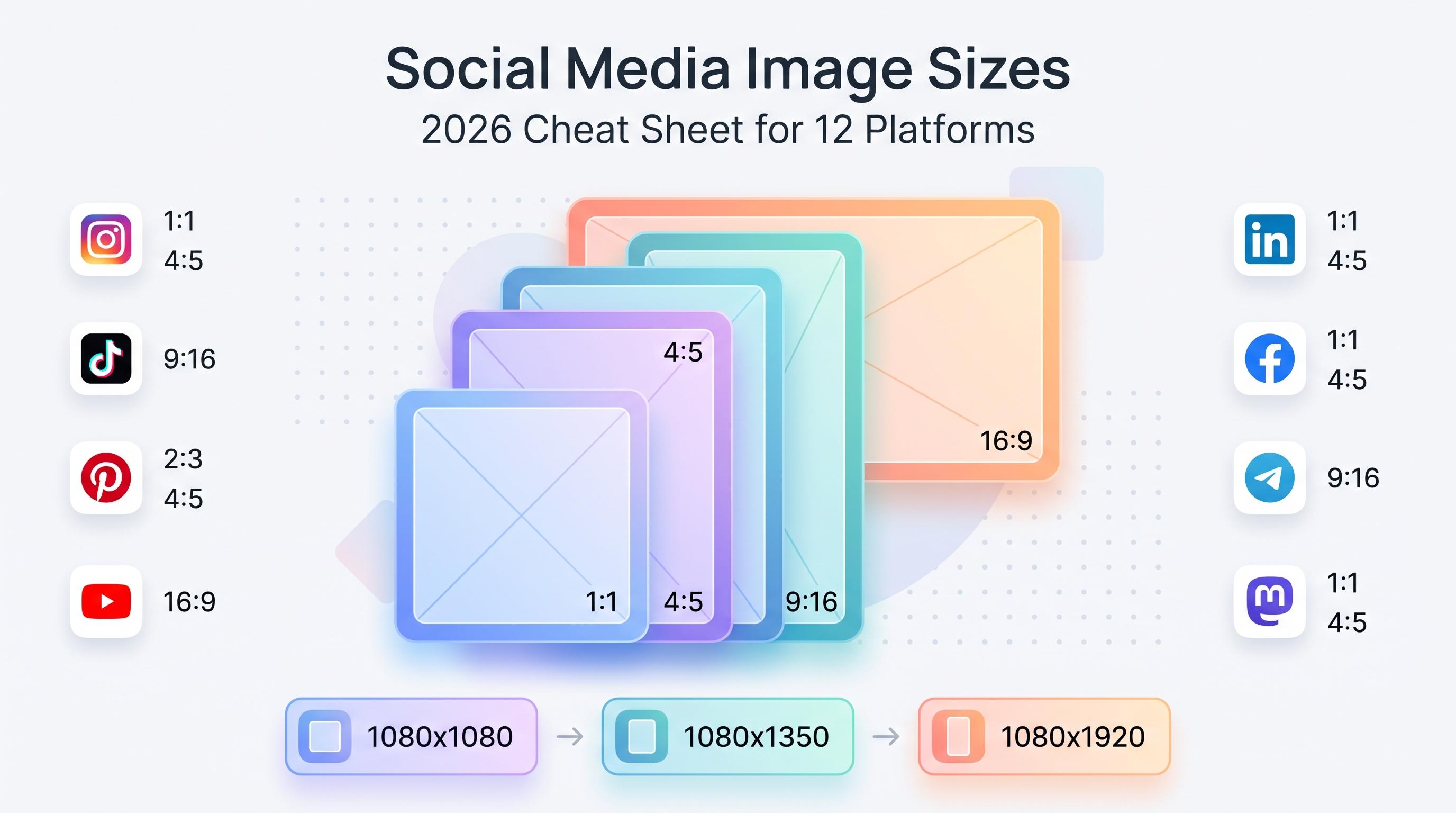
With 12 platforms in play (Instagram, TikTok, Twitter/X, LinkedIn, YouTube, Facebook, Threads, Bluesky, Pinterest, Telegram, Mastodon, and Google Business Profile), content rarely goes everywhere unchanged. Your calendar needs a dedicated column for platform so you can see at a glance where the gaps are. If your calendar shows six Instagram posts this week and zero LinkedIn posts, that's a problem you want to catch on Monday, not discover a month later.
3. Content pillar or category
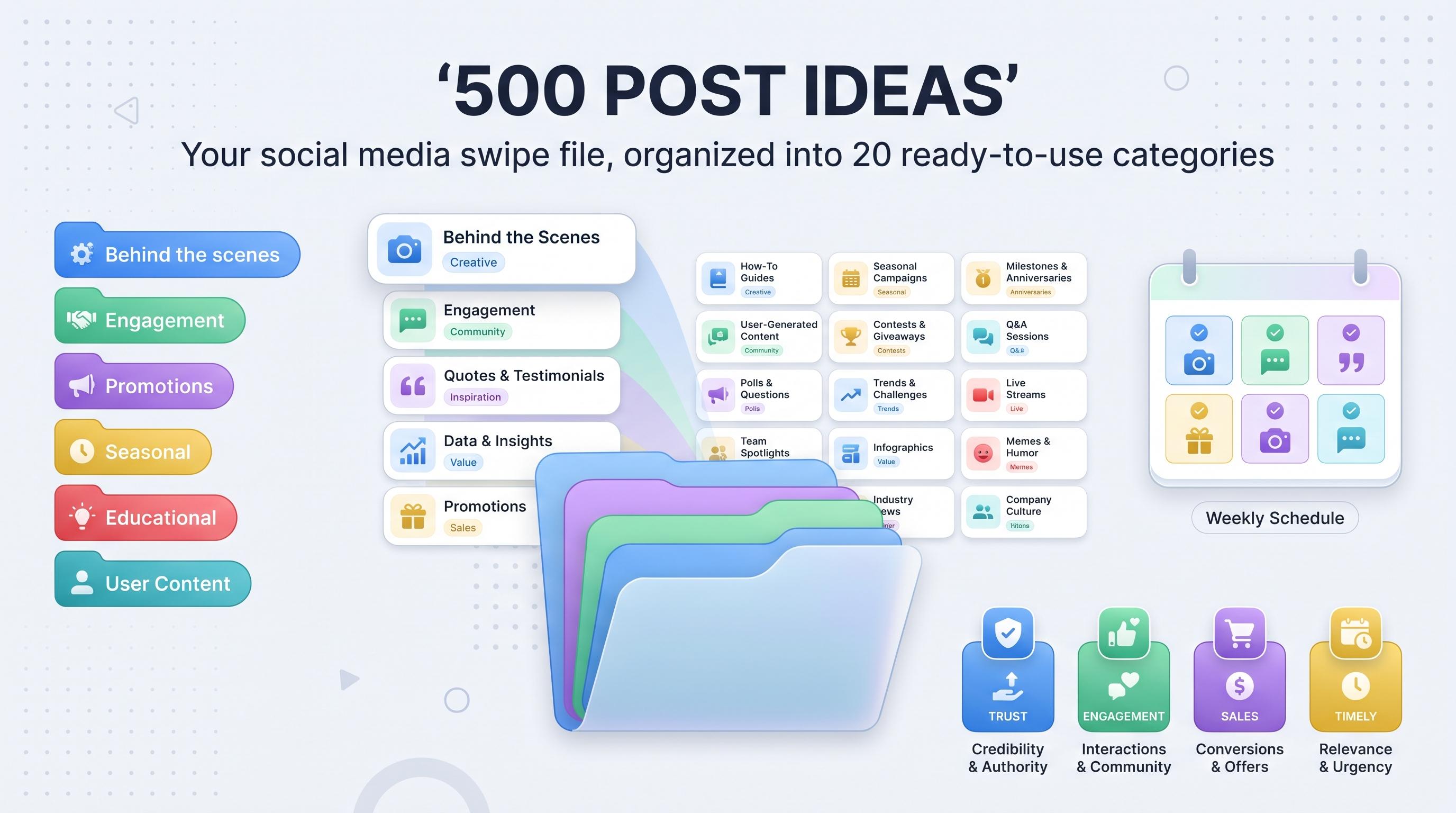
This is the column most templates miss, and it's the one that keeps your content from becoming a grab bag of randomness. Define 4-6 pillars up front, things like 'educational', 'product spotlight', 'user generated content', 'behind the scenes', 'industry news', 'promotional'. Tag every post with its pillar. At the end of the month, you can literally count how many posts fell into each category and rebalance.
4. Caption or copy
Full caption text, written in advance. Not a bullet point reminder like 'talk about the sale', the actual words. Writing captions in batch mode, ten or fifteen at a time, is faster and sharper than writing one caption under deadline pressure every single day.
5. Visual asset or link
A column linking to the image, video, or design file in your shared drive. If you're a team of more than one person, this column alone will save you dozens of Slack messages asking 'where's the graphic for Thursday's post?'
6. Hashtags or keywords
Store your go-to hashtag sets or SEO keywords (for platforms like Pinterest and YouTube where search matters a lot) so you're not reinventing them every post.
7. Status
Idea, drafted, approved, scheduled, published. A simple status column, even just a dropdown with five options, turns your calendar into a lightweight project tracker. Anyone on the team can glance at the sheet and know exactly what needs attention.
8. Owner
Who's responsible for writing, designing, approving, and publishing each post. Even solo creators benefit from this when they're wearing different hats at different times of day, but it becomes essential the moment a second person joins the workflow.
The free template: structure you can copy right now
Here's exactly how to set this up, whether you're using Google Sheets, Excel, Notion, or Airtable. Create a tab for each month, or a single rolling sheet with a filter view. Columns, left to right: Date, Time, Platform, Content Pillar, Caption, Visual Link, Hashtags, Status, Owner.
Row one is your header. Row two onward is one row per post, per platform. That last part matters: if you're posting the same photo to Instagram and Facebook, that's two rows, not one, because the caption, timing, and hashtags should usually be tweaked for each platform anyway.
Color code by content pillar using conditional formatting. It sounds like a small thing, but being able to glance at a week and instantly see 'oh, we have four promotional posts in a row and zero educational content' is incredibly useful for catching imbalance before it goes live.
Add a second tab called 'Content Pillars' where you define each category in one sentence, plus a target percentage of total posts (for example: Educational 30%, Product 20%, UGC 20%, Behind the scenes 15%, Promotional 15%). This turns your strategy into something measurable instead of a vague feeling.
A third tab, 'Ideas Bank', is where you dump every content idea the second it occurs to you, in the shower, scrolling a competitor's feed, reading an industry article. Half the battle of staying consistent is never running out of ideas, and a running idea bank means you're never starting from a blank page on planning day.
| Tab | Purpose |
|---|---|
| Monthly calendar | The main grid: date, time, platform, pillar, caption, asset, hashtags, status, owner |
| Content pillars | Defines categories and target post percentages for balance |
| Ideas bank | Running list of unscheduled content ideas, sorted by pillar |
| Performance tracker | Optional: logs reach, engagement, and clicks per post for review |
Step-by-step: how to fill out your calendar for the month
Having the template is step one. Actually filling it in without burning an entire Sunday afternoon is the real skill. Here's the process we recommend, broken into steps.
1. Block 60-90 minutes once a month
Put it on your actual calendar, not just your to-do list. This is planning time, not writing time. The goal in this session is to decide what you're posting and when, not to write every caption word for word.
2. List your known dates first
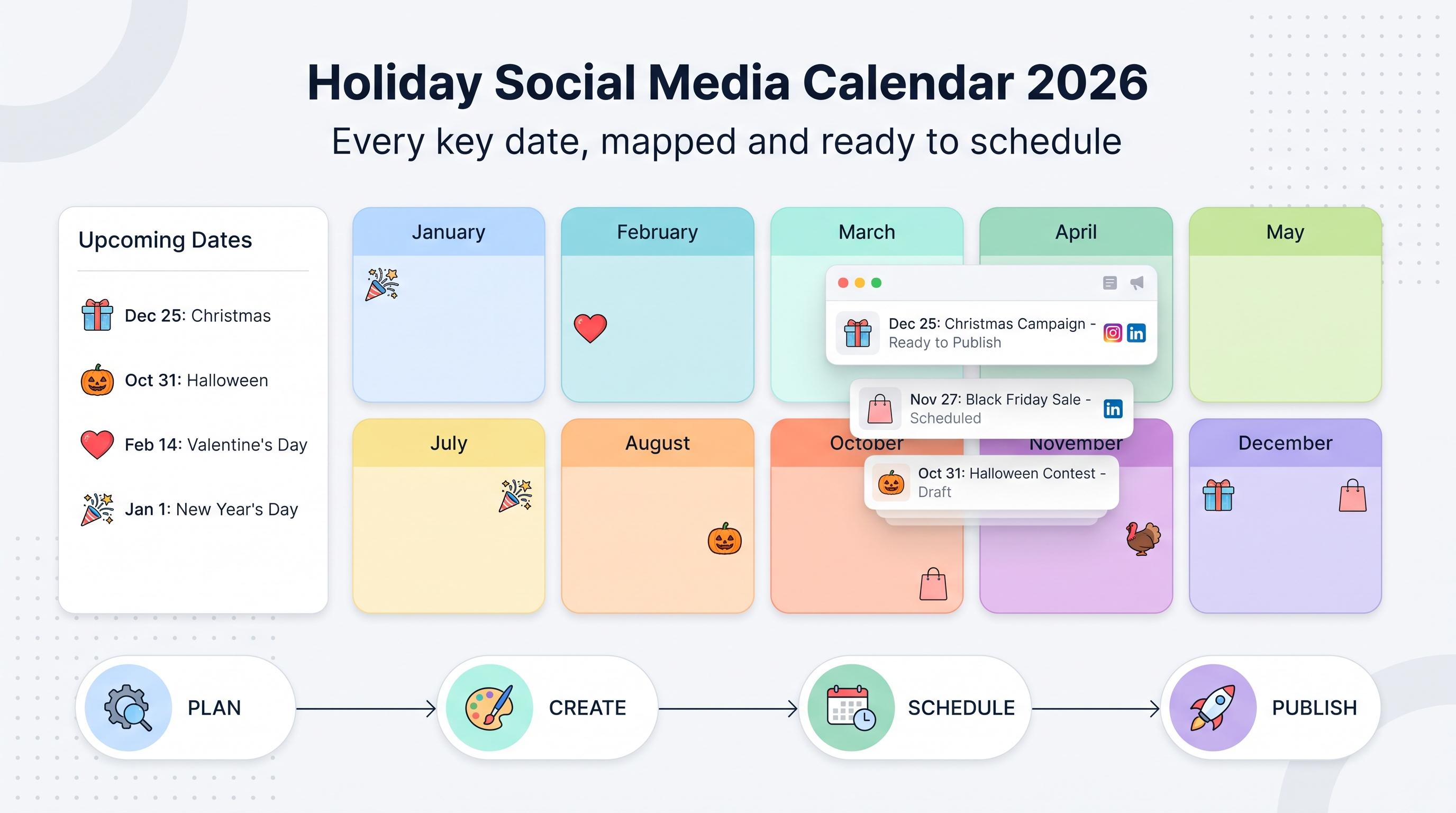
Product launches, holidays relevant to your industry, events, sales, partner announcements. These are fixed points. Slot them into your calendar before anything else, because everything else flexes around them.
3. Apply your pillar percentages
If you're posting 20 times this month and your target mix is 30% educational, that's six educational posts to plan. Pull ideas from your ideas bank tab for each pillar until the math works out.
4. Assign platforms per post
Not every idea belongs on every platform. A quick behind-the-scenes clip might work great on Threads and Instagram Stories but feel out of place on LinkedIn. Match the content format to where it actually performs.
5. Write captions in batches
Group similar content types together and write all their captions in one sitting. Writing five educational captions back to back is faster than writing one, switching tasks, then coming back to write another one three days later.
6. Flag asset gaps immediately
If a post needs a graphic or video that doesn't exist yet, mark it clearly so your design time (or your own Canva session) gets scheduled before the publish date, not the night before.
7. Load everything into your scheduling tool
This is where the spreadsheet hands off to a tool like Schedulala. Once captions and assets are ready, queue the posts for their exact dates and times across platforms. This is also the point where you catch timing conflicts, like two promotional posts going out the same hour on different platforms.
Posting frequency by platform: what the calendar should actually hold
One question we get constantly is 'how many posts should actually be in my calendar each week?' There's no universal number, but here's a reasonable starting range based on what performs for most small-to-mid size brands. Treat these as starting points to test against your own data, not gospel.
| Platform | Suggested frequency | Notes |
|---|---|---|
| 4-6 posts/week | Mix feed posts, Reels, and Stories | |
| TikTok | 3-5 videos/week | Consistency matters more than polish |
| 3-4 posts/week | Favor text posts and native documents over links | |
| Twitter/X | 1-3 posts/day | Higher frequency platform, short shelf life per post |
| 3-5 posts/week | Mix of links, photos, and short video | |
| YouTube | 1-2 videos/week | Shorts can supplement long-form uploads |
| Threads | 3-5 posts/week | Text-first, conversational tone performs well |
| 3-5 pins/week | Fresh pins matter more than total volume | |
| Bluesky, Mastodon, Telegram | 2-4 posts/week | Smaller, engaged audiences, don't skip but don't over-index |
| Google Business Profile | 1-2 posts/week | Updates, offers, and photos boost local discoverability |
Notice that most of these platforms are nowhere near a daily cadence except Twitter/X. That's good news for your calendar: it means you don't need 15 brand new pieces of content a day. You need a handful of solid ideas each week, repurposed and adapted per platform.
Planning across all 12 platforms without losing your mind
This is where most spreadsheet templates fall apart. A calendar with one tab per platform gets unwieldy fast, and a single flat grid with 12 platforms crammed into one view becomes impossible to scan. There are two practical fixes.
First, use filtered views instead of separate tabs. Keep all posts in one master sheet, but build a filter view for each platform so your social manager for Instagram only sees Instagram rows, while your LinkedIn person only sees LinkedIn rows. Google Sheets and Airtable both support this natively.
Second, accept that you don't need every idea on every platform. This sounds obvious written out, but in practice a lot of teams try to force-fit content everywhere because they feel like they should 'be everywhere.' A tight calendar with 4 well-chosen platforms beats a sprawling, half-maintained presence across all 12.
That said, if your brand genuinely has a reason to be active across most or all 12 platforms, think multi-location businesses, agencies managing a roster of clients, or media brands, the spreadsheet starts hitting real limits. That's usually the moment teams move the actual publishing part (not the planning part) into a dedicated scheduling tool, while still using the spreadsheet or a tool like Notion for the ideation and approval stage.
Schedulala covers all 12 platforms (Instagram, TikTok, Twitter/X, LinkedIn, YouTube, Facebook, Threads, Bluesky, Pinterest, Telegram, Mastodon, and Google Business Profile) from a single queue, and accounts are counted as a flat number usable in any combination. That means 10 accounts on the Personal plan could be 10 Instagram profiles for 10 clients, or two accounts on each of five platforms, or any mix you want. There's no per-platform sub-limit buried in the fine print.
Try Schedulala for free
Schedule posts to Bluesky, Twitter, and 8 other platforms from one dashboard.
Get started for free→When a spreadsheet stops being enough
Spreadsheets are a fantastic planning layer. They're terrible publishing layers. Here's the honest breakdown of what a spreadsheet does well and where it falls short.
| Task | Spreadsheet | Scheduling tool |
|---|---|---|
| Brainstorming ideas | Great | Not built for this |
| Approval workflows | Okay with comments/tags | Built-in review steps |
| Writing captions | Great | Fine, but less flexible for long drafts |
| Publishing at exact times | Manual, error-prone | Automated, reliable |
| Managing 12 platforms at once | Painful past a few accounts | Built for exactly this |
| Reporting on performance | Manual data entry | Pulls analytics automatically |
The pattern is pretty clear: the spreadsheet is your brain dump and strategy document. The scheduling tool is your execution layer. You don't need to choose one over the other, you need both, feeding into each other.
If you're managing content for one or two accounts and you have the discipline to log in and manually post every day, a spreadsheet alone might genuinely be enough. If you're managing multiple brands, multiple platforms, or you just keep forgetting to hit publish at the right time, that's the signal to move your scheduling into a dedicated tool.
Schedulala's Personal plan is $29/month for 10 social accounts, Team is $49/month for 25 accounts, and Agency is $99/month for 100 accounts, all with unlimited scheduled posts on every tier, including Personal. Annual billing gets you two months free on any plan. There's a 7-day free trial if you want to test the workflow with your own calendar before committing, though a card is required to start it since there's no permanent free tier.
Common mistakes that wreck a content calendar
Most calendars fail quietly. Nobody dramatically abandons them, they just slowly stop getting updated until they're a ghost town of half-filled rows from three months ago. Here are the specific mistakes that cause this.
- Planning too far ahead. A quarter of content planned in advance sounds impressive but it goes stale. Trends shift, your business priorities shift, and you end up rewriting half of it anyway. Plan four to six weeks out, max, unless it's a seasonal campaign that genuinely needs longer lead time.
- Too many columns. We said it above, but it's worth repeating: a calendar with 15 fields feels thorough on day one and abandoned by week three. Start with the essentials and add fields only when you actually feel the lack of them.
- No content pillars. Without categories, every planning session turns into staring at a blank sheet wondering what to post. Pillars give you a menu to pull from instead of a blank page.
- Ignoring platform-specific formatting. Copy-pasting the exact same caption to Instagram, LinkedIn, and Twitter/X is a dead giveaway of lazy planning, and audiences notice. A LinkedIn caption should read differently than a Threads post even if the underlying idea is identical.
- No approval step for team accounts. If more than one person touches the calendar, skipping an approval status column leads to posts going out with typos, wrong links, or off-brand messaging. The status column isn't bureaucracy, it's a safety net.
- Never reviewing performance. A calendar that only looks forward and never looks back repeats the same mistakes every month. Spend 15 minutes reviewing what worked before planning what's next.
- Treating the calendar as static. Real-time events happen. A competitor announcement, a trending audio, a news story relevant to your industry. Leave buffer slots in your calendar for reactive content rather than booking every single slot a month in advance.
A sample week, filled out
Sometimes the fastest way to understand a template is to see it filled in. Here's a sample week for a small coffee roasting business, showing how the pillars and platforms actually come together in practice.
| Day | Platform | Pillar | Content idea |
|---|---|---|---|
| Monday | Educational | Carousel: 'How to read a coffee bag label' | |
| Monday | Behind the scenes | Post about sourcing beans directly from a farm in Colombia | |
| Tuesday | TikTok | Behind the scenes | Quick video of the roasting process, time-lapse style |
| Wednesday | Threads | Promotional | New seasonal blend announcement |
| Wednesday | Educational | Pin: 'Best brew ratios for pour over coffee' | |
| Thursday | UGC | Repost a customer's photo of their home setup | |
| Friday | Promotional | Weekend sale announcement with photo | |
| Friday | Google Business Profile | Promotional | Update: weekend hours and sale details |
| Saturday | Educational | Stories: 'This or that' coffee grind poll |
Notice this isn't 12 platforms getting equal treatment every day. It's a realistic spread across six platforms this particular week, with pillar variety baked in rather than five promotional posts in a row. That's the actual goal: balance and intention, not maximum coverage everywhere all the time.
Reviewing and adjusting your calendar monthly
A calendar isn't a one-and-done document. The point of tracking a status column and (optionally) a performance tracker tab is so you can look back at the end of each month and ask a few honest questions.
Did you actually hit your pillar percentages, or did promotional content creep up because there was a sale that month? Which platform consistently got skipped or rushed? Which posts, looking at engagement or click data, clearly landed, and which fell flat? None of this requires fancy analytics software, just a 20-minute glance at the numbers you already have from each platform's native insights.
This review step is also when you update your Ideas Bank. Pull winning formats forward into next month's plan, and quietly retire formats that consistently underperform. Over two or three months, this turns your calendar from a static template into something that actually reflects what your specific audience responds to, which is worth a lot more than any generic best-practice list, including this one.
Putting it all together
A good social media calendar template isn't complicated. It needs date, time, platform, pillar, caption, asset, hashtags, status, and owner. It needs a defined content mix so you're not guessing what to post next. It needs a monthly planning ritual instead of daily scrambling, and it needs an honest review loop so it gets smarter over time instead of staying static.
Copy the structure in this guide into whatever tool you already use, Google Sheets, Notion, Airtable, doesn't matter. Spend your first 90-minute planning session this week mapping out the next four weeks. Then, once the writing and design work is done, move the actual publishing into a scheduling tool so nothing slips through the cracks on a busy Tuesday.
If you're managing more than a couple of accounts or you've outgrown manually posting everything by hand, that's exactly the gap Schedulala fills: 12 platforms, unlimited scheduled posts on every plan, and a flat account count you can split across platforms however your business actually needs it.
Try Schedulala for free
Schedule posts to Bluesky, Twitter, and 8 other platforms from one dashboard.
Get started for free→